Cost efficient editing tips are the secret to scaling your creative business because efficiency in editing isn't just about how fast you can click; rather, it is about optimizing your workflow to minimize costs and maximize output quality. Consequently, by focusing on smarter processes, you can produce more content in less time.
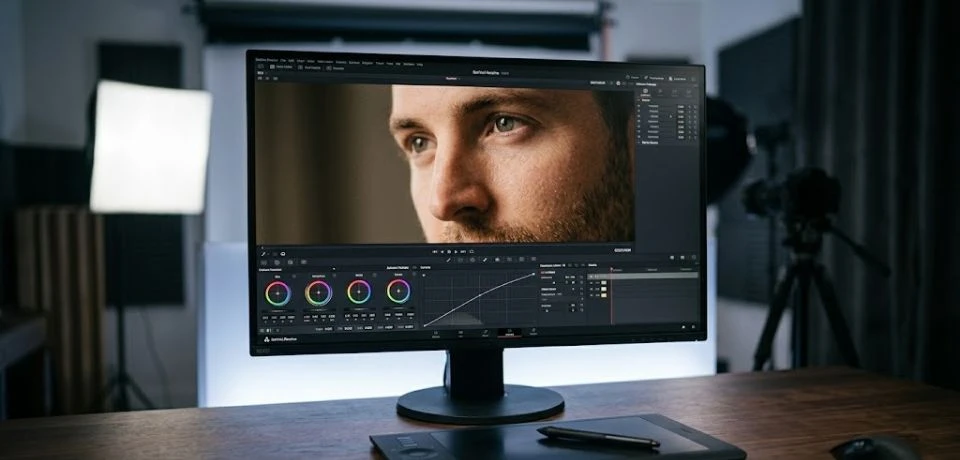
Check out these cost efficient editing tips to improve your workflow
1. Master "Proxy" Workflows
High-resolution 4K or 8K footage can slow down even the most expensive computers, leading to significantly wasted time. Therefore, by creating proxies which are low-resolution copies of your footage for the actual editing process and then swapping them back for the final export, you can edit smoothly on budget-friendly hardware. As a result, you avoid the need for pricey upgrades without sacrificing the final quality.
2. Leverage Free Software for Cost Efficient Editing Tips
Furthermore, you don’t always need a monthly subscription to get professional results. Many industry-standard tools offer robust free tiers that serve as excellent cost efficient editing tips:
- DaVinci Resolve: The free version is widely considered the best in the world for professional color grading.
- CapCut PC: This is excellent for rapid social media content with built-in templates.
- Kdenlive: In addition, this open-source alternative is completely free and community-supported.
3. Implement "Lean" Pre-Production
The most expensive editing happens when you're trying to "fix it in post." To prevent this, consider these cost efficient editing tips:
- Shoot for the Edit: First, use a storyboard to ensure you only film what you need.
- Leave "Buffer" Space: Second, leave extra room around your subject. Because of this, you can crop for different platforms (9:16 or 16:9) from a single clip, which ultimately saves hours of reshooting.

4. Integrate AI Assistants as Cost Efficient Editing Tips
In 2026, AI tools are helpful for cutting down manual labor. For instance, you can use AI for:
- Auto-Transcriptions: Instantly generate captions rather than typing them manually.
- Silence Removal: Automatically cut out long pauses in talking-head videos.
- Background Cleanup: Similarly, use AI-powered tools to remove distracting objects in seconds.
5. Build a Modular Template Library
Stop starting from scratch every single time. Instead, create or download templates for Lower Thirds, Intros, and Color Grade LUTs. Once you have a specific look established, applying a template can reduce a two-hour task to just ten minutes. Thus, you maintain brand consistency across all projects while saving money.
6. Use Logic-Based Filing for Cost Efficient Editing Tips
Time spent looking for a specific clip is literally money lost. Consequently, use a consistent folder structure for every project:
> 01_Footage > 02_Audio > 03_Graphics > 04_Exports
Moreover, label your files with descriptive names like Cebu_Beach_Drone_01 rather than generic camera names.
7. Strategic Outsourcing for Volume
If you are scaling, your time is often better spent on strategy than on repetitive tasks. For that reason, consider these cost efficient editing tips:
- Niche Tasking: Outsource time-consuming tasks like background removal to specialized teams in the Philippines.
- Flat-Rate Projects: When hiring help, agree on a flat project rate. In doing so, you keep your budget predictable and avoid hidden costs.
8. Use Hotkeys as Cost Efficient Editing Tips
It sounds simple, but using keyboard shortcuts is the single fastest way to increase speed. Shaving two seconds off every cut adds up to hours of saved time per week. Specifically, focus on the "Big Three":
- Ripple Trim: Removes the clip and closes the gap instantly.
- Blade Tool: Quickly split clips without clicking menus.
- Undo/Redo: This allows you to experiment without fear of making mistakes.
CONCLUSION
Applying these cost efficient editing tips will help you finish your projects much faster without spending a lot of money. Because small changes in how you organize your files or use free tools can make a huge difference in your daily routine, you should start today. You do not need the most expensive gear to produce high-quality work that people love to watch. Instead, it is all about finding shortcuts that work for you and keeping your process simple.
Now that you have some new ideas to try, I want to hear which one sounds the most helpful for your next project. Do you prefer using AI tools to save time, or do you have a favorite free app that you use every day? Please share your best advice or ask a question in the comments below so we can all learn together.