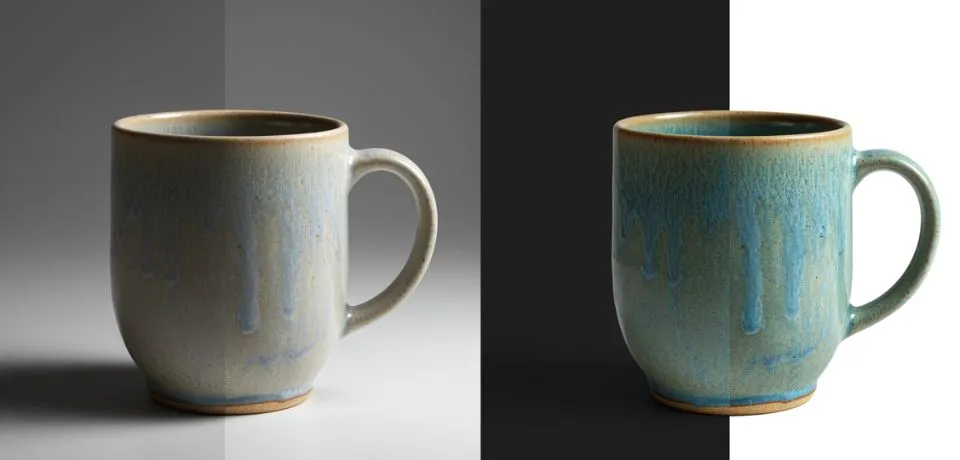
Top tips best graduation photo editing techniques in 2026 focus on finding a perfect balance between high-end polish and authentic storytelling. Regardless of whether you are editing a single portrait for a professional profile or a large batch of campus shots, using the right methods makes a huge difference in the result. To help with this, this guide breaks down how to use modern tools and professional workflows to achieve a clean, polished look. Furthermore, from fixing tricky lighting to choosing the right software, these simple steps help you turn a basic image into a lasting memory that stands out.
Top Picks for the Best Graduation Photo Editor Software
| Editor | Best For | Standout Feature |
| Adobe Lightroom | Professional Workflow | Generative AI Erase for removing stray tourists from campus shots. |
| Luminar Neo | Fast AI Enhancements | Portrait Background Removal and "Relight AI" to fix harsh shadows. |
| Snapseed | Best Free Mobile App | Selective Tool for brightening just the face or the graduate's stole. |
| FlexClip AI | Creative Themes | One-click "Graduation Look" to add caps, gowns, or studio backgrounds. |
| Photomator | Apple Users | Deep Apple Photos Sync for quick batch edits on iPad/Mac. |
Here are some top tips best graduation photo
1. Professional Skin Retouching: Top Tips Best Graduation Photo
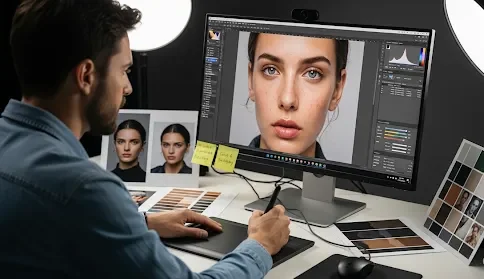
In particular, in 2026, "over-smoothed" skin is out. Instead, use Frequency Separation or AI retouching tools to remove temporary blemishes (like a graduation-day breakout) while keeping natural skin texture and freckles intact. In addition to this, here is a Pro Tip: If the graduate wore a heavy "photo-ready" makeup looks, lower the texture slider slightly in the midtones to soften the appearance without losing sharp details in the eyes.
2. Fixing Gown Colors: Top Tips Best Graduation Photo
It is important to note that cap and gown fabrics are often reflective or deeply textured. To address this issue:
- Shadow/Highlight Recovery: Specifically, use the "Shadows" slider to bring out the folds in black gowns. Similarly, use the "Highlights" slider to prevent white stoles from "blowing out" in sunlit campus photos.
- AI Generative Fill: Moreover, modern versions of Photoshop can now "steam" clothes digitally. For instance, use a prompt like "remove wrinkles from fabric" to clean up a gown that wasn't ironed before the ceremony.
3. Background Blur Look: Top Tips Best Graduation Photo
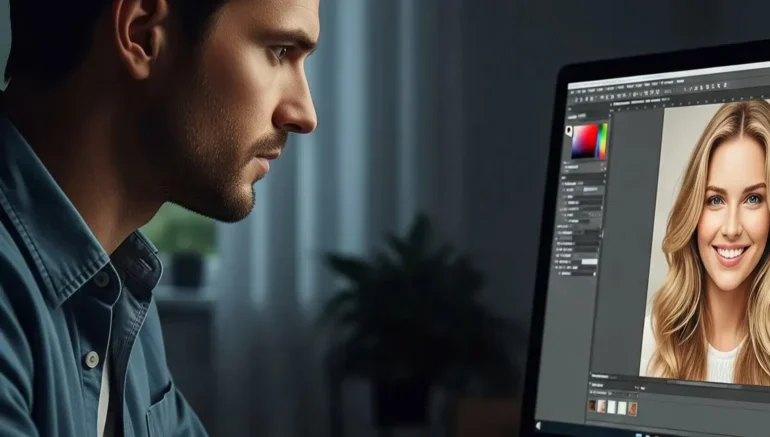
Moving forward, move away from basic filters. Instead, try the Teal and Orange offset or a Soft Moody grade. Consider these points:
- Background Blur (Bokeh): For example, if the background is a messy parking lot, use a "Portrait" or "Lens Blur" AI tool to create a shallow depth of field, thereby keeping the focus strictly on the graduate.
- Crop for Impact: Additionally, use the Rule of Thirds. By doing so, you can position the graduate's eyes at the top third intersection to give the photo a more professional, "expensive" feel.
4. Using Modern AI Quality: Top Tips Best Graduation Photo
Since graduations often happen during "High Noon" (harsh overhead sun) or inside dark arenas, lighting can be tough. Consequently:
- Relighting AI: As a result, tools like Luminar Neo allow you to map the 3D space of a photo and "add" a soft light source toward the face, mimicking a professional reflector.
- White Balance: Lastly, ensure the school colors look accurate. To achieve this, use the eyedropper tool on a white shirt or the white part of the diploma to set a clean baseline.
2026 Trending Styles
- The "Film Nostalgia" Edit: For a retro vibe, try adding slight grain and a "Polaroid" border for social media.
- Motion Blur: On the other hand, try keeping the graduate sharp while slightly blurring the "cap toss" to show energy and movement.
- Hyper-Realism: Alternatively, focus on ultra-sharp details on the diploma and jewelry paired with a soft, artistic background.
CONCLUSION
In summary, editing your big day photos does not have to be a hard task if you have the right tools. Essentially, you can turn a simple shot into the best graduation photo by following a few easy steps to fix the colors and smooth out the background. Overall, these quick tricks help your personality shine through, so your family and friends see the real you in every frame. In fact, it is amazing how much a small change in contrast or a quick crop can change the whole feel of your portrait. So, why spend hours on one image when these new apps do the heavy lifting for you in just a few clicks?
To wrap things up, I would love to hear which part of the editing process is the hardest for you to get right. For instance, do you struggle with fixing the shadows on your face or getting the gown colors to look just perfect? Please share your best tips or ask a question in the comments below so we can all help each other out!
Read Next: Simple Editing Hacks to Improve Your Graduation Picture