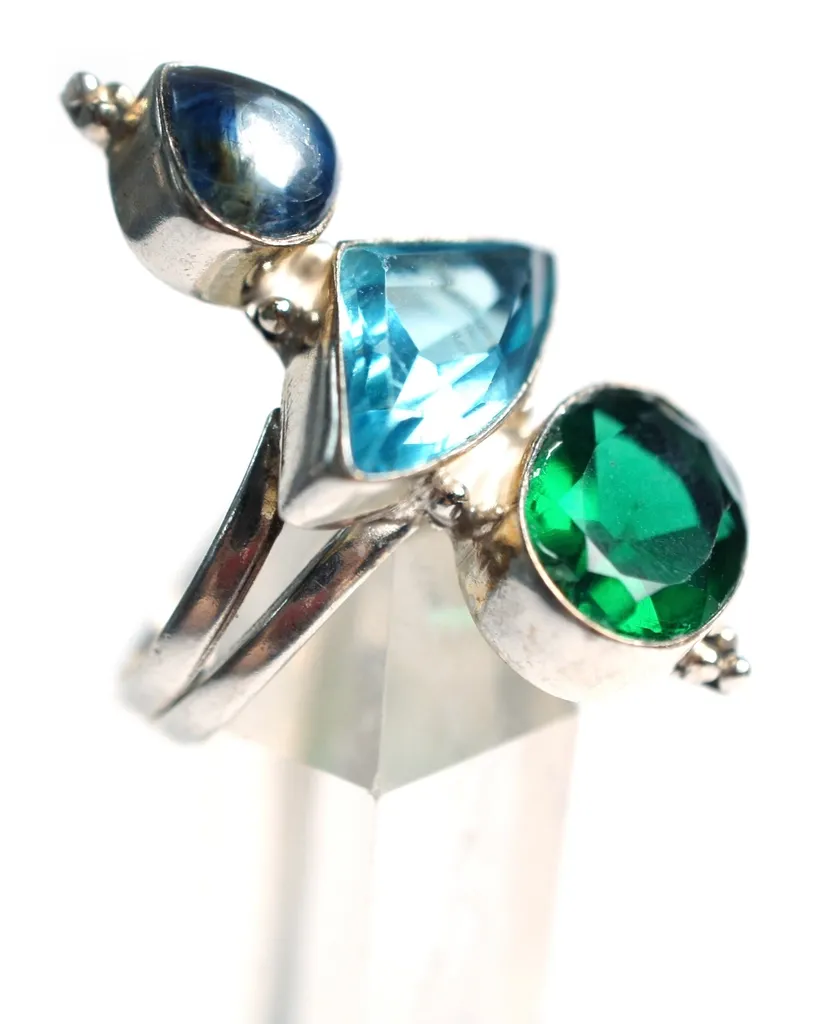
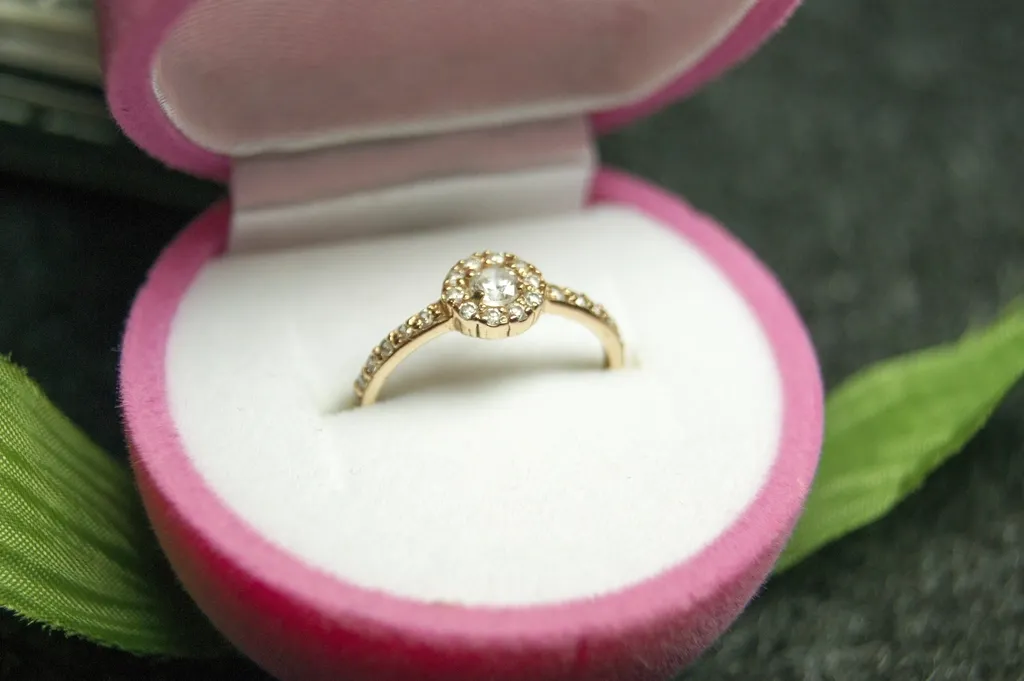
Good jewelry photos are hard to get right. Metal reflects everything around it, gemstones lose their sparkle under flat light, and a tiny speck of dust that you never noticed in person looks enormous once a ring is magnified on a phone screen. If you sell on Etsy, Shopify, Amazon or Instagram, those small problems can make a beautiful piece look cheap.
That is why so many sellers now search for an AI jewelry photo editor online free of charge. Browser-based AI tools can remove backgrounds, clean up dust, brighten metal and add a soft shadow in seconds, without Photoshop skills. In this guide, you will learn what these free tools actually do well, where they fall short, a simple step-by-step workflow, and how to tell when a photo needs a professional retoucher instead.
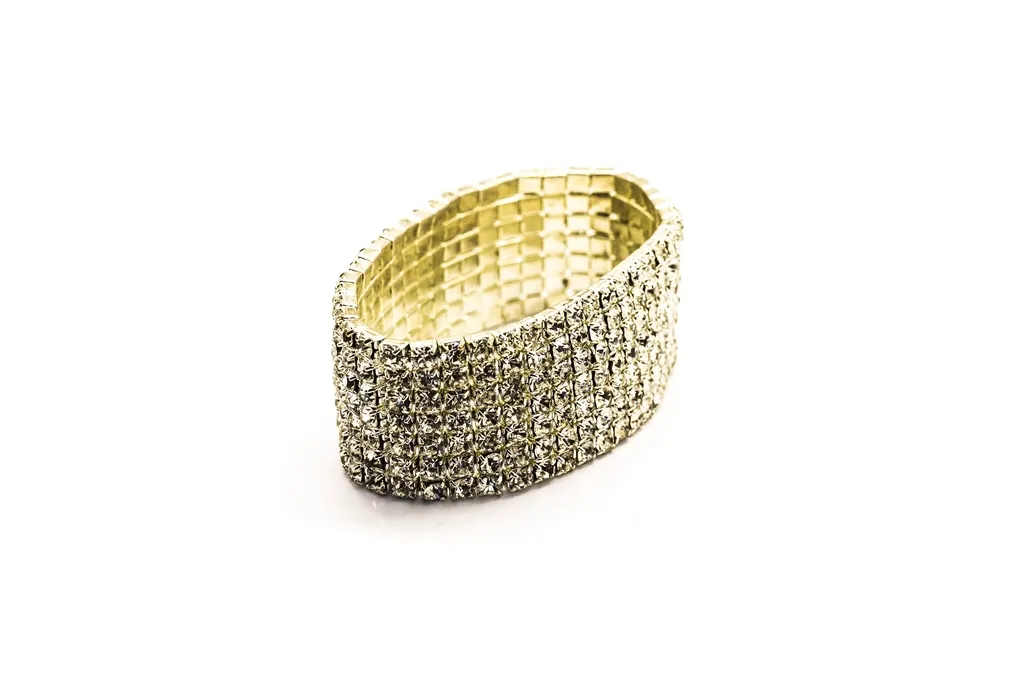
What Is an AI Jewelry Photo Editor?
An AI jewelry photo editor is an online tool that uses machine learning to make common jewelry edits automatically. Instead of tracing around a necklace by hand or cloning out scratches pixel by pixel, you upload a photo and the software detects the product, separates it from the background and applies the edits you choose.
Most tools run entirely in a web browser, so there is nothing to install. Typical features include:
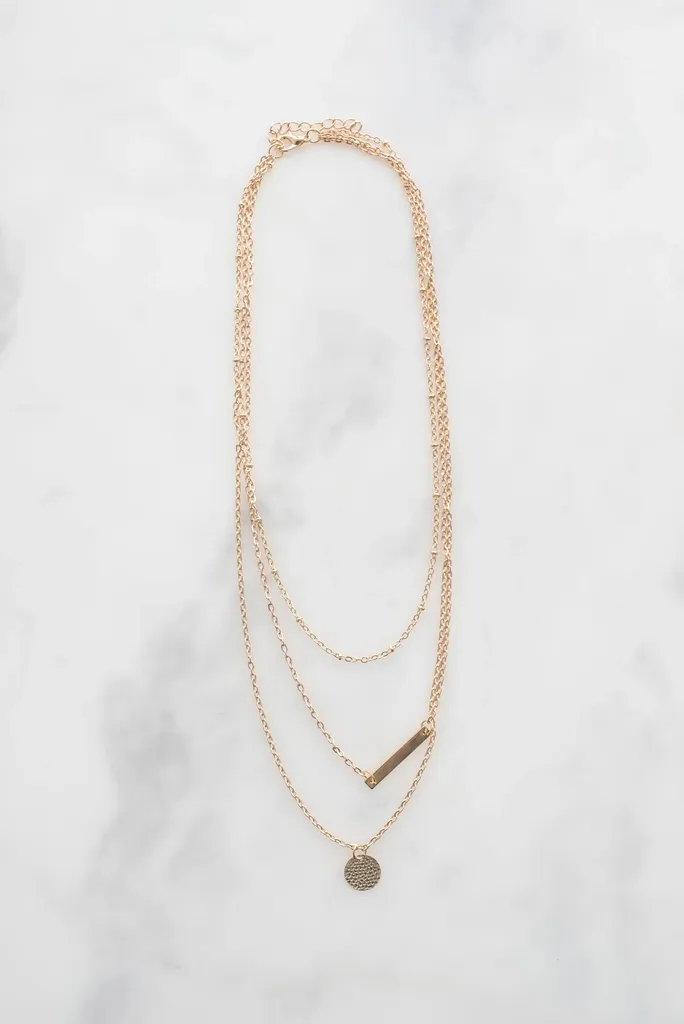
- Background removal or replacement, usually to pure white or transparent.
- Dust, scratch and fingerprint cleanup on metal and stones.
- Brightness, contrast and color correction for gold, silver and rose gold.
- Glare reduction on polished surfaces.
- Soft drop shadows or reflections so the piece does not look like it is floating.
- Resizing and cropping for marketplace image rules.
General photo editors can do some of this, but jewelry is a special case. Thin chains, prong settings and transparent stones confuse ordinary background removers, which is why jewelry-specific tools and settings matter.
Why Jewelry Photos Are Harder to Edit Than Other Products
A T-shirt has clear, solid edges. A diamond tennis bracelet does not. Jewelry combines several things that make automatic editing difficult.
Reflective metal
Polished gold and silver act like small mirrors. They pick up the camera, your hands, the ceiling and anything colored nearby. AI can reduce glare, but it cannot always tell the difference between a reflection that shows the shape of a ring and one that is just a distracting blob.
Transparent and faceted stones
Diamonds, cubic zirconia and clear crystals take on the color of whatever is behind them. When a tool removes the background, it may also remove part of the stone, or leave a grey halo inside it. Always zoom in on stones after background removal.
Fine details
Thin chains, filigree, open settings and the gaps between links are where automatic cut-outs most often fail. A tool might fill the space inside a hoop earring with white, or cut through a delicate chain. These errors are easy to miss at thumbnail size and very obvious when a shopper zooms in.
What Free AI Jewelry Photo Editors Can Do Well
Free tools have improved a lot, and for many everyday listings they are genuinely useful.
Background removal on simple pieces
Solid rings, chunky pendants and stud earrings photographed on a plain background are usually cut out cleanly. This is the single most useful free feature, because a clean white or transparent background is expected by most marketplaces and looks consistent across a shop.
Quick clean-up and brightening
One-click enhancement can lift dull lighting, warm up gold that looks green or grey, and remove small dust spots. For social media posts or quick listings, the result is often good enough.
Consistent sizing
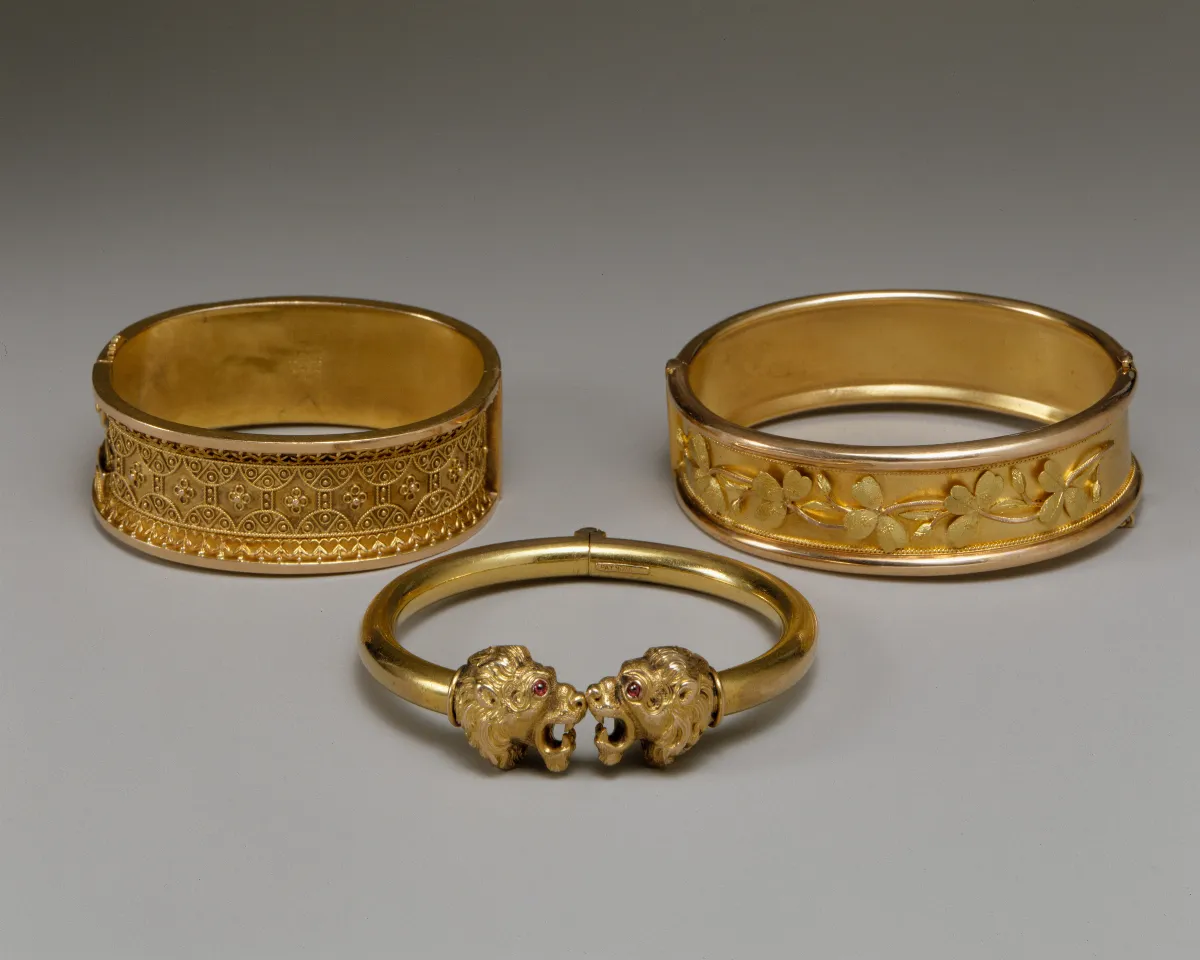
Many tools let you export square images or set a margin around the product. Keeping every item the same size and position makes a store or catalogue look far more professional.
Popular Free AI Jewelry Photo Editing Tools
Free plans change often, so check each tool's current limits before you rely on it. At the time of writing, these are worth trying:
- Pixelcut jewelry background remover: a jewelry-specific background remover. Its page describes it as completely free, with HD downloads and no watermark, and accepts uploads up to 50 MB.
- PixelBin image editor for jewelry: lets you fix metal color, add shine, remove dust and create soft shadows. The free plan is limited to a small number of images per month, with no signup required for basic use.
- General background removers such as remove.bg and Removal.AI: useful for simple pieces, but free downloads are often limited to lower resolutions.
Whichever tool you choose, read the terms. Look for three things: whether the free download is full resolution, whether a watermark is added, and whether you are allowed to use the image commercially. If you edit large volumes, our guide to AI-powered jewelry photo editing software covers batch tools for businesses.
Where Free AI Editors Fall Short
Free tools are a good starting point, not a guarantee. These are the problems sellers run into most often:
- Halos and rough edges around chains and prongs, visible when zoomed in.
- Missing parts of transparent stones after background removal.
- Over-smoothed metal that looks plastic or computer-generated.
- Color shifts that make yellow gold look orange or white gold look blue, which can lead to returns when the real piece arrives.
- Resolution limits on free exports, which can be too small for zoom on marketplaces.
- Monthly caps that make free plans impractical for a catalogue of hundreds of products.
The most important rule is accuracy. A buyer should receive exactly what the photo shows. If an AI edit changes the color of a stone, adds sparkle that is not there, or hides a real flaw, it creates disappointed customers and returns. Edit to remove distractions, not to change the product.
How to Edit Jewelry Photos With a Free AI Tool: Step by Step
This simple workflow gives the AI the best chance of success and helps you catch its mistakes.
Step 1: Start with a good original photo
AI works best with a sharp, evenly lit photo. Shoot on a plain white or light grey background, use soft diffused light, and keep the piece in focus from front to back. A better original always gives a better edit.
Step 2: Remove or replace the background
Upload the photo and run the background remover. Choose pure white for marketplace main images, or transparent if you plan to place the piece on a lifestyle background later.
Step 3: Zoom in and check the edges
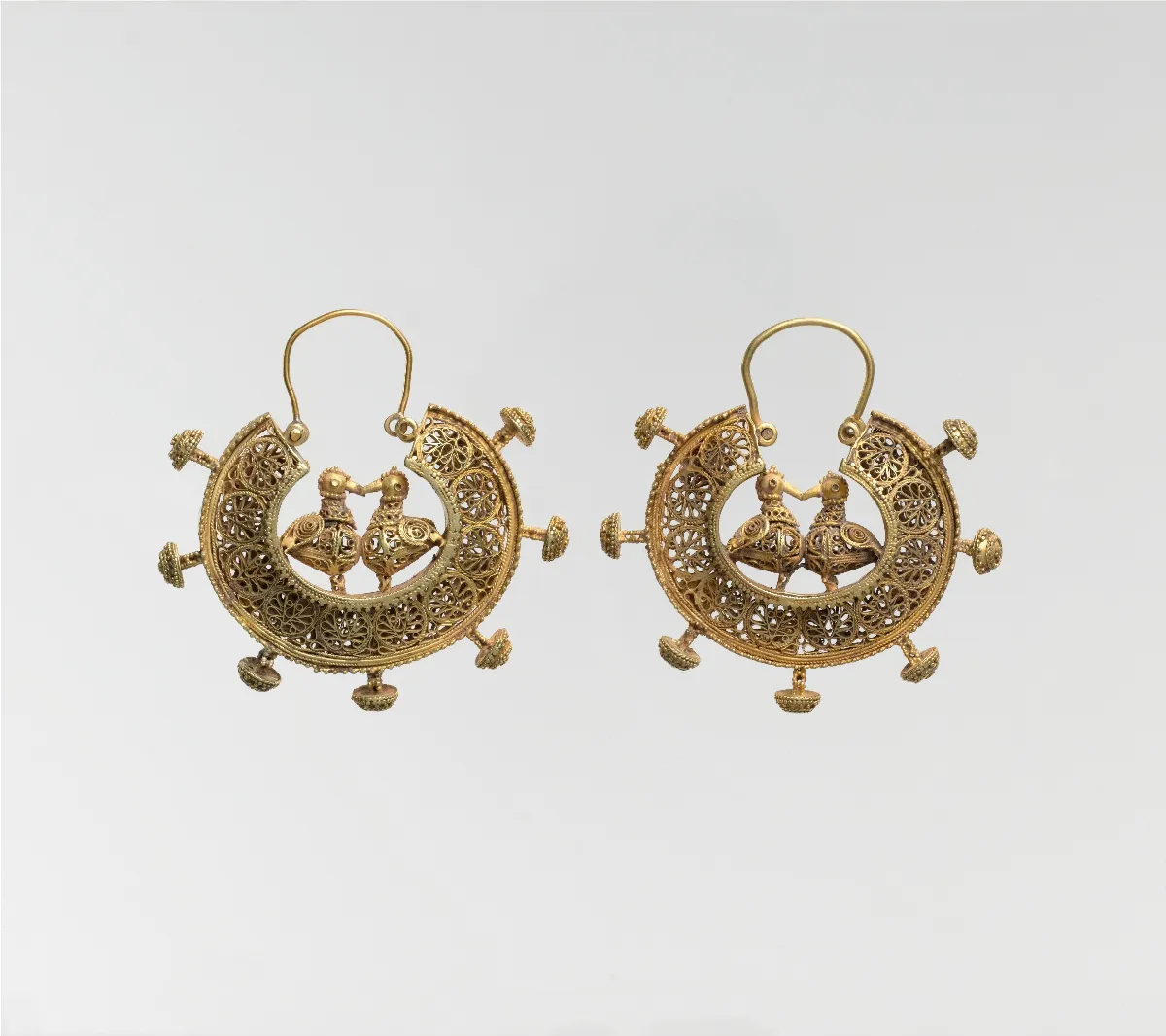
View the result at 100 percent or more. Look closely at chains, prongs, stones and the inside of hoops. If parts are missing or the edges look rough, try a different tool or a jewelry-specific mode.
Step 4: Clean, brighten and correct color
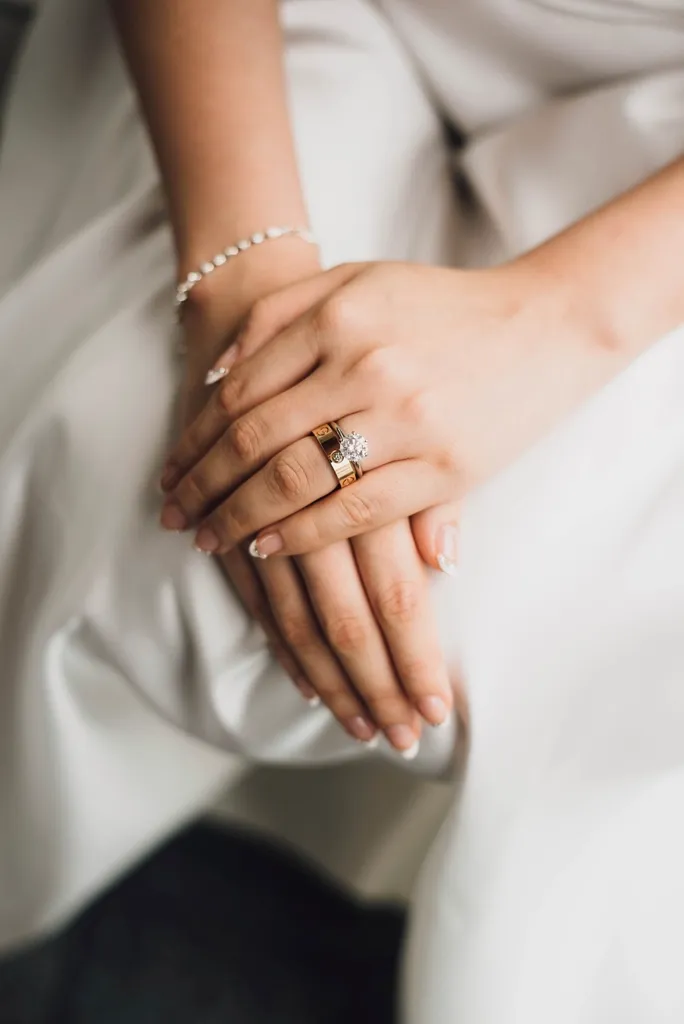
Remove dust and fingerprints, lift the brightness slightly and check that the metal color matches the real piece. Compare it side by side with the actual item under daylight.
Step 5: Add a natural shadow
A soft shadow under the piece makes it look grounded and real. Keep it subtle so it does not look like a dirty mark on the background.
Step 6: Export at the right size
Export a square image at a high resolution. Google, for example, recommends product images of around 1500 x 1500 pixels or larger for Merchant Center listings, and most marketplaces publish their own minimum sizes in their seller guidelines.
Free AI Tools vs Professional Jewelry Retouching
Free AI editors and professional retouching solve different problems. A quick comparison:
- Cost: free tools cost nothing for a few images; professional retouching is paid per image.
- Speed: AI edits take seconds; a retoucher usually needs hours to a day or two, depending on volume.
- Edge quality: AI is good on simple pieces; a retoucher hand-masks chains, prongs and stones accurately.
- Stone and metal detail: AI applies general enhancement; a retoucher can separately correct metal tone, stone clarity and reflections.
- Consistency across a catalogue: AI results vary from photo to photo; a retoucher works to one style guide for every image.
- Best for: AI suits social posts, testing ideas and small shops; professional retouching suits main product images, high-value pieces and large catalogues.
Many sellers use both. They use free AI tools for quick social content and rely on professional jewelry photo editing for main product images, where clean edges and accurate color directly affect sales. Our guide to choosing a jewelry photo retouching service explains what to expect from a professional editor.
When to Use a Professional Jewelry Retoucher
Consider professional retouching when:
- The piece is expensive and the photo must look flawless at full zoom.
- Free tools keep failing on chains, filigree or clear stones.
- You need hundreds of images edited to the same standard.
- You need realistic reflections, jewelry shadow creation or color matching across a full collection.
- Your listings are being rejected for image problems.
If you are not sure whether your photos need it, you can upload a few sample images and ask for a test edit before committing to a larger order.
Tips to Get Better Results From Any AI Jewelry Editor
- Clean the jewelry before shooting. Removing dust in real life is faster than removing it in software.
- Use a tripod so every product is photographed from the same angle.
- Avoid mixing light sources, such as daylight with a warm lamp, which causes color casts.
- Shoot slightly wider than you need, so the AI has clean space around the piece.
- Keep your original files. If an edit goes wrong, you can start again.
- Check every image on a phone, because that is where most shoppers will see it.
For more shooting advice, see our guide on how to take jewelry photos and these lighting tips for better jewelry photos.
Frequently Asked Questions
Is there a free AI jewelry photo editor online?
Yes. Several browser-based tools offer free jewelry editing, especially background removal. Pixelcut offers a free jewelry background remover, and PixelBin includes a small number of free jewelry edits each month. Free plans often limit the number of images or the download resolution, so check the current terms before using them for a full store.
Can AI remove the background from jewelry photos?
Yes, and it works well on solid pieces like rings, pendants and stud earrings. It is less reliable on thin chains, open settings and transparent stones, where it can leave halos or cut away parts of the piece. Always zoom in and check the edges before publishing.
Will AI editing make my jewelry look fake?
It can if the edits are too strong. Heavy smoothing makes metal look like plastic, and added sparkle can look artificial. Use light adjustments, compare the result with the real piece, and only remove distractions such as dust, glare and background clutter.
What background is best for jewelry product photos?
A pure white background is the safest choice for main product images, because it is clean, consistent and accepted by most marketplaces. Lifestyle backgrounds, such as fabric, marble or a model, work well for secondary images and social media, where you want to show scale and style.
What size should jewelry product images be?
Square images at a high resolution work best. Google recommends product images of around 1500 x 1500 pixels or larger, and many marketplaces need large images to enable zoom. Check the current image guidelines for each platform you sell on, as their requirements differ and change over time.
Are free AI photo editors safe to use for business images?
Most are safe for product photos, but read each tool's terms of service and privacy policy. Check whether you may use the edited images commercially, whether your uploads are stored or used for training, and whether the free version adds a watermark.
When should I pay for professional jewelry retouching?
Pay for professional retouching when the item is high value, when free tools cannot handle fine details accurately, or when you need many images edited to one consistent standard. Main listing images usually benefit most, because they have the biggest effect on whether shoppers click and buy.
Final Thoughts
A free AI jewelry photo editor is a practical tool for any seller. It can remove backgrounds, clean up dust and brighten metal in seconds, which makes it ideal for social media posts, quick listings and testing new products. The key is to treat AI as a helpful first pass rather than a finished result: start with a good photo, zoom in to check edges and stones, and keep colors true to the real piece.
For your most important images, especially main product photos and high-value pieces, accuracy and consistency matter more than speed. If free tools are not giving you the results your jewelry deserves, contact our team for a free test edit and see the difference professional retouching makes.