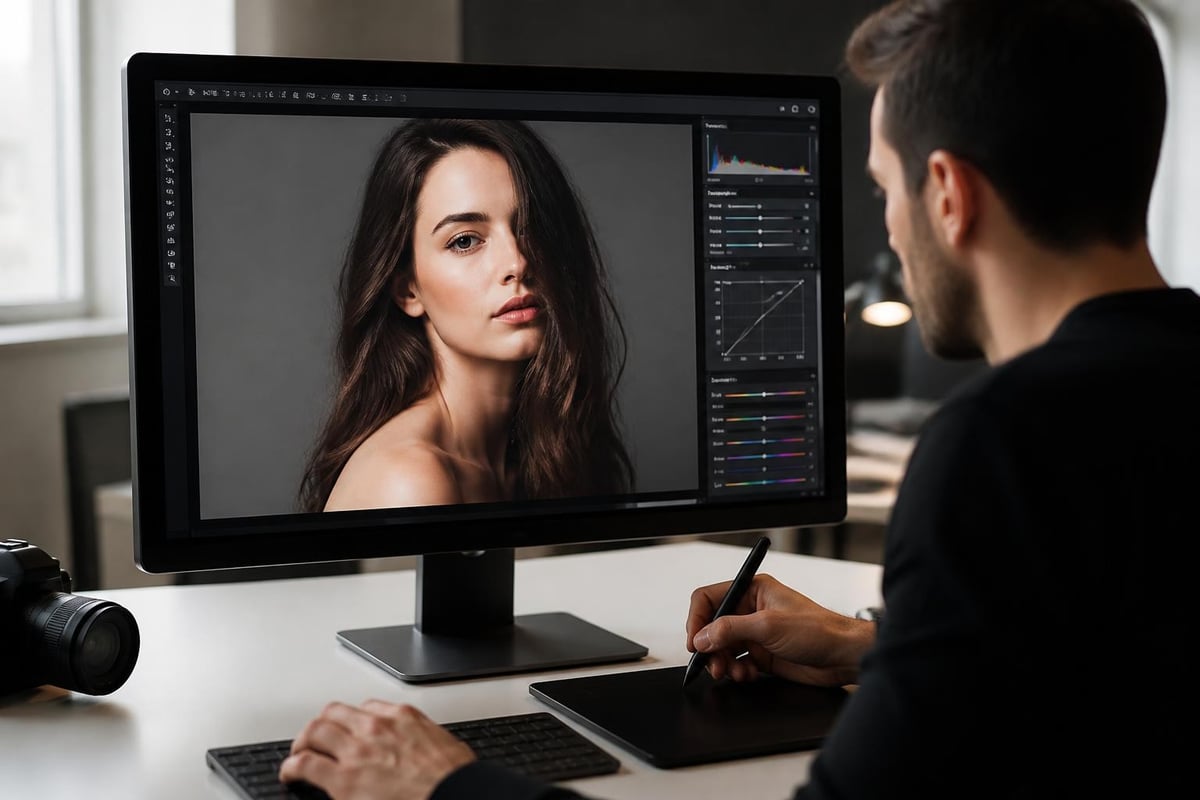
Photography editing software has evolved dramatically over the past decade, transforming from simple adjustment tools into sophisticated platforms that blend artificial intelligence with precision manual controls. Whether you're a professional photographer managing hundreds of client images or an ecommerce business owner perfecting product shots, selecting the right photography editing software impacts both efficiency and final image quality. Understanding the landscape of available tools, their capabilities, and how they fit into modern workflows is essential for anyone serious about visual content creation in 2026.
Understanding Modern Photography Editing Software Categories
Photography editing software falls into several distinct categories, each serving different needs and skill levels. Professional-grade applications offer comprehensive toolsets for advanced color grading, compositing, and detailed retouching work. Consumer-focused platforms prioritize ease of use and quick results through automated features and templates.
Professional Desktop Applications
Desktop software remains the gold standard for serious editing work. These applications provide unmatched processing power, extensive feature sets, and precise control over every aspect of image manipulation.
- Adobe Photoshop and Lightroom Classic continue dominating professional workflows
- Capture One delivers exceptional color accuracy for commercial photography
- Affinity Photo offers perpetual licensing without subscription requirements
- DxO PhotoLab excels in optical corrections and noise reduction
The distinction between raw processors and pixel editors matters significantly. Raw processors like Lightroom Classic handle batch editing efficiently, while pixel editors like Photoshop excel at detailed retouching and compositing. Most professionals use both types in complementary workflows.
Cloud-Based and Mobile Solutions
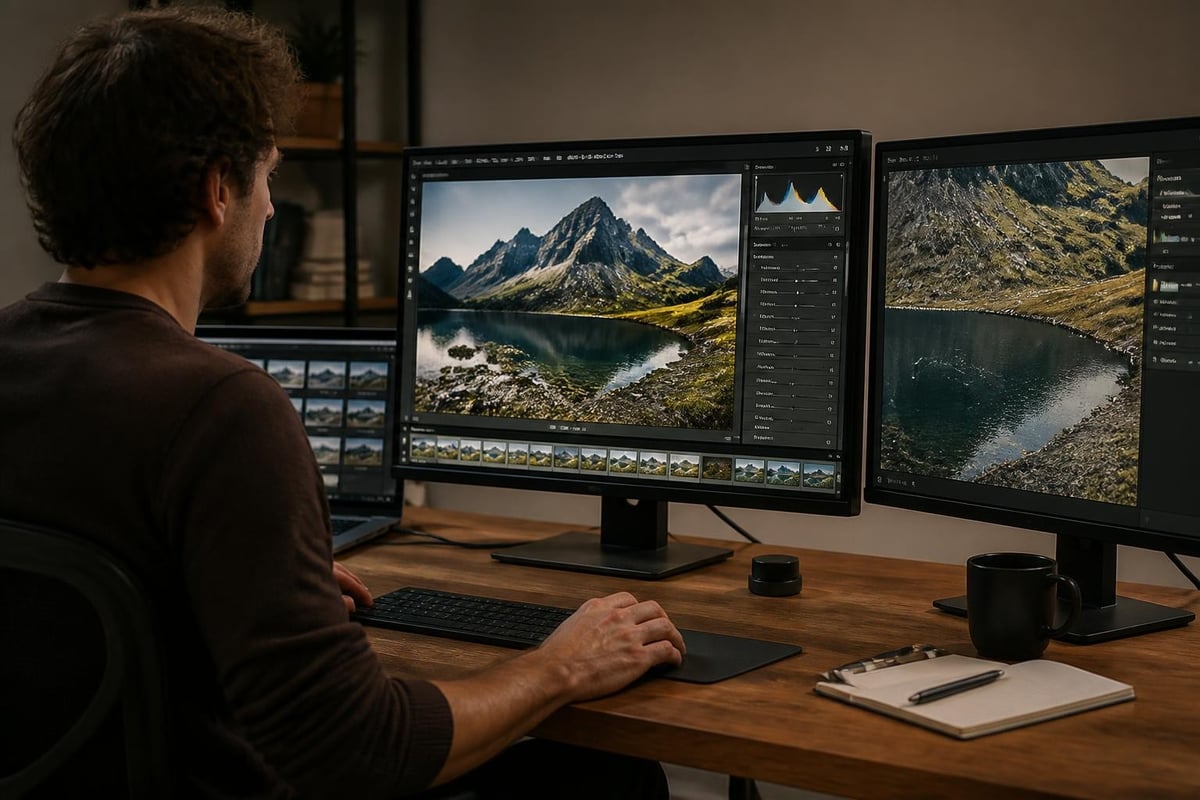
Cloud platforms have matured considerably, offering legitimate alternatives for certain workflows. Adobe Lightroom (cloud version) synchronizes edits across devices, enabling photographers to start edits on desktop and refine them on tablets during client meetings.
Mobile editing applications have progressed beyond basic filters. Professional photographers now handle preliminary culling and quick adjustments on tablets during shoots, streamlining turnaround times significantly.
| Platform Type | Best For | Limitations |
|---|---|---|
| Desktop Professional | Complex retouching, color accuracy | Requires powerful hardware |
| Cloud-Based | Collaboration, mobile access | Internet dependency |
| Mobile Apps | Quick edits, on-location reviews | Screen size, processing power |
| Browser-Based | Accessibility, team workflows | Feature limitations |
Essential Features in Photography Editing Software
Selecting photography editing software requires understanding which features matter most for your specific needs. The best photo editing software combines power with usability, but not every photographer needs every feature.
Non-Destructive Editing Capabilities
Non-destructive workflows preserve original image data, allowing unlimited revisions without quality loss. This approach uses adjustment layers, smart objects, and parametric editing instead of permanently altering pixels.
Professional retouchers rely heavily on layer-based editing. Each adjustment exists on a separate layer, maintaining flexibility throughout the editing process. When working with ecommerce photo editing requirements, this flexibility proves invaluable for maintaining consistency across product lines while accommodating last-minute client requests.
Color Management and Calibration
Accurate color representation separates amateur software from professional tools. Proper color management ensures images appear consistent across displays, printers, and devices.
- ICC profile support for different color spaces
- Soft proofing for print preview accuracy
- Histogram and vectorscope tools for precise analysis
- Calibration integration with hardware colorimeters
Commercial photography demands tight color accuracy. Product photographers particularly benefit from software that maintains color consistency when matching brand guidelines or reproducing fabric textures accurately.
Batch Processing and Automation
Efficiency becomes critical when processing dozens or hundreds of images from a single shoot. Batch processing applies consistent edits across multiple files, while automation handles repetitive tasks.
Modern photography editing software includes preset systems, action recording, and API access for custom workflows. Platforms supporting AI-assisted image editing can now recognize image types and suggest appropriate adjustments automatically, though concerns exist about over-reliance on AI editing software diminishing core photography skills.
Advanced Retouching Techniques and Tools
Professional retouching extends far beyond basic exposure and color corrections. Advanced photography editing software provides specialized tools for portrait enhancement, product refinement, and creative manipulation.
Frequency Separation and Texture Control
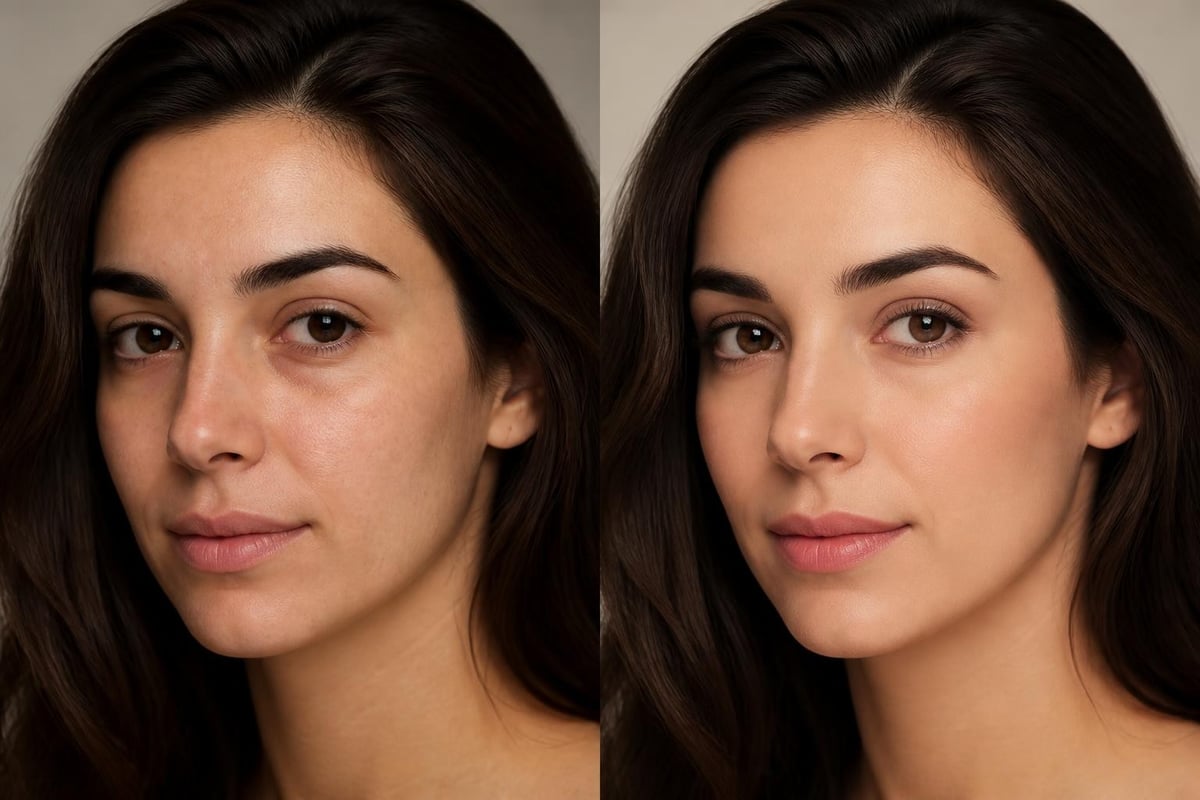
Frequency separation separates image texture from color and tone, enabling independent manipulation of each component. This technique proves essential for skin retouching, allowing editors to smooth skin tones while preserving natural texture.
The process splits images into high-frequency layers containing detail and low-frequency layers containing color and tone. Professional retouchers adjust each layer separately, achieving results impossible with simple blur or smooth tools.
Advanced Selection and Masking
Precision selections determine retouching quality. Modern software offers multiple selection methods suited to different scenarios.
- AI-powered object selection instantly identifies and isolates subjects
- Channel-based selections leverage color information for difficult extractions
- Pen tool paths provide pixel-perfect precision for clean edges
- Refine edge technology handles complex boundaries like hair and fur
Platforms like removit specialize in automated background removal and image optimization, demonstrating how AI capabilities can streamline traditionally time-consuming selection tasks while maintaining professional quality standards.
Dodge and Burn for Dimensional Control
Dodging and burning-lightening and darkening specific areas-creates dimension and directs viewer attention. This traditional darkroom technique translates powerfully to digital workflows.
Professional editors create dedicated dodge and burn layers filled with 50% gray, using soft brushes at low opacity to gradually build contrast. This non-destructive approach allows infinite refinement without degrading image quality. When combined with understanding key things to improve in portrait editing, these techniques elevate images from acceptable to exceptional.
Workflow Optimization and Organization
Efficient workflows separate profitable photographers from struggling ones. Photography editing software serves as the central hub for image management, from import through final delivery.
Catalog Management Systems
Robust catalog systems track thousands of images without performance degradation. Effective organization relies on consistent naming conventions, keyword tagging, and collection systems.
- Hierarchical keyword structures for efficient searching
- Smart collections that automatically update based on criteria
- Rating and flag systems for culling and selection
- Color labeling for workflow status tracking
Professional photographers develop standardized organizational approaches that scale across projects. Time invested in proper organization pays dividends when locating specific images years later or managing client revisions.
Preset Development and Management
Custom presets accelerate editing while maintaining consistency. Developing signature looks through presets creates brand recognition and streamlines decision-making during editing sessions.
Effective preset libraries organize adjustments by category: exposure corrections, color grades, creative effects, and output sharpening. Version control becomes important as styles evolve, allowing photographers to maintain consistency within project timelines while adopting improvements for new work.
| Workflow Stage | Time Investment | Impact on Quality |
|---|---|---|
| Import/Organization | 10-15% | Moderate |
| Initial Culling | 15-20% | High |
| Batch Adjustments | 20-25% | Moderate |
| Individual Retouching | 40-50% | Very High |
| Export/Delivery | 5-10% | Low |
Integration with Business Workflows
Photography editing software doesn't exist in isolation. Professional operations require integration with client management systems, delivery platforms, and marketing channels.
Client Proofing and Collaboration
Modern workflows increasingly involve client participation in selection and approval processes. Photography editing software integrates with proofing galleries, enabling clients to review, comment, and approve images remotely.
This integration reduces revision cycles and improves client satisfaction. Cloud synchronization allows photographers to apply approved edits immediately, maintaining momentum through projects. For agencies managing multiple clients simultaneously, platforms like those used by Social Zense demonstrate how integrated digital workflows streamline content creation and delivery across multiple channels.
Ecommerce Platform Integration
Product photographers and ecommerce businesses benefit from direct integration between photography editing software and selling platforms. Automated export settings ensure images meet platform specifications for size, format, and color profile.
Businesses operating Shopify stores particularly value streamlined image pipelines. Working with development specialists like Kida Digital to optimize site performance requires properly formatted images that balance quality with load times, making export automation essential.

Output for Different Platforms
Each delivery platform demands specific image specifications. Photography editing software manages these requirements through export presets that automatically resize, sharpen, and convert color profiles.
- Social media: sRGB color space, specific aspect ratios, optimized file sizes
- Print: CMYK conversion, higher resolution, embedded color profiles
- Web galleries: balanced quality and file size, watermarking options
- Email delivery: compressed formats, embedded previews
Understanding these requirements prevents common delivery issues. Tools that support comparing AI and manual photo editing help determine which tasks benefit from automation versus manual refinement based on output requirements.
Specialized Software for Specific Photography Types
Different photography disciplines demand specialized tools. While general-purpose photography editing software handles most needs, niche applications excel in specific areas.
Product and Commercial Photography
Product photography requires absolute color accuracy and perfect consistency across large image sets. Specialized software focuses on automated alignment, perspective correction, and color matching.
Commercial photographers shooting for catalogs or ecommerce often process hundreds of similar products. Software supporting background removal services automates the most time-consuming tasks while maintaining quality standards that drive conversion rates.
Portrait and Wedding Photography
Portrait-focused software emphasizes skin retouching, facial feature enhancement, and batch processing of similar images from sessions. Wedding photographers particularly need efficient workflows handling thousands of images per event.
Specialized portrait tools include:
- Automated skin smoothing that preserves texture
- Eye enhancement for brightness and sharpness
- Body sculpting tools for subtle adjustments
- Batch color grading for consistent gallery aesthetics
These features accelerate processing while maintaining natural results. Photographers must balance efficiency with authenticity, avoiding common photo editing mistakes that make images appear over-processed.
Architectural and Real Estate Photography
Real estate photography demands perspective correction, HDR merging, and interior/exterior blending. Specialized software handles vertical line corrections and lens distortion automatically, critical for architectural work.
Modern real estate workflows often combine multiple exposures to balance interior and window lighting. Photography editing software with robust HDR algorithms and masking tools enables natural-looking results without the artificial appearance of early HDR techniques.
Cost Considerations and Licensing Models
Photography editing software pricing varies dramatically, from free open-source options to enterprise subscriptions costing thousands annually. Understanding total ownership costs guides better purchasing decisions.
Subscription Versus Perpetual Licensing
Adobe's shift to subscription-only licensing changed industry economics. Monthly fees provide continuous updates and cloud storage but create ongoing expenses. Perpetual licenses require larger upfront investments but eliminate recurring costs.
| Licensing Model | Advantages | Disadvantages |
|---|---|---|
| Subscription | Always current, lower initial cost | Ongoing expense, requires internet |
| Perpetual | One-time payment, offline use | Updates cost extra, eventual obsolescence |
| Freemium | Test before buying, basic use free | Limited features, upgrade pressure |
| Open Source | No cost, community support | Steeper learning curve, fewer resources |
For professional operations, subscription costs should be viewed against revenue generated. Software enabling faster delivery or higher quality commands pricing premiums that justify monthly fees.
Return on Investment Calculations
Evaluating photography editing software requires calculating time savings and quality improvements. A platform reducing editing time by 30% pays for itself quickly when billing hourly or managing high image volumes.
Consider both direct and indirect costs. Faster processing allows accepting more clients. Better quality commands higher rates. Reduced revision requests save unbillable time. When working with marketing agencies like Pioneer Marketing on campaigns requiring high-volume image production, efficiency directly impacts project profitability and client retention.
Training and Skill Development Resources
Software capabilities mean nothing without operator expertise. Mastering photography editing software requires ongoing education and practice.
Structured Learning Pathways
Professional competency develops through structured progression from basic adjustments to advanced techniques. Effective learning combines tutorial consumption with hands-on practice.
- Foundation skills: Interface navigation, basic adjustments, file management
- Intermediate techniques: Layer masking, color grading, retouching fundamentals
- Advanced workflows: Frequency separation, compositing, automation
- Specialization: Industry-specific techniques and efficiency optimization
Platforms like those reviewed in best photo editor guides often include integrated learning resources, but external training accelerates skill acquisition significantly.
Community and Support Resources
Active user communities provide troubleshooting help, technique sharing, and inspiration. Photography editing software with strong communities offers advantages beyond technical features.
Professional forums, social media groups, and tutorial platforms create ongoing learning opportunities. Watching how experienced editors approach problems often teaches more than formal tutorials. Understanding diverse workflows helps develop personalized approaches suited to individual needs.
Future Trends in Photography Editing Technology
Photography editing software continues evolving rapidly. Understanding emerging trends helps make future-proof software selections and skill development investments.
Artificial Intelligence Integration
AI capabilities expand beyond basic auto-adjustments into sophisticated understanding of image content and editing intent. Research in instruction-based image editing demonstrates how AI interprets natural language commands to perform complex edits.
Near-term developments include:
- Content-aware everything: AI understanding image context for intelligent adjustments
- Style transfer and matching: Automated application of reference image characteristics
- Predictive editing: Software suggesting next steps based on current adjustments
- Quality assessment: Automated detection of technical issues before export
These capabilities augment rather than replace human expertise. Professional editors leverage AI for mechanical tasks while focusing creativity on artistic decisions.
Cloud Collaboration and Remote Workflows
Remote work accelerated cloud platform adoption. Photography editing software increasingly supports real-time collaboration, with multiple editors working simultaneously on projects.
Cloud platforms enable distributed teams working across time zones, with editors handing off projects seamlessly. Version control systems track changes and enable rollback when needed. These capabilities transform how creative agencies and corporate teams manage visual content production.
Cross-Platform Consistency
The line between desktop, tablet, and mobile editing continues blurring. Professional photography editing software maintains feature parity and seamless synchronization across devices.
This flexibility enables photographers to start edits on location using tablets, continue detailed work on desktop workstations, and make final tweaks on mobile devices before client presentations. Workflow continuity across platforms increases productivity and responsiveness to client needs.
Photography editing software serves as the foundation for modern visual content creation, offering tools ranging from basic adjustments to sophisticated retouching capabilities. Whether you need batch processing for ecommerce products, detailed portrait retouching, or automated workflows for high-volume projects, selecting software aligned with your specific requirements maximizes both efficiency and quality. When your editing needs extend beyond software capabilities or time constraints limit in-house processing, Photo Editing Company provides professional retouching services including background removal, color correction, and specialized editing for product photography, ecommerce, and commercial applications, delivering consistent quality that meets global standards.