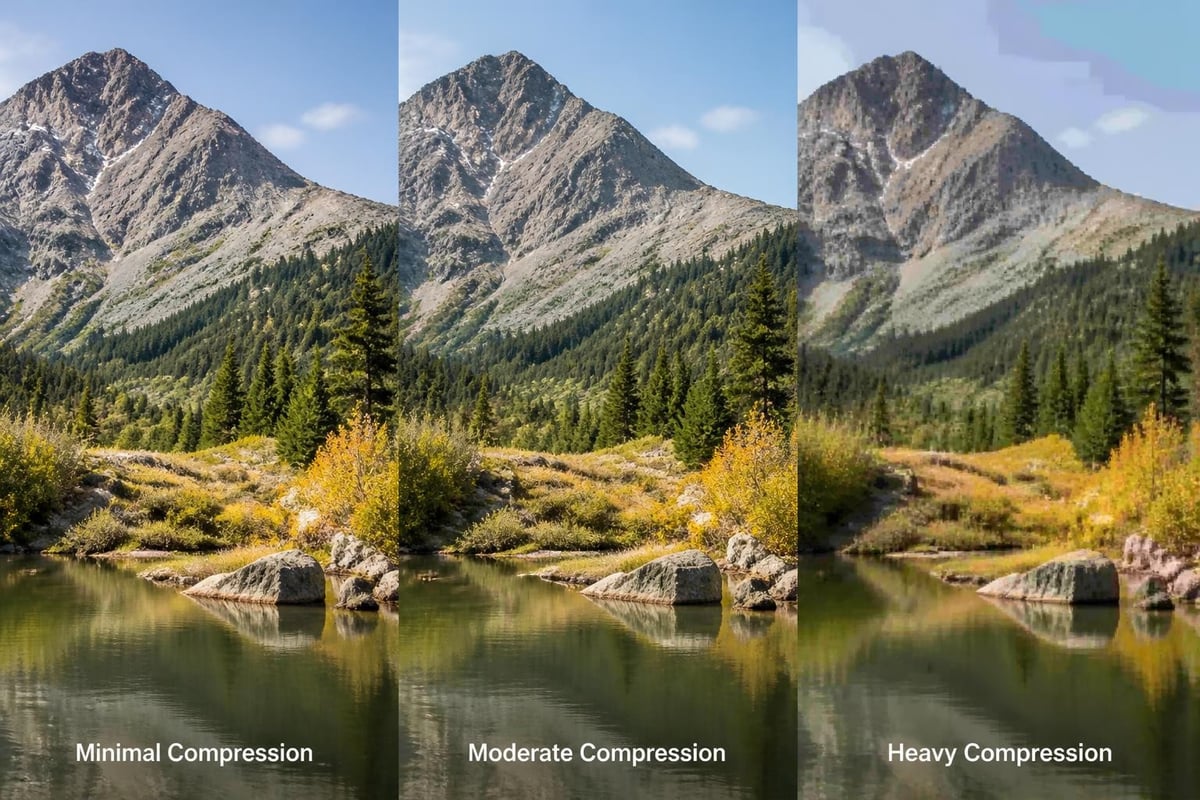
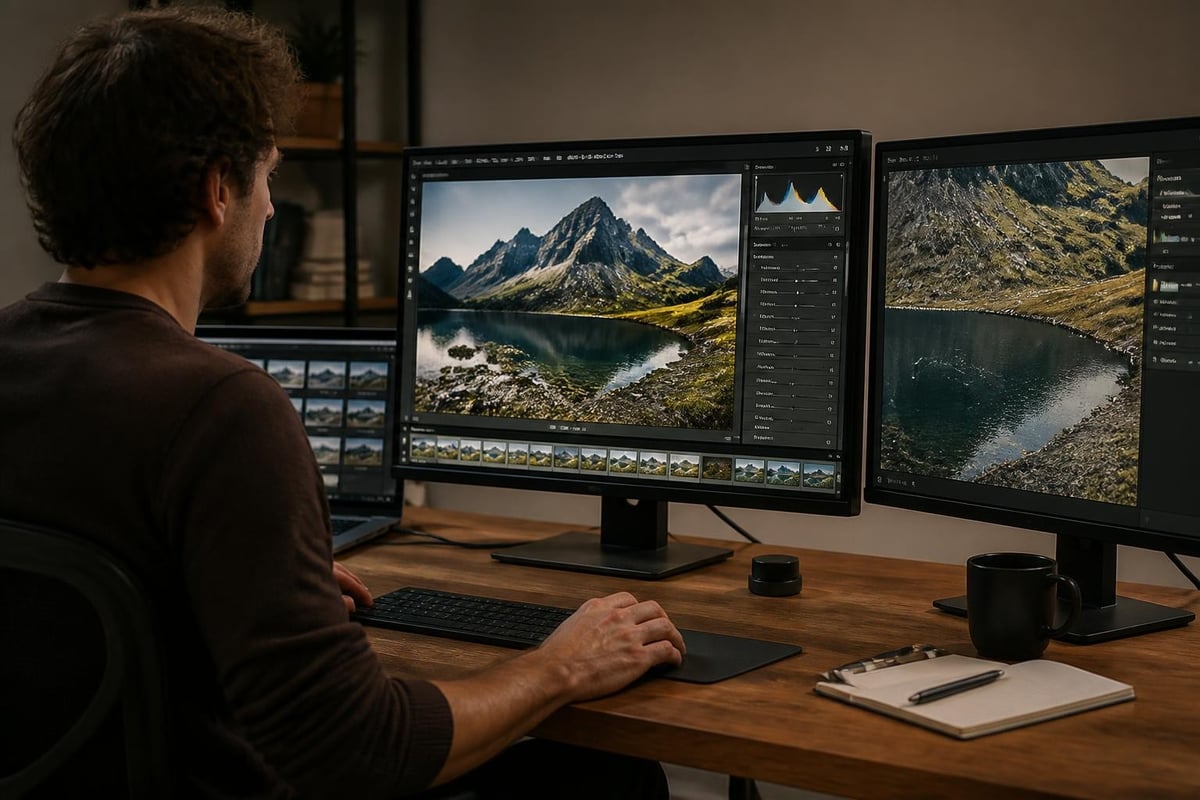
Photography retouching has evolved from a darkroom art into a sophisticated digital discipline that transforms ordinary images into compelling visual stories. Whether you're working with portraits, product photography, or editorial content, understanding the principles and techniques of retouching can elevate your images while maintaining their authentic essence. This comprehensive guide explores the fundamental aspects of photography retouching, from essential tools and techniques to ethical considerations and industry best practices that define professional-quality work in 2026.
Understanding the Foundation of Photography Retouching
Photography retouching encompasses a broad spectrum of techniques designed to enhance, correct, and refine digital images. Unlike basic photo editing, which might involve simple adjustments to exposure or contrast, retouching requires meticulous attention to detail and a deep understanding of how light, color, and texture interact.
The core objective of professional retouching is to enhance an image's visual appeal while preserving its natural characteristics. This delicate balance separates amateur work from professional results. Skilled retouchers recognize that their role extends beyond technical proficiency to include artistic judgment and ethical responsibility.
Key Differences Between Editing and Retouching
Many people use the terms "editing" and "retouching" interchangeably, but they represent distinct phases in the post-production workflow. Editing typically involves global adjustments such as:
- Exposure and brightness corrections
- White balance adjustments
- Cropping and straightening
- Overall color grading
- Contrast and saturation modifications
Retouching, by contrast, focuses on localized improvements and detailed refinements. This includes removing blemishes, smoothing skin texture, whitening teeth, enhancing eyes, and addressing specific imperfections that distract from the image's overall impact.
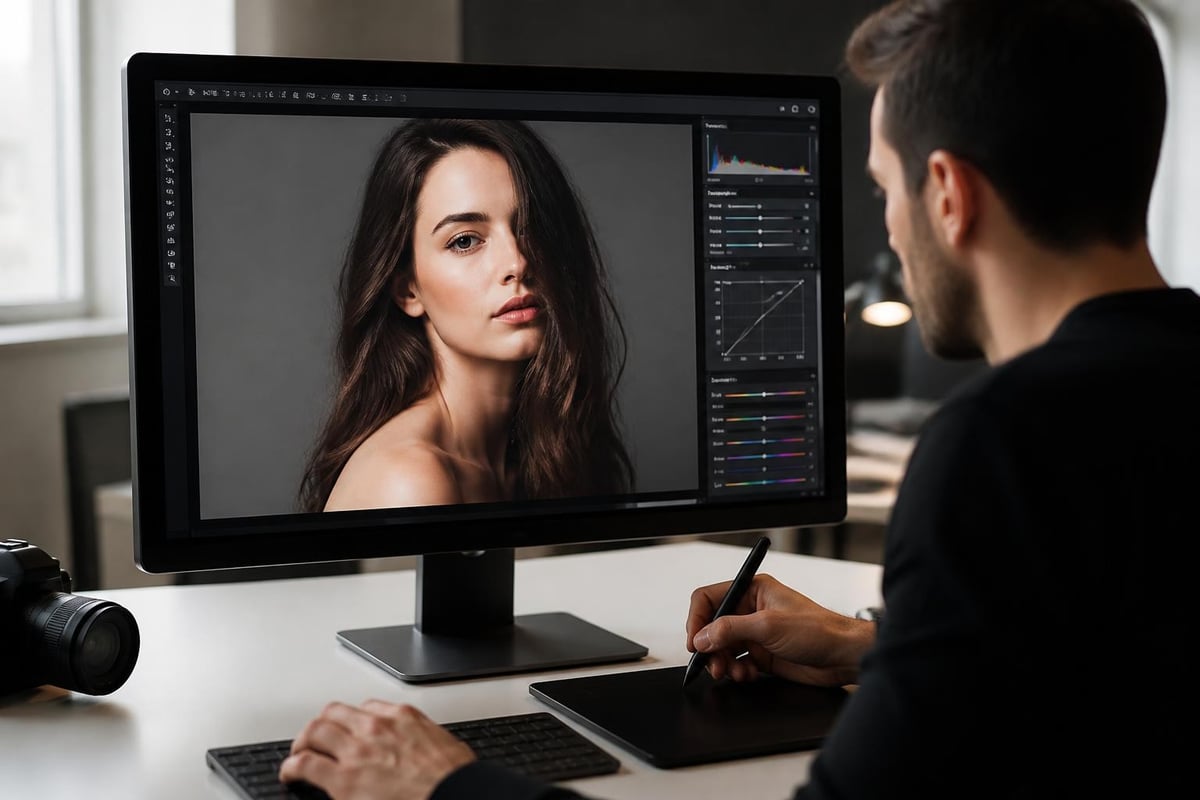
Essential Tools and Software for Professional Results
The photography retouching landscape in 2026 offers an impressive array of tools ranging from industry-standard applications to AI-powered solutions. Adobe Photoshop remains the undisputed leader for professional retouching work, providing unmatched control over every pixel through its comprehensive toolset.
Industry-Standard Retouching Tools
Professional retouchers rely on specific Photoshop tools that have proven their worth across countless projects. The healing and cloning tools form the backbone of most retouching workflows, allowing precise removal of unwanted elements while preserving the surrounding texture and tone.
| Tool | Primary Function | Best Use Case |
|---|---|---|
| Healing Brush | Texture-aware blemish removal | Skin imperfections, dust spots |
| Clone Stamp | Direct pixel copying | Removing objects, pattern extension |
| Patch Tool | Area-based correction | Larger imperfections, wrinkles |
| Dodge and Burn | Selective lightening/darkening | Contouring, dimension enhancement |
| Frequency Separation | Texture and color separation | Professional skin retouching |
Beyond these fundamental tools, modern retouching workflows incorporate advanced techniques like frequency separation, which separates an image's texture from its color and tone. This method allows retouchers to address skin blemishes without affecting skin texture, or smooth color variations without losing important detail.
The Rise of AI-Assisted Retouching
Artificial intelligence has revolutionized certain aspects of photography retouching, particularly in automated background removal, basic skin smoothing, and batch processing tasks. However, Photo Editing Company demonstrates that the most compelling results come from combining AI efficiency with human artistry and judgment.
AI excels at repetitive tasks and can significantly reduce processing time for high-volume projects. Yet the nuanced decisions about how much retouching is appropriate, which features to enhance, and how to maintain a subject's authentic character remain firmly in the human domain.
Professional Skin Retouching Techniques
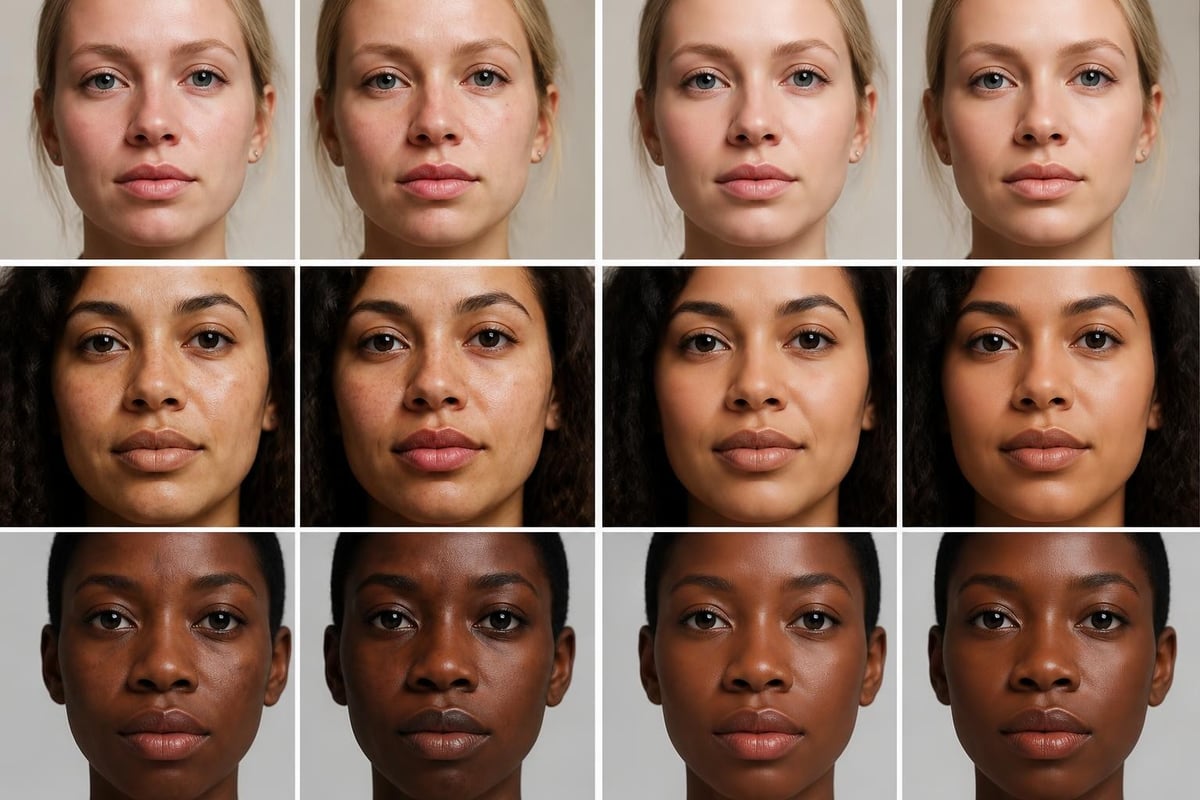
Skin retouching represents perhaps the most demanding and nuanced aspect of photography retouching work. The goal is creating flawless-looking skin while preserving natural texture and avoiding the artificial "plastic" appearance that marks amateur work.
The Frequency Separation Method
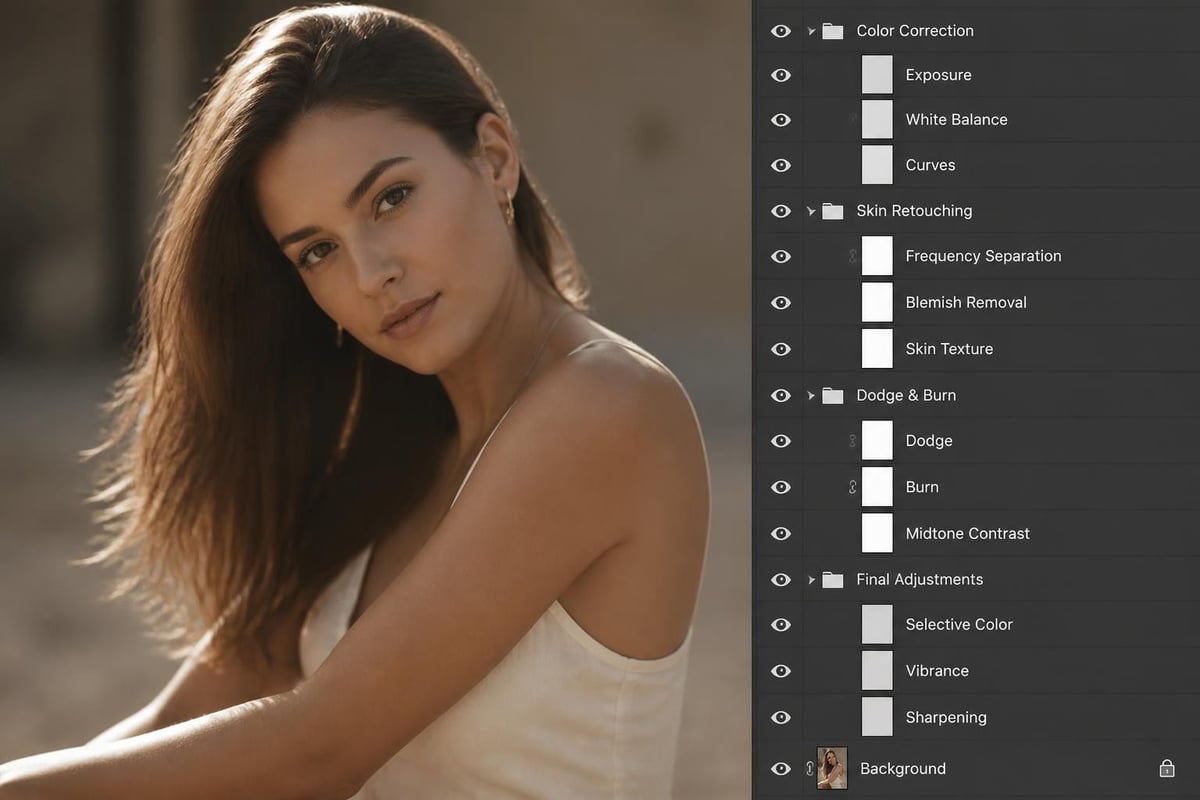
Frequency separation has become the gold standard for professional skin retouching because it addresses color and texture independently. This technique involves splitting an image into two layers: a low-frequency layer containing color and tone information, and a high-frequency layer preserving texture details.
Working on these separated layers allows retouchers to:
- Smooth skin tone variations without affecting pores and fine details
- Address texture issues without disturbing color balance
- Maintain natural skin characteristics while removing distractions
- Create consistent results across different skin types and tones
The process requires patience and a light touch. Excessive smoothing on the low-frequency layer creates that unnatural appearance, while aggressive texture work on the high-frequency layer can introduce artifacts or make skin appear overly processed.
Dodge and Burn for Dimensional Enhancement
Professional portrait editing often incorporates dodge and burn techniques to enhance facial contours and create dimension. This method involves selectively lightening (dodging) and darkening (burning) specific areas to emphasize bone structure, create depth, and guide the viewer's eye.
Skilled retouchers create dedicated dodge and burn layers set to soft light or overlay blending modes, then paint with white or black brushes at very low opacity. This non-destructive approach allows for precise control while maintaining the ability to adjust or reverse changes.
Color Correction and Grading Fundamentals
Color work forms a critical component of photography retouching, influencing mood, coherence, and visual impact. Professional color correction ensures accurate representation, while color grading applies creative interpretations that align with brand guidelines or artistic vision.
Technical Color Correction
Before creative grading begins, images require technical color correction to address issues like:
- Improper white balance creating color casts
- Exposure inconsistencies across image series
- Skin tone irregularities or color contamination
- Channel-specific color shifts
Professional retouchers use adjustment layers for non-destructive color work, allowing infinite revision without degrading image quality. Curves adjustments provide the most precise control over color and tone, enabling channel-specific modifications that address complex color issues.
Creative Color Grading Strategies
Once technical corrections are complete, creative color grading establishes the image's overall aesthetic. This might involve warming portraits for a welcoming feel, cooling product shots for a clinical appearance, or applying sophisticated color harmonies that enhance brand recognition. Understanding these color principles helps prevent common mistakes that undermine professional results.
Product Photography Retouching Excellence
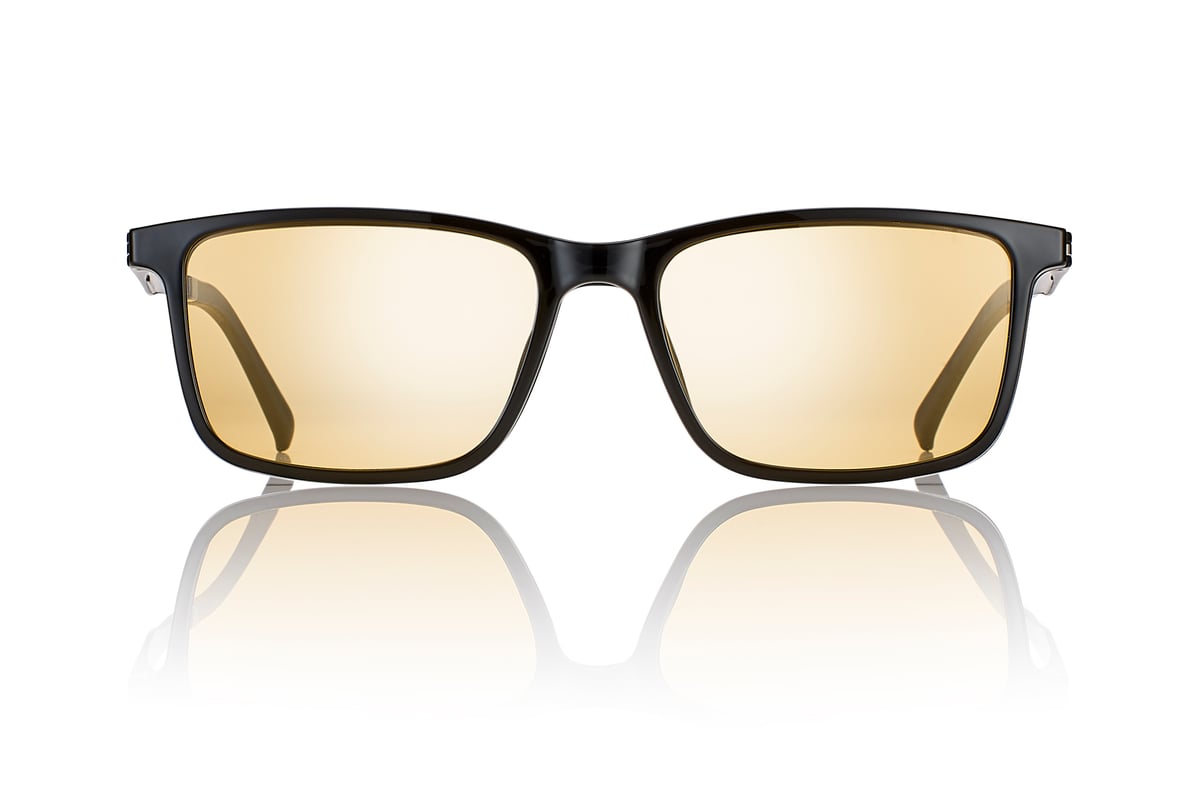
Product photography demands its own specialized retouching approach focused on presenting merchandise in the most appealing light while maintaining accurate representation. For ecommerce applications, this balance becomes particularly critical as customers make purchasing decisions based on these images.
Professional ecommerce photo retouching addresses multiple elements to create compelling product imagery. Color correction ensures products appear as they do in real life, preventing returns and customer dissatisfaction. Symmetrical alignment creates visual harmony, particularly important for apparel and accessories. Blemish removal eliminates dust, scratches, or manufacturing imperfections that distract from the product's appeal.
Ecommerce photo editing requires consistency across entire product catalogs, maintaining uniform lighting, perspective, and styling so customers can easily compare items. This systematic approach to retouching builds trust and enhances the shopping experience.
Background Removal and Clipping Paths
Clean background removal represents one of the most requested retouching services for product photography. Whether creating pure white backgrounds for marketplace requirements or transparent backgrounds for flexible placement, precision clipping paths ensure professional results.
The pen tool in Photoshop creates vector paths that define exact product boundaries, enabling perfect selections regardless of background complexity. For products with fine details like hair, fur, or transparent materials, channel-based masking techniques provide superior results compared to automated selection tools.
Ethical Considerations in Photography Retouching
As retouching capabilities have advanced, so too have concerns about authenticity, representation, and the psychological impact of manipulated images. The ethics of photo retouching have become increasingly important as both consumers and industry professionals recognize the broader implications of image manipulation.
Maintaining Authenticity and Trust
Professional retouchers must navigate the tension between creating appealing images and maintaining truthful representation. This becomes particularly significant in fashion, beauty, and advertising where unrealistic standards can negatively impact viewers' self-perception and mental health.
Best practices for ethical retouching include:
- Obtaining clear guidelines and consent from subjects regarding retouching extent
- Avoiding dramatic alterations to body shape or facial features
- Preserving characteristics that define individual identity
- Disclosing significant modifications when appropriate
- Refusing requests for alterations that promote harmful stereotypes
Industry Standards and Guidelines
Various photography and advertising organizations have developed guidelines addressing appropriate retouching practices. These standards recognize that while some enhancement is expected and acceptable, body reshaping and dramatic alterations cross ethical boundaries, particularly when targeting vulnerable audiences.
Professional retouchers stay informed about evolving standards and consider the broader impact of their work beyond immediate client satisfaction.
Advanced Retouching Techniques and Workflows
Experienced retouchers develop efficient workflows that maintain quality while maximizing productivity. These systematic approaches combine technical proficiency with organizational strategies that prevent errors and enable consistent results.
Non-Destructive Editing Principles
Professional retouching workflows emphasize non-destructive techniques that preserve original image data while allowing unlimited revisions. This approach relies on:
- Adjustment layers for all color and tone modifications
- Smart objects for scalable, editable transformations
- Layer masks instead of permanent erasure
- Separate retouching layers organized by function
- Detailed layer naming for easy navigation
Non-destructive workflows protect against irreversible mistakes while enabling collaboration and revision across multiple team members or client feedback cycles.
Batch Processing and Action Automation
For high-volume projects requiring consistent treatment across multiple images, Photoshop actions automate repetitive tasks. Retouchers record sequences of steps as actions, then apply these processes to entire image batches with a single click.
Common automated tasks include:
- Resizing and format conversion
- Standard color corrections
- Watermark or logo placement
- File naming and organization
- Export settings for different platforms
While automation handles routine processes, skilled judgment remains essential for quality control and addressing images that fall outside standard parameters.
Specialized Retouching Applications
Different photography genres require specialized retouching approaches tailored to their unique requirements and aesthetic standards. Understanding these distinctions ensures appropriate treatment for each image type.
Fashion and Beauty Retouching
Fashion and beauty photography demands meticulous attention to skin, hair, and clothing presentation. Retouchers in this field master advanced techniques including detailed skin work, hair flyaway management, fabric texture enhancement, and makeup refinement. The goal is creating aspirational yet believable images that showcase products while maintaining model appeal.
Architectural and Real Estate Retouching
Architectural photography retouching focuses on perspective correction, removing unwanted elements like power lines or vehicles, sky replacement, and optimizing interior lighting. These images require maintaining realistic proportions while presenting properties in their best light.
Event and Wedding Photography
Event retouching emphasizes natural-looking enhancements that preserve authentic moments while addressing common issues like mixed lighting, group photo inconsistencies, and background distractions. Speed and efficiency become particularly important given the high image counts typical in event coverage.
Quality Control and Final Delivery
Professional retouching workflows conclude with rigorous quality control ensuring every image meets established standards before client delivery. This systematic review process catches errors, maintains consistency, and verifies technical specifications.
Quality Assurance Checklist
Experienced retouchers develop comprehensive checklists covering:
- Color accuracy and consistency across series
- Proper resolution and sizing for intended use
- File format and color space specifications
- Retouching artifacts or unnatural effects
- Complete removal of temporary guides or marks
- Proper file naming and organization
| Quality Element | Check Method | Acceptable Standard |
|---|---|---|
| Skin Texture | Zoom to 100% | Visible pores preserved |
| Color Cast | Gray point verification | Neutral midtones |
| Edge Quality | Path inspection | Clean, appropriate feathering |
| Resolution | Document properties | Meets delivery specs |
| Consistency | Side-by-side comparison | Matching treatment |
Client Communication and Revision Management
Clear communication protocols prevent misunderstandings and minimize revision cycles. Professional retouching services provide sample images for approval, establish revision limits upfront, and use annotated review tools enabling precise feedback communication.
Building an Efficient Retouching Business
For photographers and retouching businesses, operational efficiency directly impacts profitability and client satisfaction. Successful operations balance quality standards with productivity requirements while maintaining sustainable pricing structures.
Pricing Strategies and Service Tiers
Professional retouching services typically offer tiered pricing reflecting complexity levels. Basic retouching might include standard color correction and simple cleanup, while premium services incorporate advanced techniques like extensive skin work, complex compositing, or detailed product refinement. This structure allows clients to select appropriate service levels based on their needs and budgets.
Workflow Management Systems
High-volume retouching operations require robust project management systems tracking:
- Client information and project specifications
- File organization and version control
- Assignment distribution among team members
- Quality review stages and approvals
- Delivery deadlines and completion status
These systems prevent errors, ensure accountability, and provide transparency throughout the production process.
Continuing Education and Skill Development
Photography retouching techniques and tools continue evolving, requiring ongoing learning to maintain professional competency. Successful retouchers invest in skill development through various channels including online tutorials, industry workshops, professional associations, and peer collaboration.
Staying current with retouching techniques ensures your work remains competitive and your methods reflect current best practices. The retouching community generously shares knowledge through forums, social media groups, and educational content, creating opportunities for continuous improvement.
Developing Your Unique Style
While technical proficiency provides the foundation for professional retouching, developing a distinctive aesthetic sets exceptional retouchers apart in a competitive market. Your style emerges from your artistic choices regarding color treatment, retouching extent, and creative interpretation, ultimately becoming your professional signature that attracts ideal clients.
Photography retouching combines technical precision with artistic sensibility, transforming good images into exceptional visual content that serves both commercial and creative objectives. Whether you're enhancing portraits, perfecting product photos, or refining editorial content, mastering these techniques positions you to deliver professional results that exceed client expectations. If you need expert retouching services that combine cutting-edge AI capabilities with skilled human artistry, Photo Editing Company offers comprehensive solutions tailored to your specific requirements, from basic enhancements to complex creative retouching across all photography genres.