# Professional Jewelry Photo Retouching vs. DIY Editing: Which Is Better?
Jewelry photography plays an important role in how customers view rings, necklaces, bracelets, earrings, and other accessories online. Clear product photographs help shoppers examine gemstones, metal finishes, and small design details before making a purchase.
However, photographing jewelry is not always simple.
Gold and silver surfaces can reflect cameras, lighting equipment, and nearby objects. Diamonds may appear unclear, while small dust particles and fingerprints can become noticeable in close-up photographs.
These problems often require photo editing before the images are uploaded to an online store, catalog, or advertising campaign.
Jewelry businesses generally have two options: edit their photographs themselves or hire a professional jewelry photo retouching service.
Both approaches can produce useful results, but they differ in cost, editing time, technical requirements, and the level of detail they can handle.
**Professional jewelry photo retouching is generally better for complex images, large product collections, and demanding commercial work. DIY editing is often more practical for simple corrections, occasional photographs, and businesses with limited budgets.**
The best choice depends on the jewelry's complexity, the number of images, the available editing skills, and the quality required.
In this guide, we will compare professional jewelry photo retouching and DIY editing, explain their advantages and limitations, discuss their costs, and help you decide which approach fits your jewelry business.
What Is Professional Jewelry Photo Retouching?
Professional jewelry photo retouching is the process of improving jewelry photographs using specialized editing techniques.
Unlike basic photo adjustments, jewelry retouching often requires detailed manual work on reflective metals, gemstones, prongs, chains, and other small components.
Professional editors typically use software such as Adobe Photoshop to correct unwanted reflections, clean metal surfaces, refine existing gemstone details, and prepare consistent product backgrounds.
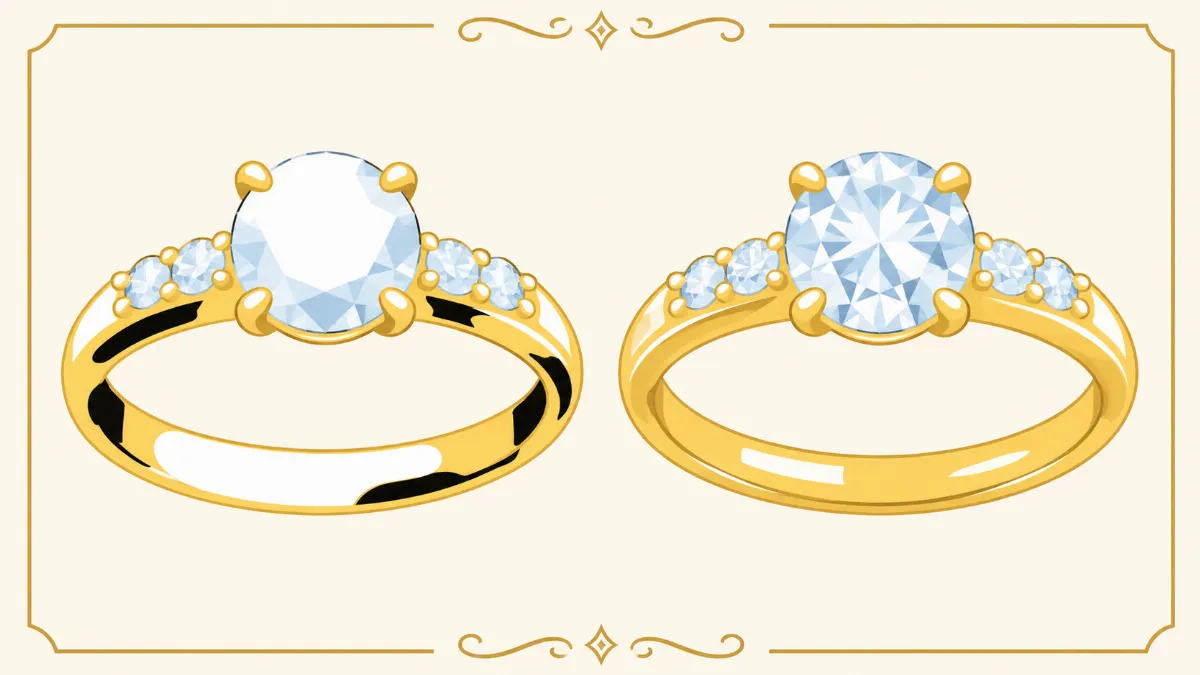
For example, a gold engagement ring may contain dark reflections from photography equipment, dust around the gemstone setting, and uneven lighting across the band.
A professional retoucher can address these issues while preserving the ring's original design, gemstone arrangement, proportions, and metal color.
Professional jewelry editing services commonly include:
- Removal of unwanted black reflections.
- Dust, fingerprint, and temporary spot cleanup.
- Gold, silver, and gemstone color correction.
- Background removal or replacement.
- Selective sharpening of existing details.
- Metal surface cleanup.
- Careful correction of distracting glare.
- Image resizing and formatting for online stores.
The amount of editing required depends on the original photograph and the intended use.
High-resolution advertising images may require more detailed work than standard product listings.
Professional retouching is particularly useful when businesses need consistent results across many photographs.
What Is DIY Jewelry Photo Editing?
DIY jewelry photo editing means editing jewelry photographs yourself instead of outsourcing the work to a professional service.
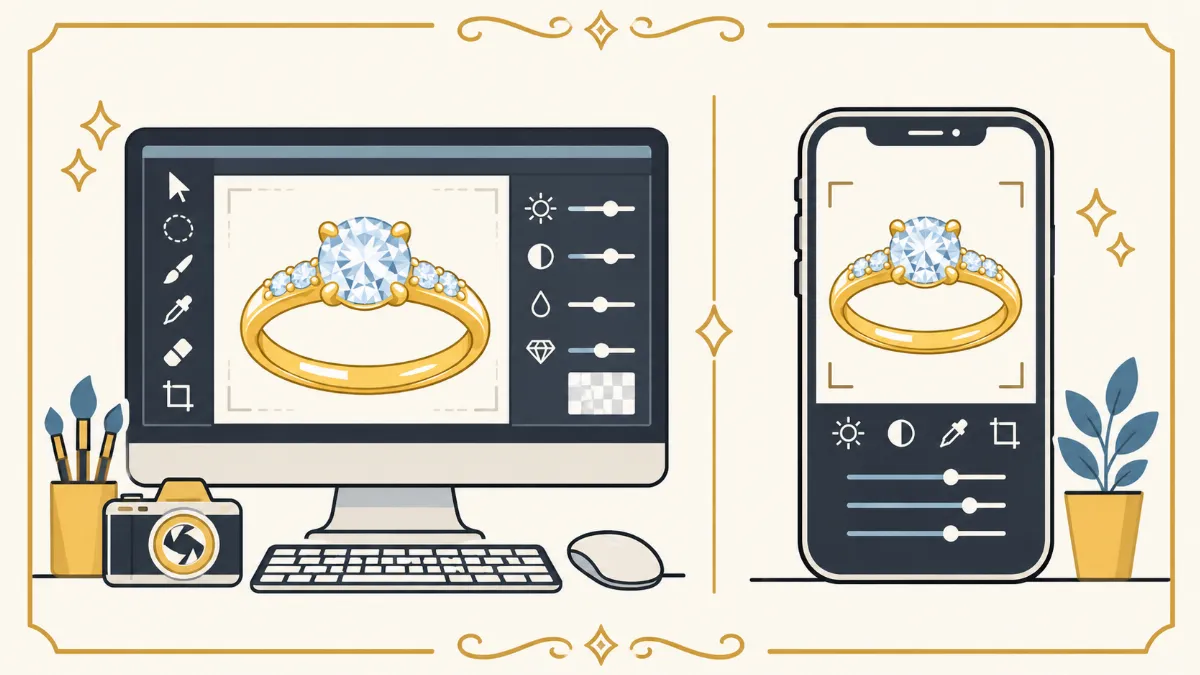
Businesses can use desktop software or mobile applications to perform basic adjustments.
Common tools include Adobe Photoshop, Adobe Lightroom, Snapseed, and other photo editing applications.
DIY editing can involve correcting exposure, adjusting white balance, removing small dust particles, cropping images, and preparing backgrounds.
For example, a small jewelry seller may photograph a bracelet using a smartphone and edit the image using Lightroom.
The seller can adjust the exposure, correct the color temperature, and export the photograph for an online listing.
This approach provides direct control over the editing process.
However, detailed jewelry retouching requires technical skills and experience.
Removing complicated reflections from polished metal or editing intricate gemstone settings can be difficult without advanced tools.
DIY editing is therefore most practical when the photographs are already well prepared and require only minor adjustments.
Professional Jewelry Retouching vs. DIY Editing: Main Differences
Professional and DIY jewelry editing differ in several important areas.
The following comparison provides a general overview.
| Feature | Professional Retouching | DIY Editing |
|---|---|---|
| Editing quality | Depends on provider skill and quality control | Depends on your editing experience |
| Complex reflection removal | Often suitable | Can be difficult for beginners |
| Gemstone detail editing | Specialized manual techniques | Basic to advanced, depending on skill |
| Editing time | Outsourced production time | Requires your own working time |
| Software requirements | Usually handled by the provider | You need suitable software |
| Upfront costs | Per-image or project fees | Software, equipment, and training |
| Large image batches | Often easier to delegate | Requires internal capacity |
| Creative control | Requires clear instructions and review | Direct control over every adjustment |
| Revisions | Depends on provider policy | Can be made internally |
| Best suited for | Commercial catalogs and complex images | Simple edits and smaller workloads |
Neither option is automatically better for every project.
The right choice depends on the business's workflow and expectations.
1. Editing Quality: Which Produces Better Jewelry Photos?
Editing quality is one of the most important considerations when comparing professional retouching and DIY editing.
Jewelry photographs contain small details that require careful attention.
These include gemstone facets, metal textures, prongs, engravings, and delicate chains.
Professional Jewelry Retouching Quality
An experienced jewelry retoucher can use precise masking, localized adjustments, and manual cleanup techniques.
For example, removing a black reflection from a gold ring may require more than increasing brightness.
The editor must preserve the original gold color, natural highlights, and metal texture.
Professional retouchers may also inspect images at high magnification to identify problems that are difficult to notice at normal viewing size.
However, professional editing quality varies between providers.
Businesses should review portfolios and request sample edits before placing large orders.
DIY Jewelry Editing Quality
DIY editing can produce good results when the photographer has suitable software and editing skills.
Simple exposure correction, white balance adjustments, and minor background cleanup are often manageable.
However, beginners may struggle with complicated reflections and gemstone details.
For example, using a healing tool incorrectly may distort a ring's edge or remove part of a gemstone setting.
DIY editing becomes more effective with practice, but learning advanced techniques requires time.
**Which is better?** Professional retouching generally has an advantage for complicated jewelry photographs, while DIY editing can be sufficient for basic corrections.
2. Cost Comparison: Professional vs. DIY Jewelry Editing
Cost is another major factor when choosing an editing approach.
Professional jewelry retouching usually involves a per-image or project-based fee.
DIY editing may appear less expensive because the business does not pay an external retoucher for every image.
However, internal editing still has costs.
Professional Jewelry Retouching Costs
Professional editing prices depend on image complexity, editing requirements, and order volume.
For budgeting purposes, basic jewelry editing may cost approximately $1 to $3 per image.
Standard jewelry retouching may cost around $3 to $10 per image, while advanced work can cost $10 to $30 or more.
These are illustrative estimates rather than fixed industry prices.
DIY Jewelry Editing Costs
DIY editing costs may include software subscriptions, computer equipment, training, and employee working time.
For example, if an employee spends 20 minutes editing one photograph, completing 100 images requires approximately 33 hours.
If the employee's effective labor cost is $12 per hour, the labor cost alone would be about $400.
This does not include software expenses or additional revisions.
Example Cost Comparison
| Editing Method | Example for 100 Images |
|---|---:|
| Professional editing at $3/image | $300 |
| Professional editing at $5/image | $500 |
| Professional editing at $10/image | $1,000 |
| DIY editing: 20 minutes/image at $12/hour | Approximately $400 in labor |
These figures are hypothetical examples and should not be treated as actual provider quotations.
**Which is better?** DIY editing may cost less for simple photographs when internal staff have available time. Professional retouching may be more economical when editing requirements are complicated or image volumes are large.
3. Editing Time and Turnaround
Time is an important consideration for jewelry businesses that regularly publish new products.
Editing photographs internally requires staff to spend time on image correction rather than other business activities.
Professional Retouching Turnaround
Professional editing providers often organize work into production batches.
This can be useful for businesses handling dozens or hundreds of product photographs.
Some providers offer turnaround times of 24 to 48 hours for certain orders, while complicated projects may take longer.
However, actual delivery times depend on the provider, editing complexity, and workload.
Businesses should confirm deadlines before submitting images.
DIY Editing Turnaround
DIY editing allows businesses to begin working immediately.
For a small number of photographs, this may be convenient.
However, editing large batches can take considerable time.
For example, editing 200 images at 15 minutes per image requires 50 working hours.
If the business has only one person handling photography and editing, this may delay product uploads.
**Which is better?** DIY editing can be faster for a few simple images. Professional retouching may be more practical for larger batches when the provider has sufficient production capacity.
4. Removing Reflections and Glare
Reflection removal is one of the most difficult parts of jewelry photo editing.
Polished metals reflect surrounding objects, creating dark patches and bright highlights.
Professional Reflection Removal
Professional retouchers use tools such as masks, Curves, Healing Brush, and Clone Stamp to reduce unwanted reflections.
For example, a gold ring may contain a large black reflection caused by the camera lens.
The editor can carefully reduce the reflection while maintaining the original metal texture.
This requires detailed manual work because removing every dark area can make the ring appear flat.
DIY Reflection Removal
DIY editors can use similar tools, depending on their software.
However, complex reflection cleanup requires experience.
Beginners may accidentally create uneven metal colors, repeated textures, or unnatural highlights.
For simple reflections, localized brightness adjustments may be sufficient.
For complicated metal surfaces, professional editing may produce more reliable results.
**Which is better?** Professional retouching is generally preferable for complex reflection cleanup, especially on highly polished jewelry.
5. Diamond and Gemstone Retouching
Diamonds and gemstones contain small details that require careful editing.
Their appearance depends on lighting, gemstone cut, reflections, and viewing angle.
Professional Gemstone Retouching
Professional editors can improve the visibility of existing gemstone facets through careful tonal adjustments and selective sharpening.
They may also remove distracting dust or reflections around gemstone settings.
However, accurate retouching should preserve the original gemstone size, cut, position, and internal characteristics.
DIY Gemstone Editing
DIY editing can improve basic exposure and contrast.
However, excessive sharpening or saturation may create artificial-looking gemstones.
For example, increasing contrast too much can produce unnatural dark facets.
Beginners should avoid trying to reconstruct missing gemstone details.
**Which is better?** Professional retouching is often more suitable for intricate gemstone work, while DIY editing can handle simple corrections.
6. Background Removal and Product Consistency
Consistent backgrounds are important for online jewelry stores.
Many businesses use white or neutral backgrounds to maintain a clean product presentation.
Professional Background Editing
Professional editors can create detailed selections around rings, necklaces, bracelets, and earrings.
This is particularly useful for delicate chains and complicated gemstone settings.
They can also prepare consistent image dimensions, backgrounds, and product positioning.
DIY Background Editing
Mobile applications and desktop software offer automatic background removal tools.
These tools can work well for simple products.
However, automatic selections may remove thin necklace chains or distort reflective edges.
Manual corrections may be necessary.
**Which is better?** DIY editing can work for straightforward background removal. Professional editing is often more reliable for intricate jewelry and large catalogs requiring consistent presentation.
7. Scalability for Jewelry Businesses
Scalability refers to the ability to handle increasing workloads without major disruptions.
A small jewelry store may need only a few photographs each week.
A larger retailer may need hundreds or thousands of product images.
Professional Retouching for Large Orders
Outsourcing can help businesses handle larger image volumes without expanding their internal editing team.
For example, a jewelry retailer preparing a seasonal collection may need 500 photographs edited within a limited period.
A professional provider with sufficient capacity may be able to organize the project into batches.
DIY Editing for Smaller Workloads
DIY editing can be practical when image volumes are low.
However, as the number of photographs increases, internal editing may consume more working hours.
Businesses should consider their expected monthly image volume before choosing a long-term workflow.
**Which is better?** Professional retouching is often more practical for large or changing workloads, while DIY editing can be sufficient for smaller collections.
8. Creative Control and Revision Management
Creative control is another difference between professional and DIY editing.
Professional Retouching
When outsourcing, businesses must communicate their editing requirements clearly.
For example, a client may request removal of black reflections while preserving the original gold color and gemstone arrangement.
A clear editing brief helps the provider produce the expected result.
Businesses should also confirm revision policies before starting.
DIY Editing
DIY editing provides direct control over every adjustment.
The business can make changes immediately without communicating with an external editor.
This can be useful when experimenting with different backgrounds or marketing layouts.
However, direct control also means the business is responsible for checking the final image quality.
**Which is better?** DIY editing offers more immediate control, while professional retouching can reduce hands-on editing work when instructions are clear.
9. When Should You Choose DIY Jewelry Photo Editing?
DIY editing is a practical option in several situations.
It may be suitable when the original photographs already have accurate colors, good focus, and controlled lighting.
For example, a small jewelry seller may need to edit five product photographs for an online listing.
If the images require only cropping, exposure correction, and minor dust cleanup, DIY editing may be sufficient.
DIY editing is also useful for businesses that want to experiment with product photography and develop internal editing skills.
However, businesses should avoid using heavy filters or excessive adjustments that change the actual jewelry appearance.
The main goal should remain accurate product presentation.
10. When Should You Hire a Professional Jewelry Retoucher?
Professional retouching becomes more useful when jewelry photographs require detailed manual corrections.
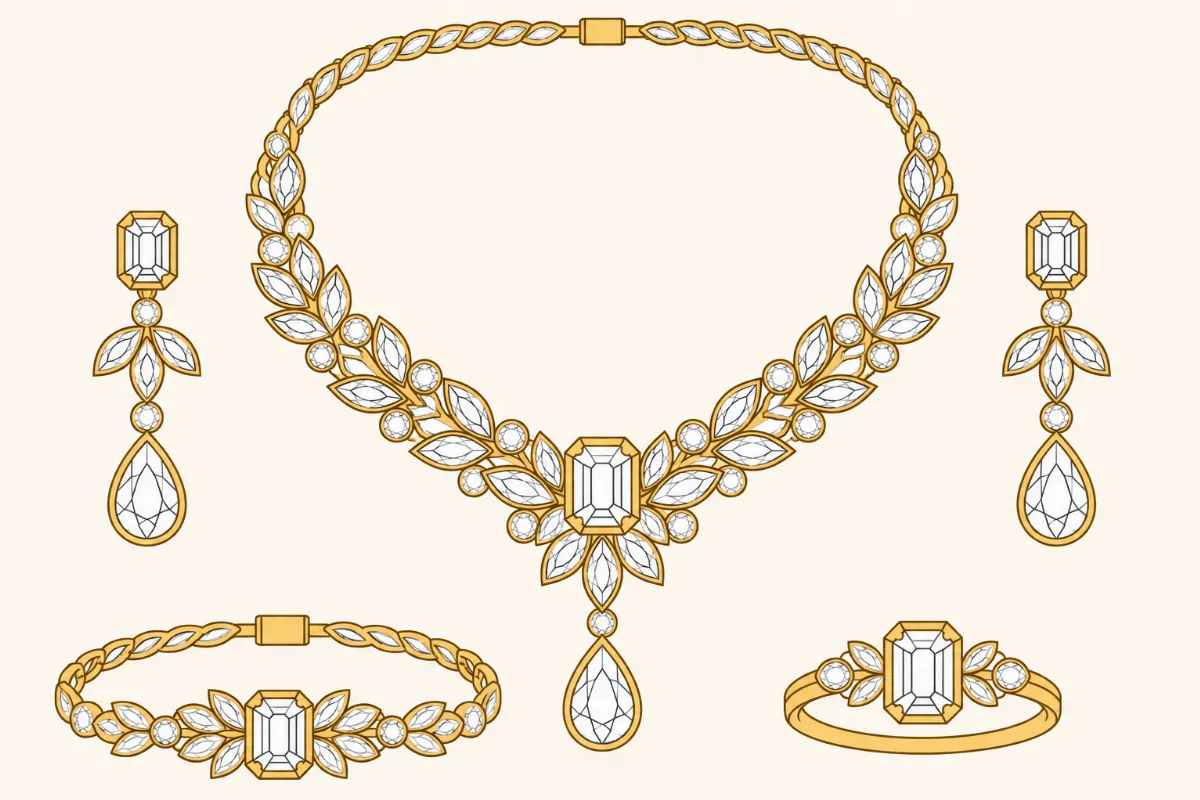
For example, a diamond necklace may contain numerous gemstones, reflective metal components, and complicated shadows.
Editing this image may require advanced masking and careful quality inspection.
Professional retouching is also useful for businesses that need consistent images across large product collections.
Online jewelry retailers, manufacturers, photographers, and advertising teams may benefit from outsourcing complicated editing tasks.
Before hiring a provider, review sample work and confirm the editing requirements.
Look for accurate colors, natural reflections, clean edges, and preserved gemstone details.
Can You Combine Professional Retouching and DIY Editing?
Yes. Many jewelry businesses can benefit from combining both approaches.
A hybrid workflow allows businesses to handle simple corrections internally while outsourcing complicated images.