# What Makes a Jewelry Photo Look Professional?
Jewelry photography requires more than placing a ring, necklace, or bracelet in front of a camera. Small details such as lighting, reflections, sharpness, background selection, and composition can significantly influence how a jewelry product appears in a photograph.
A diamond ring may look attractive in person but appear dull or blurry when photographed under poor lighting. A gold necklace may show unwanted dark reflections, while a silver bracelet can blend into a white background if the lighting is not properly controlled.
These problems can make even high-quality jewelry difficult to appreciate through a photograph.
Professional jewelry photography focuses on presenting each product clearly, accurately, and consistently.
It involves choosing suitable equipment, arranging lighting carefully, positioning jewelry correctly, and using photo editing techniques to correct distractions without changing the actual product.
For jewelry businesses, this matters because online customers cannot physically examine products before purchasing. They depend on photographs to evaluate metal finishes, gemstone settings, decorative details, and overall design.
So, **what makes a jewelry photo look professional?**
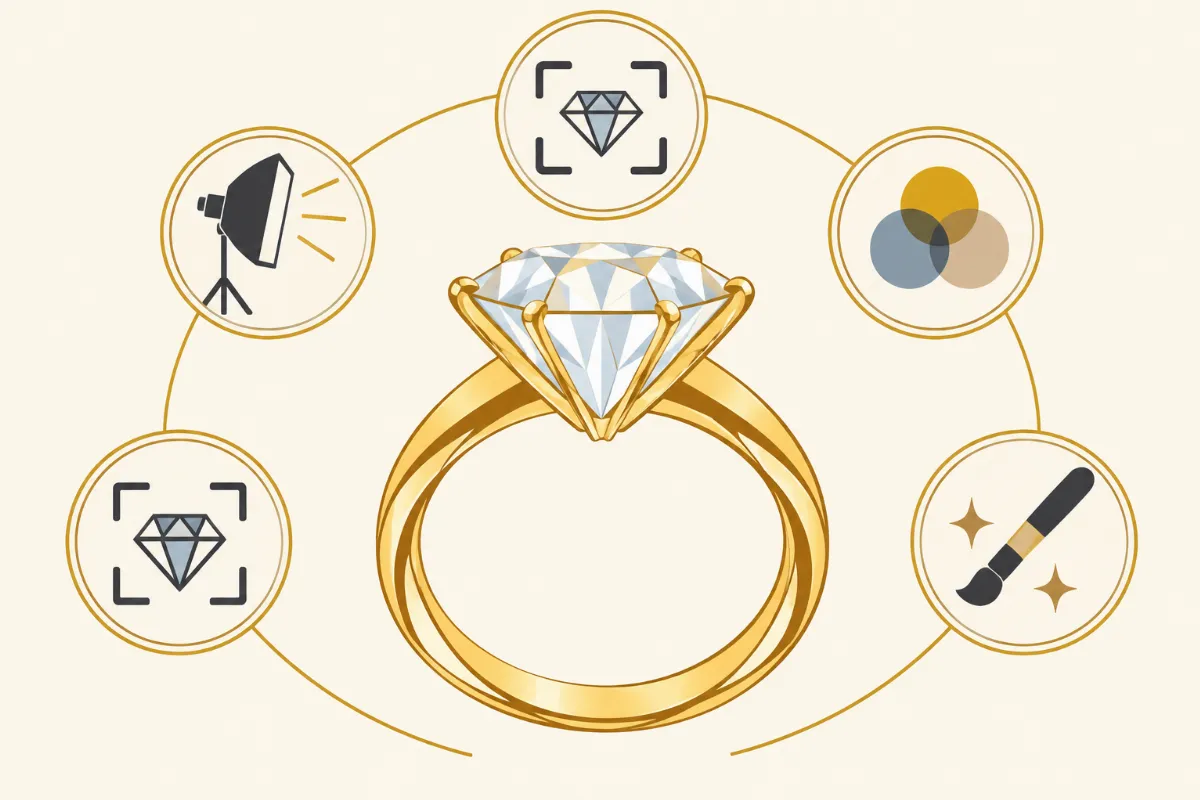
The answer involves several connected elements, including lighting quality, accurate colors, clean backgrounds, sharp details, balanced composition, and careful photo retouching.
In this guide, we will discuss 12 important factors that contribute to professional jewelry photographs, explain common photography mistakes, and share practical techniques for preparing jewelry images for online stores, catalogs, and marketing campaigns.
1. Proper Lighting Makes Jewelry Details Visible
Lighting is one of the most important elements of professional jewelry photography.
Jewelry contains reflective materials that interact with light differently from ordinary products.
Gold, silver, platinum, diamonds, and colored gemstones may produce strong reflections or uneven highlights when photographed without proper lighting control.
Use Soft, Diffused Lighting
Large diffused light sources can help create smooth reflections on polished metal surfaces.
Softboxes, diffusion panels, and light tents are commonly used for jewelry photography.
These tools help distribute light across the product while reducing harsh reflections.
For example, a gold ring photographed with a large diffusion panel may show smoother highlights than the same ring photographed under direct flash.
Control Unwanted Reflections
Reflective jewelry can show surrounding objects, camera equipment, and dark areas of the studio.
Use white reflector cards to create clean highlights.
Black cards may also help define the edges of polished metal, but their placement should be controlled carefully.
The goal is not to remove every reflection. Natural reflections help communicate the jewelry's shape and polished finish.
Maintain Consistent Lighting
When photographing several jewelry products, maintain similar lighting conditions.
Consistent lighting helps create uniform brightness and metal colors across a product catalog.
This is particularly useful for jewelry stores selling multiple variations of the same design.
2. Sharp Focus Shows Fine Jewelry Details
Sharpness allows customers to examine the jewelry's structure.
Small details such as gemstone facets, prongs, clasps, engravings, and metal textures may be difficult to see in blurry photographs.
Focus on Important Product Features
For diamond rings, prioritize the gemstone setting and visible metal details.
For necklaces, check the pendant and important chain components.
For earrings, make sure the decorative design and fastening components are visible.
Use a Tripod
A tripod helps reduce camera movement and maintain consistent framing.
It is particularly useful when photographing jewelry with longer shutter speeds.
A remote shutter release or camera timer can further reduce movement.
Consider Focus Stacking
Macro photography often produces a shallow depth of field.
Focus stacking involves combining multiple photographs taken at different focus distances.
This technique can help produce an image where more of the jewelry appears sharp.
However, the jewelry and camera should remain stable during the sequence.
Avoid Excessive Sharpening
Editing software can improve moderately soft details, but it cannot always restore severely blurred information.
Strong sharpening may create halos and unnatural textures.
When important details are missing, reshooting may be the better option.
3. Clean Backgrounds Keep Attention on the Jewelry
Background selection influences how easily customers can see the product.
A suitable background should complement the jewelry without competing with its design.
White Backgrounds for E-Commerce
White backgrounds are commonly used for online product listings.
They provide a clean appearance and support consistency across catalogs.
However, silver and platinum jewelry may require careful lighting to maintain visible edges.
Neutral Backgrounds for Promotional Images
Ivory, champagne beige, and light gray can provide a refined appearance.
These backgrounds often work well for gold jewelry and gemstone collections.
Dark Backgrounds for Contrast
Charcoal, navy, and black backgrounds may create contrast with light-colored jewelry.
However, dark surfaces can produce unwanted reflections on polished metal.
Use controlled lighting to maintain product visibility.
Avoid Distracting Textures
Fabric, paper, and stone can add visual interest to jewelry photographs.
Keep textures subtle so they do not overpower small jewelry details.
4. Accurate Colors Help Customers Evaluate Jewelry
Color accuracy is particularly important in jewelry photography.
Customers may compare gold, rose gold, silver, platinum, and gemstone colors before purchasing.
Incorrect colors can create unrealistic expectations.
Correct White Balance
White balance affects the appearance of metal and gemstones.
A warm color cast can make silver look yellow, while a cool cast may reduce the natural warmth of gold.
Use a suitable neutral reference when available.
Avoid Excessive Saturation
Increasing saturation can make gemstone colors appear stronger, but it may also misrepresent the product.
Keep color adjustments moderate.
Use Consistent Color Settings
When photographing several products, maintain consistent lighting and camera settings.
During editing, compare similar products to identify color differences.
Preserve Natural Metal Finishes
Gold should retain its original warmth, while silver and platinum should maintain their natural appearance.
Avoid color adjustments that change the jewelry's material characteristics.
5. Balanced Composition Creates a Professional Appearance
Composition determines how the jewelry is positioned within the photograph.
A well-arranged composition helps customers focus on the product.
Place the Jewelry Carefully
Position the product so its main features are visible.
For example, a ring may be angled to show both the gemstone setting and the band.
Use Negative Space
Negative space is the empty area surrounding the product.
It can help prevent a photograph from looking crowded.
It may also provide space for promotional text when the image is used in advertising.
Keep Jewelry Properly Aligned
Necklaces should not appear tangled, and matching earrings should be positioned consistently.
Small alignment issues can make photographs look disorganized.
Maintain Consistent Product Scale
When preparing an e-commerce catalog, keep similar products at comparable visual scales where appropriate.
This helps customers browse and compare items.
6. Clean Jewelry Surfaces Reduce Distractions
Even a carefully photographed jewelry piece can contain visible dust, fingerprints, or temporary marks.
Macro photography makes these imperfections more noticeable.
Clean Jewelry Before Shooting
Use suitable cleaning methods for the jewelry's materials.
Avoid chemicals or abrasive tools that could damage gemstones, coatings, or delicate finishes.
Handle Jewelry Carefully
Clean gloves or suitable handling tools can help reduce fingerprints.
Keep the photography area free from dust when possible.
Inspect Small Components
Check gemstone settings, clasps, chain links, and decorative details.
Make sure the jewelry is arranged correctly before taking the final photograph.
Remove Remaining Dust During Editing
Some small particles may still appear in the photograph.
Professional retouching tools can remove temporary distractions while preserving natural textures.
7. Professional Camera Settings Improve Image Quality
Camera settings influence exposure, depth of field, image noise, and sharpness.
The ideal settings depend on the camera, lens, lighting, and jewelry size.
Use a Suitable Lens
Macro lenses are useful for photographing small details.
For larger jewelry arrangements, a standard lens may provide suitable framing.
Select the Right Aperture
An aperture around f/8 to f/11 can be a useful starting point for many jewelry setups.
However, the best setting depends on the camera sensor, lens, and magnification.
Very small apertures may reduce sharpness because of diffraction.
Keep ISO Low
A low ISO setting can help reduce visible noise.
Under controlled lighting, ISO 100 or 200 may be suitable.
Shoot in RAW
RAW files provide more flexibility for exposure and white balance adjustments.
They are useful when editing reflective surfaces and delicate gemstone colors.
8. Multiple Angles Help Show the Complete Product
One photograph may not show every important detail.
Professional jewelry listings often include several images.
Front View
A front-facing image shows the main design.
It is commonly used as the primary product photograph.
Side View
Side views can reveal jewelry thickness, gemstone settings, and structural details.
Close-Up View
Close-up photographs help customers examine gemstones, engravings, clasps, and metal textures.
Lifestyle View
Lifestyle photographs show how jewelry appears when worn.
They can help customers understand scale and styling.
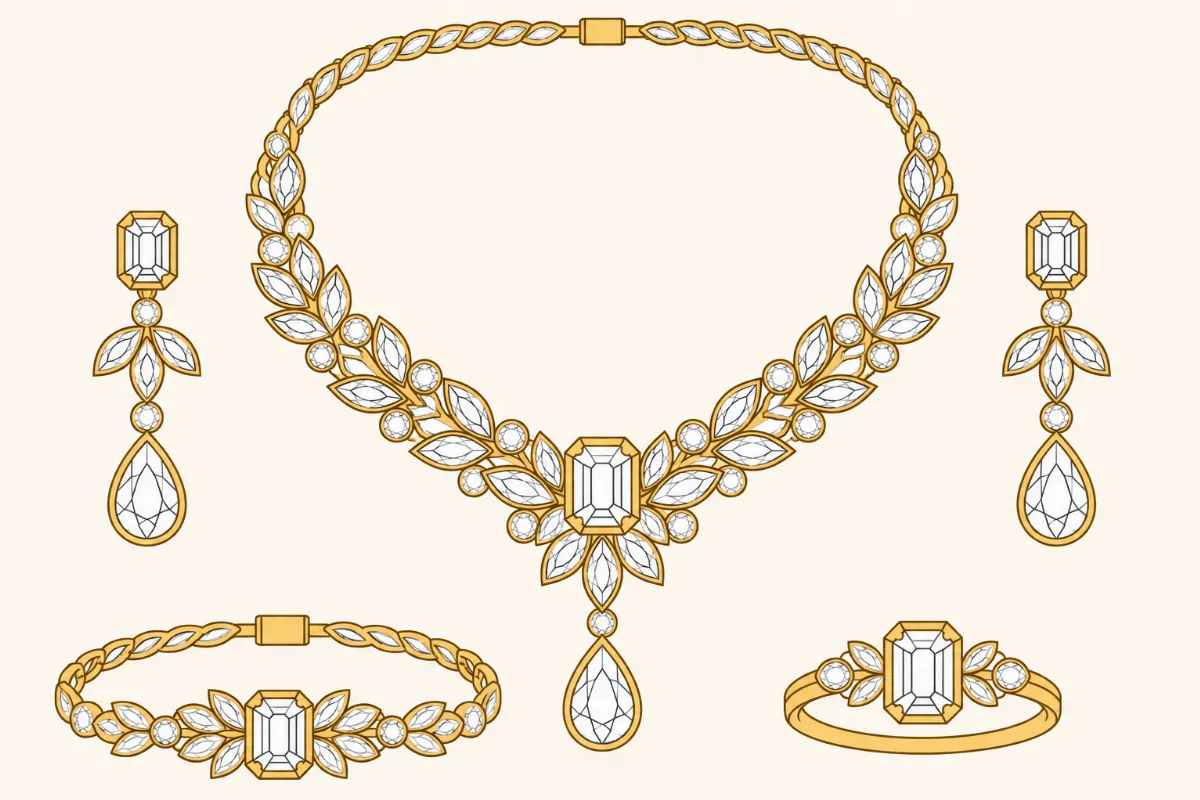
Jewelry Set Photographs
For matching jewelry collections, include a group photograph and individual product images.
This helps customers see how the pieces work together.
9. Professional Photo Editing Removes Unwanted Distractions
Even well-photographed jewelry may require careful editing.
Photo retouching can correct temporary imperfections and prepare images for online use.
Remove Dust and Fingerprints
Healing and cloning tools can remove small particles and fingerprints.
Preserve the jewelry's original surface texture.
Correct Unwanted Reflections
Polished metal may contain distracting dark patches.
Use localized adjustments to reduce these reflections without making the metal look artificial.
Refine Gemstone Details
Selective contrast and sharpening can improve the visibility of existing gemstone facets.
Avoid changing gemstone shapes, sizes, or internal characteristics.
Clean Backgrounds
Background cleanup can remove unwanted marks and maintain consistent colors.
Precise masking is important around thin chains and intricate designs.
Preserve Product Accuracy
Professional editing should not change the jewelry's original design, proportions, or materials.
The final photograph should remain an accurate representation of the product.
10. Consistent Product Images Support Jewelry E-Commerce
Consistency is important when displaying multiple jewelry products on one website.
Different backgrounds, lighting conditions, and image dimensions can make a catalog look disorganized.
Use Standard Image Dimensions
Choose suitable image sizes for your website or marketplace.
Maintain consistent framing where appropriate.
Match Background Colors
Use similar background tones across related products.
This creates a more uniform product presentation.
Maintain Consistent Brightness
Compare images from the same collection to identify differences in exposure.
Adjust individual photographs carefully rather than applying one correction blindly.
Review Product Positioning
Make sure jewelry products are centered or aligned according to your catalog layout.
Avoid unnecessary cropping that removes important details.
11. Common Mistakes That Make Jewelry Photos Look Unprofessional
Several photography and editing problems can reduce image quality.
Harsh Reflections
Direct lighting may create bright glare or distracting dark areas.
Use diffusion and controlled reflectors.
Blurry Details
Poor focus or camera movement can hide gemstone and metal details.
Use stable support and check focus carefully.
Incorrect Colors
Strong color casts can make gold, silver, and gemstones look unnatural.
Correct white balance and avoid excessive saturation.
Busy Backgrounds
Complicated backgrounds may distract from small jewelry details.
Choose simpler surfaces.
Excessive Retouching
Overly smooth metal and artificial-looking gemstones can make jewelry appear unrealistic.
Maintain natural textures and accurate product details.
Inconsistent Catalog Images
Different image dimensions and lighting styles can make an online store look disorganized.
Use a consistent photography and editing workflow.
12. Why Professional Jewelry Photography Matters for Online Businesses
Professional jewelry photographs help customers evaluate products before purchasing.
Clear images show design details, metal finishes, and gemstone settings.
Support Customer Confidence
Accurate photographs help customers understand what they are purchasing.
Avoid editing techniques that misrepresent the product.
Improve Product Presentation
Clean backgrounds, balanced lighting, and consistent framing can make product listings easier to browse.
Prepare Images for Marketing
Jewelry photographs are used in websites, advertisements, catalogs, and social media.
Different platforms may require different image sizes or compositions.
Save Time on Large Projects
Jewelry businesses may need to photograph and edit hundreds of products.
A structured workflow can reduce repetitive tasks.
Professional photo editing services may also help businesses manage larger image collections.
13. Should You Hire a Professional Jewelry Photo Editor?
Editing jewelry photographs can be time-consuming, especially when products contain reflective metals and intricate gemstone settings.
Basic adjustments may be manageable using Lightroom or other editing applications.
However, detailed jewelry retouching often requires more precise tools and experience.
Professional jewelry editors can help with background removal, dust cleanup, reflection correction, color adjustments, and selective sharpening.
At **Photo Editing Company**, jewelry photo editing services support photographers, jewelry retailers, and e-commerce businesses that need consistent product photographs.
The editing process should preserve the jewelry's original design, gemstone characteristics, metal colors, and proportions.
Before hiring an editing provider, review sample work, turnaround times, revision policies, and quality standards.
14. Frequently Asked Questions About Professional Jewelry Photography
What Makes Jewelry Photography Look Expensive?
Controlled lighting, clean backgrounds, accurate colors, balanced composition, and careful editing can create a refined presentation. The photograph should still represent the actual product.
What Lighting Is Best for Jewelry Photography?
Soft, diffused lighting is a useful starting point. Reflectors and carefully positioned light sources can help control metal reflections and reveal gemstone details.
Do You Need a Professional Camera for Jewelry Photography?
Not always. Modern smartphones can produce useful product photographs with stable support, suitable lighting, and careful focusing. Dedicated cameras and macro lenses provide additional control.
How Do You Make Diamonds Look Clearer in Photos?
Use suitable lighting and accurate focus during photography. Apply careful local contrast and sharpening adjustments during editing without changing the diamond's actual characteristics.
Why Do Jewelry Photos Need Editing?
Editing helps remove temporary distractions, correct exposure and color issues, reduce unwanted reflections, and prepare consistent product images.
What Background Is Best for Jewelry Photography?
White and neutral backgrounds are commonly used for e-commerce photography. Dark backgrounds may also work for certain promotional images when lighting is controlled.
Can Professional Editing Fix Bad Jewelry Photography?
Editing can correct many issues, but severely blurred details, missing product information, and extreme exposure problems may require reshooting.
Conclusion
Professional jewelry photography depends on several connected elements.
Controlled lighting helps reveal metal finishes and gemstone details. Sharp focus allows customers to examine small features, while suitable backgrounds and balanced compositions keep attention on the product.
Accurate colors are especially important because customers expect jewelry to match its photographs.
After the photoshoot, careful retouching can remove dust, reduce distracting reflections, and prepare images for online use.
However, professional editing should preserve the jewelry's original design, proportions, and natural appearance.
For jewelry businesses, consistent photography can support an organized product catalog and help customers evaluate products more easily.
**Need professional jewelry photo editing services?**
Photo Editing Company provides jewelry retouching, background removal, reflection cleanup, color correction, and product image preparation for jewelry photographers, retailers, and e-commerce businesses.