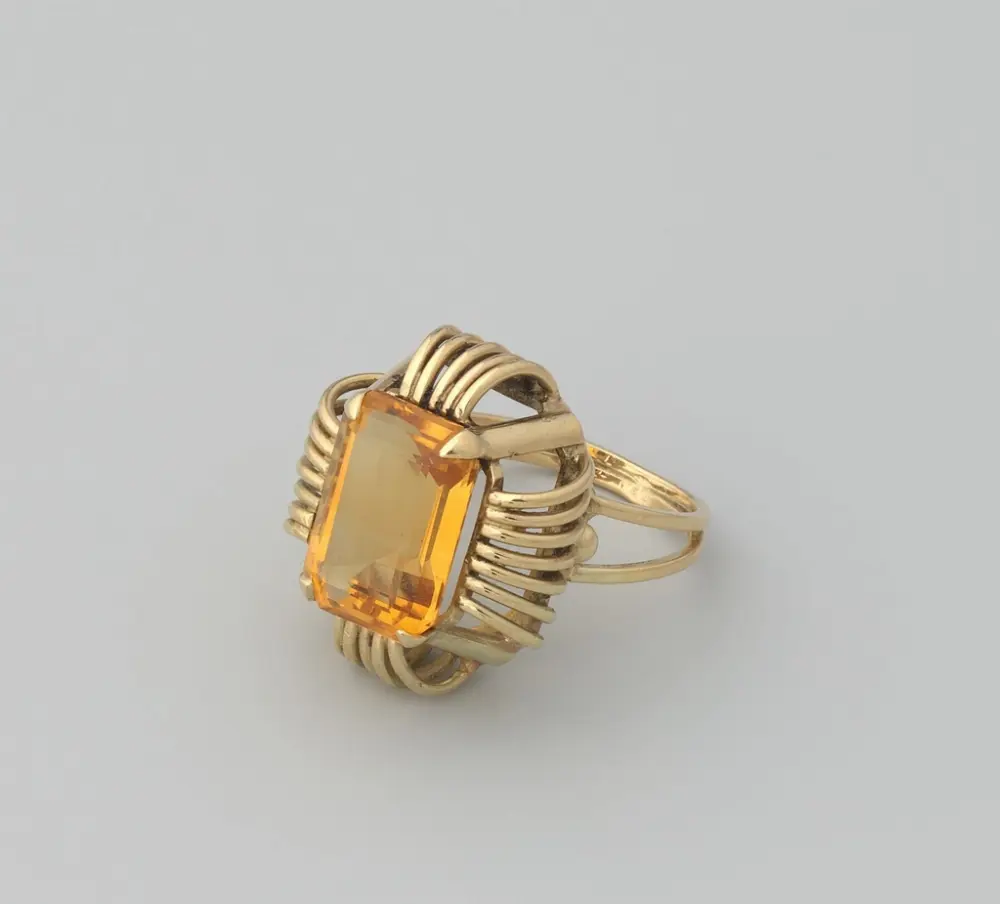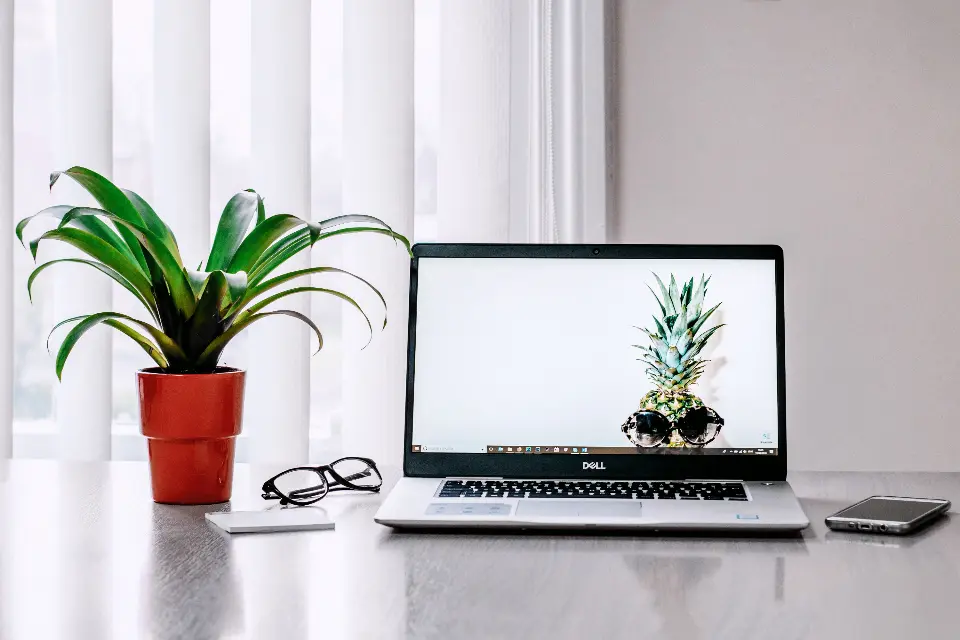
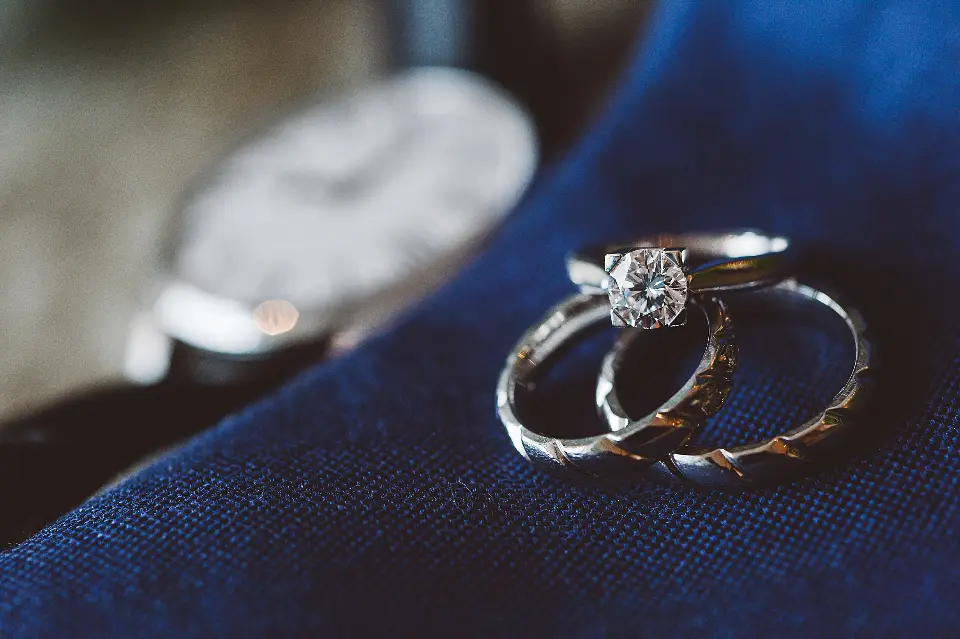
Learning how to photograph jewellery can feel frustrating at first. Rings look dull, silver turns grey, stones lose their sparkle and every speck of dust suddenly appears enormous. The good news is that great jewellery photos rarely come from expensive equipment. They come from following the same careful steps every time.
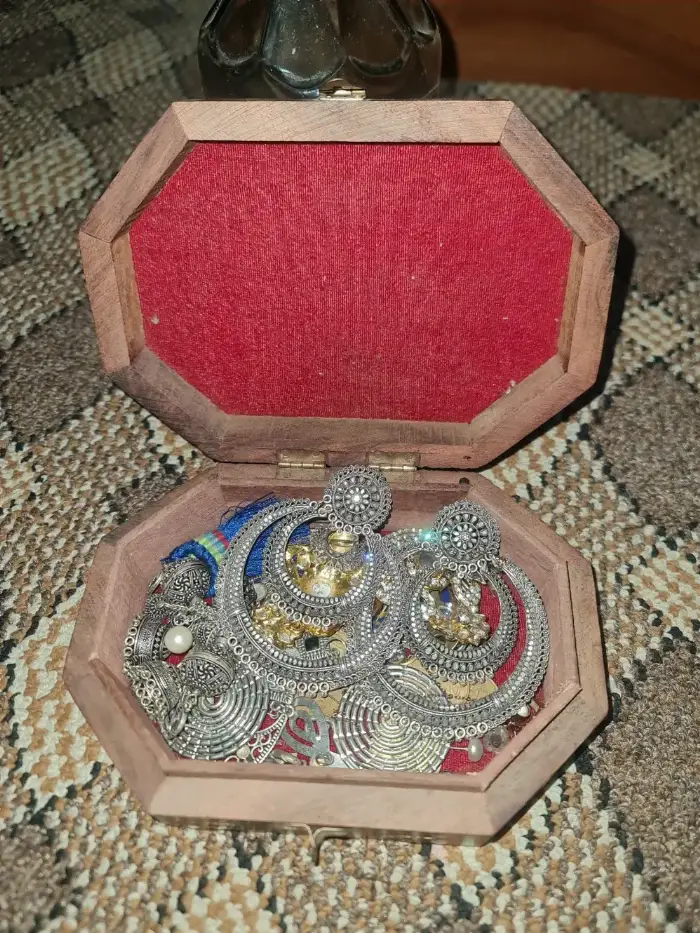
This step-by-step guide walks you through the whole process, from preparing your pieces to exporting finished images for your website, Etsy shop or social media. Each step is short and practical, so you can follow it on your first shoot and then use the checklist at the end to make every future shoot faster and more consistent. It works whether you use a camera or a smartphone, and whether you sell handmade pieces from home or run a larger online jewellery shop.
What You Need Before You Start
You do not need a professional studio. A simple kit is enough for clean, sellable images:
- A camera with a macro lens or close-focus setting, or a recent smartphone with a macro mode.
- A tripod, or a small phone tripod, to keep every shot sharp and framed the same way.
- A light source: a light tent with LED lights, or a large window with soft daylight.
- White card or foam board to bounce light and brighten shadows.
- A plain background, usually white, light grey or a simple textured surface for lifestyle shots.
- Props to hold pieces in place: jewellery stands, ring holders, putty or a bust for necklaces.
- A lint-free cloth, cotton gloves and a small blower brush for cleaning.
If you are choosing a lens, our guide on the perfect lens for jewellery photography explains the options in more detail.
Step 1: Clean and Prepare Every Piece
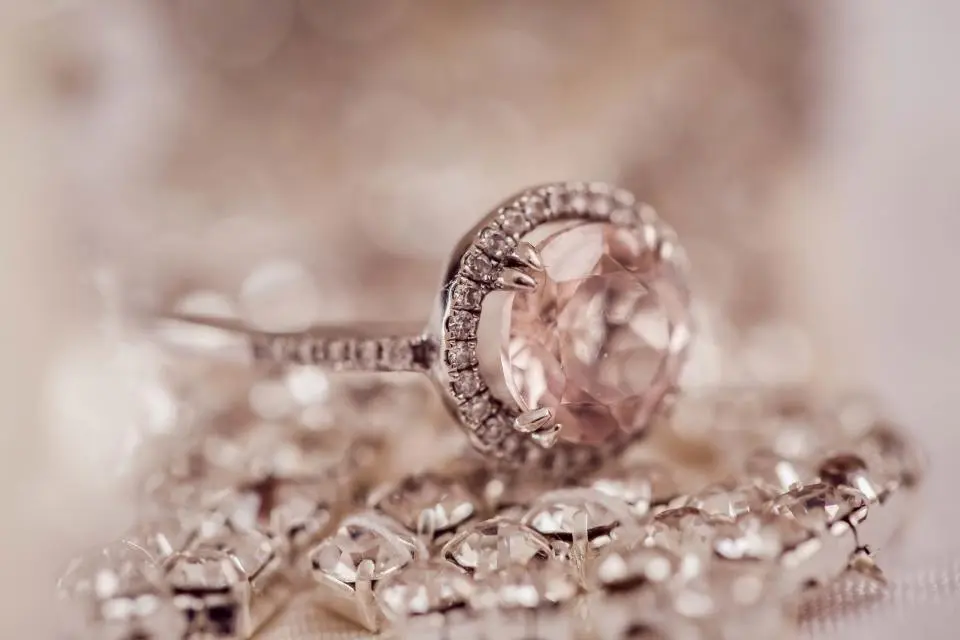
Cleaning is the step most people rush, and it costs the most time later. A close-up lens magnifies fingerprints, dust and lint far more than your eyes notice.
- Polish metal with a lint-free cloth just before shooting.
- Wear cotton gloves when handling polished pieces so you do not leave fresh fingerprints.
- Use a blower brush to remove dust from settings and between links.
- Check stones with a loupe or your phone's zoom for smudges.
Two minutes of cleaning can save twenty minutes of editing per photo.
Step 2: Choose Your Background
The background decides how your photos will be used.
For product listings, a pure white or very light grey background is the safest choice. It keeps attention on the piece, looks consistent across a shop and suits most marketplaces. For social media and your homepage, lifestyle backgrounds such as linen, marble, wood or a model add context and personality.
Whatever you choose, keep it consistent within one collection. A shop where every product has a different background looks less professional, even if each photo is good on its own. Our guide to perfect white product photos covers white backgrounds in detail.
Step 3: Set Up Soft, Even Lighting
Lighting makes the biggest difference to jewellery photos.
Use diffused light
Hard, direct light creates harsh reflections and deep shadows on metal. Diffuse it with a light tent, softboxes or a thin white curtain over a window. Soft light wraps around the piece and gives smooth, even highlights.
Avoid mixing light sources
Do not combine daylight from a window with warm room lights. Different light sources have different colours, and mixing them causes colour casts that make gold look green or silver look blue. Switch off other lights and use one type of light.
Bounce light into shadows
Place white card opposite your main light to brighten shadows and fill in dark reflections on polished metal. Move it closer or further away until the piece looks evenly lit.
For more ideas, read our lighting tips for better jewellery photos.
Step 4: Position and Style the Piece
How a piece sits in the frame affects how buyers understand it.
- Rings: stand them upright with a ring holder or a small piece of putty hidden behind the band, angled slightly so the stone and band are both visible.
- Necklaces: lay them flat in a neat shape or display them on a bust so the length and drape are clear.
- Earrings: hang them from a stand or lay the pair side by side, evenly spaced.
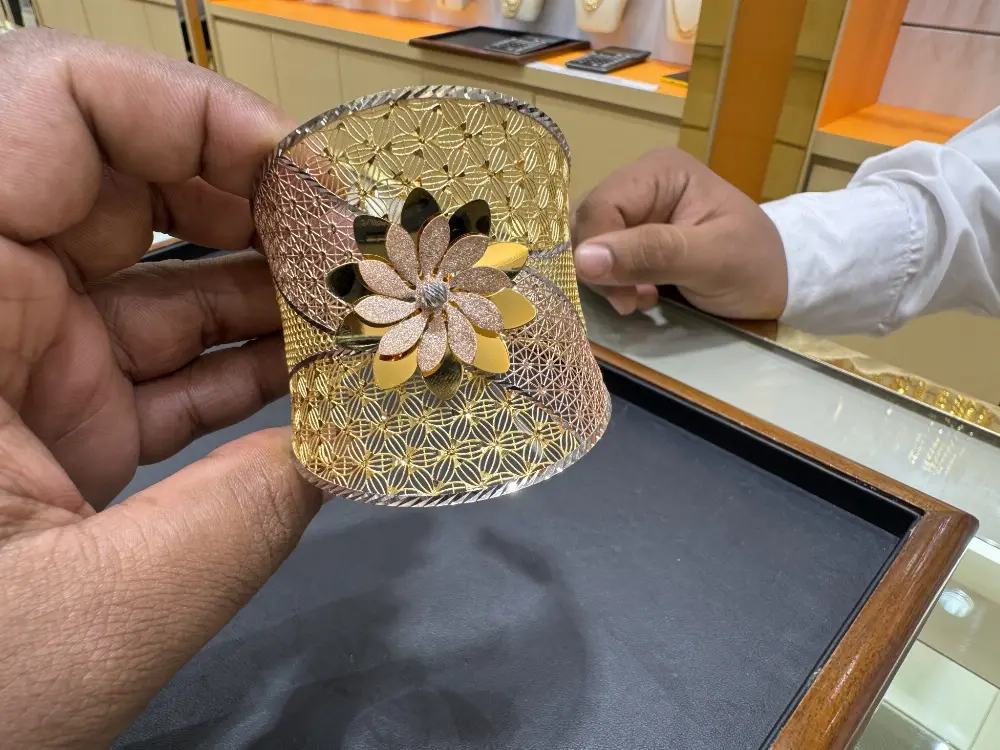
- Bracelets and bangles: stand them on their edge or wrap them around a cylinder or stand.
Keep supports out of sight where possible. Anything visible can be removed later in editing, but hidden supports save time.
Step 5: Set Up Your Camera or Smartphone
Getting the settings right is what turns a good setup into a sharp, accurate photo.
Camera settings
- Mount the camera on a tripod and use a timer or remote so pressing the button does not cause blur.
- Use a low ISO, such as 100 or 200, for clean images without noise.
- Choose a moderate aperture, often around f/8 to f/11, for more of the piece in focus.
- Set a custom white balance using a grey or white card under your lights.
- Shoot in RAW if your camera supports it, for more flexibility when editing colour.
Smartphone settings
- Use the main or macro camera rather than digital zoom, which reduces quality.
- Tap to focus on the piece, then lower the exposure slightly if metal looks too bright.
- Turn off the flash, which creates harsh reflections.
- Use a phone tripod and the self-timer.
Our guide to better product photos with your smartphone has more phone-specific tips.
Step 6: Focus Carefully
Jewellery is small, so you are working very close to it, where the area in focus becomes extremely shallow. Focus on the most important part of the piece, usually the main stone or the front of the design.
If part of the piece is still blurred, try focus stacking: take several photos focused at different depths and combine them in editing software so the whole piece is sharp. Our guide on how to photograph gems and jewellery explains focus stacking and stone-specific lighting in more depth.
Step 7: Take a Full Set of Shots
Buyers cannot pick up your jewellery, so give them every view they would see in a shop.
- A clear front view on a plain background, for the main listing image.
- Side and angled views to show depth, profile and setting.
- Close-up detail shots of stones, clasps, engraving and hallmarks.
- A scale shot, such as the piece being worn or next to a common object.
- A lifestyle image that shows the piece in context.
Use the same angles and framing for every product in a collection, so your shop looks consistent.
Step 8: Check Your Photos Before You Pack Away
Before you move on, look at your images at full size on a computer, not just the camera screen. Check for sharpness, dust, unwanted reflections and colour accuracy. It is much quicker to reshoot now, with everything still set up, than to fix problems later.
Step 9: Edit Your Jewellery Photos
Even a careful shoot needs editing to look its best. Typical edits include:
- Removing dust, scratches and fingerprints.
- Correcting white balance and colour so metals and stones look true to life.
- Removing or replacing the background, usually with a clipping path for clean edges.
- Brightening stones and refining metal shine.
- Adding a soft natural shadow so pieces do not look like they are floating.
- Cropping consistently across your whole collection.
Our guide to editing and clipping your jewellery photos walks through the editing process step by step. If you prefer to outsource, our guide to jewellery retouching services explains each type of edit and when you need it.
Step 10: Export for Web and Marketplaces
Export your finished images in the right size and format for where they will be used.
- Use square images for most shop listings, so thumbnails line up neatly.
- Export at a high resolution so buyers can zoom in. Google, for example, recommends product images of around 1500 x 1500 pixels or larger in its Merchant Center image requirements.
- Use JPG or WebP for websites and marketplaces, and PNG when you need a transparent background.
- Keep a full-resolution master copy of every edited image.
- Name files clearly, for example "silver-hoop-earrings-front.jpg", which helps you stay organised and describes the image to search engines.
Always check the current image rules for each marketplace you sell on, as they vary and change over time.
Common Jewellery Photography Mistakes
- Skipping cleaning, which leaves dust and fingerprints in every shot.
- Using direct flash or harsh light, which creates hotspots and glare.
- Mixing light sources, which causes colour casts.
- Shooting handheld at close range, which blurs fine detail.
- Using a busy background that distracts from the piece.
- Changing angles and backgrounds between products in the same collection.
- Over-editing, which makes metal look plastic and stones look fake.
Your Jewellery Photography Checklist
Use this quick checklist before every shoot:
- Pieces cleaned, polished and checked for dust.
- Background chosen and consistent with the collection.
- One type of soft, diffused light; other lights switched off.
- White card in place to fill shadows.
- Camera on a tripod with timer, low ISO and custom white balance.
- Focus checked on the main stone or front of the design.
- Full set of views taken: front, side, detail, scale and lifestyle.
- Photos checked at full size before packing away.
Frequently Asked Questions
What is the best way to photograph jewellery at home?
Use a light tent or a large window with soft daylight, a plain white background and a tripod. Clean each piece first, use one type of light, bounce light with white card and set a custom white balance. These simple steps make the biggest difference to home jewellery photos.
Can I photograph jewellery with my phone?
Yes. Use the main or macro camera, a phone tripod and soft natural or LED light. Turn off the flash, tap to focus on the piece and lower the exposure slightly if metal looks too bright. Recent smartphones can produce very good jewellery photos for online shops.
What background is best for jewellery photography?
White or light grey is best for product listings because it is clean and consistent. Lifestyle backgrounds such as linen, marble or wood work well for social media and banners, where you want to show style and context.
How do I stop reflections when photographing jewellery?
Use soft, diffused light instead of direct light, surround the piece with white card so reflections are clean and bright, and keep dark objects, including yourself, out of the reflections. Any remaining reflections can be refined in editing.
Why do my jewellery photos look blurry?
Blur usually comes from camera movement or very shallow focus at close range. Use a tripod and a timer, choose a moderate aperture such as f/8 to f/11, and focus on the most important part of the piece. Focus stacking can make the whole piece sharp.
Do I need to edit my jewellery photos?
Almost always. Editing removes dust, corrects colour, cleans the background and makes a collection look consistent. Light editing that keeps the piece true to life helps buyers trust what they see and reduces returns.
Final Thoughts
Knowing how to photograph jewellery well is mostly about following a reliable process: clean the piece, choose a consistent background, use soft and even light, set up your camera carefully, take a full set of views, then edit and export your images properly. Follow these steps every time and your photos will quickly look more professional and consistent.
Great photography and careful editing go hand in hand. If you would like help with the editing, explore our jewellery photo editing service or upload a few sample images for a free test edit.