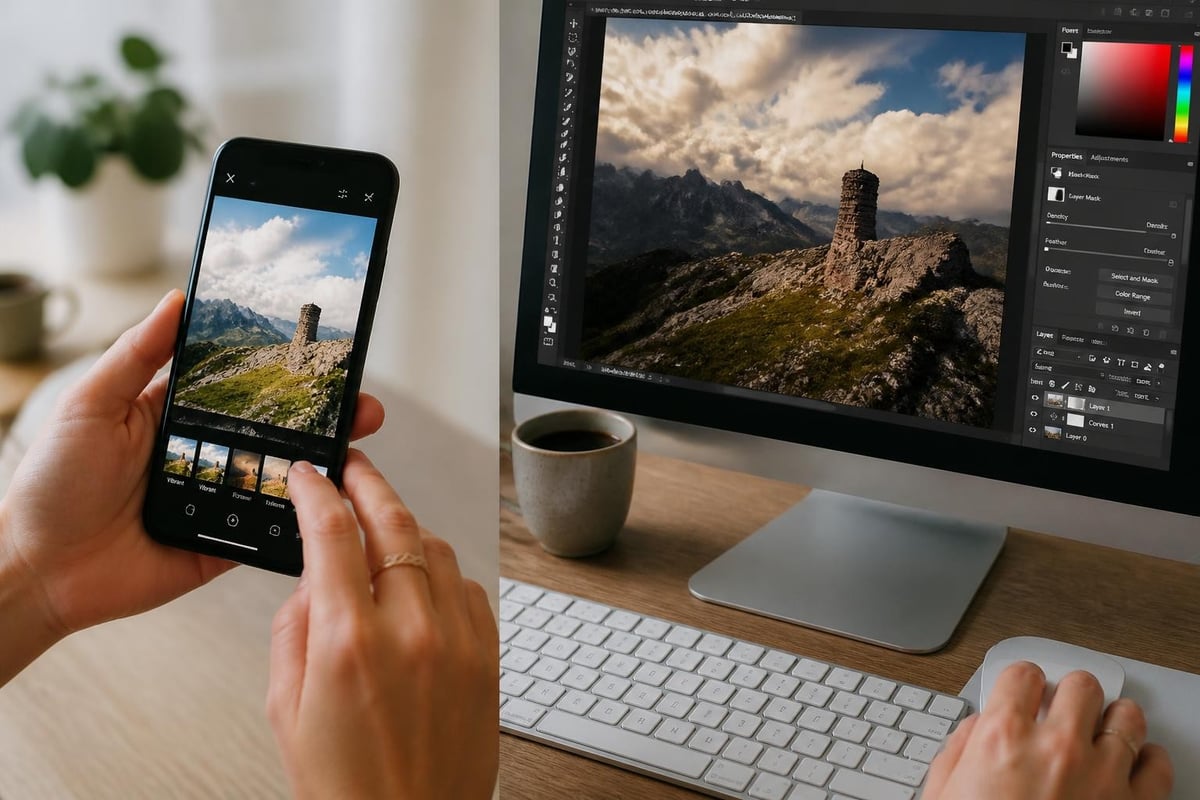
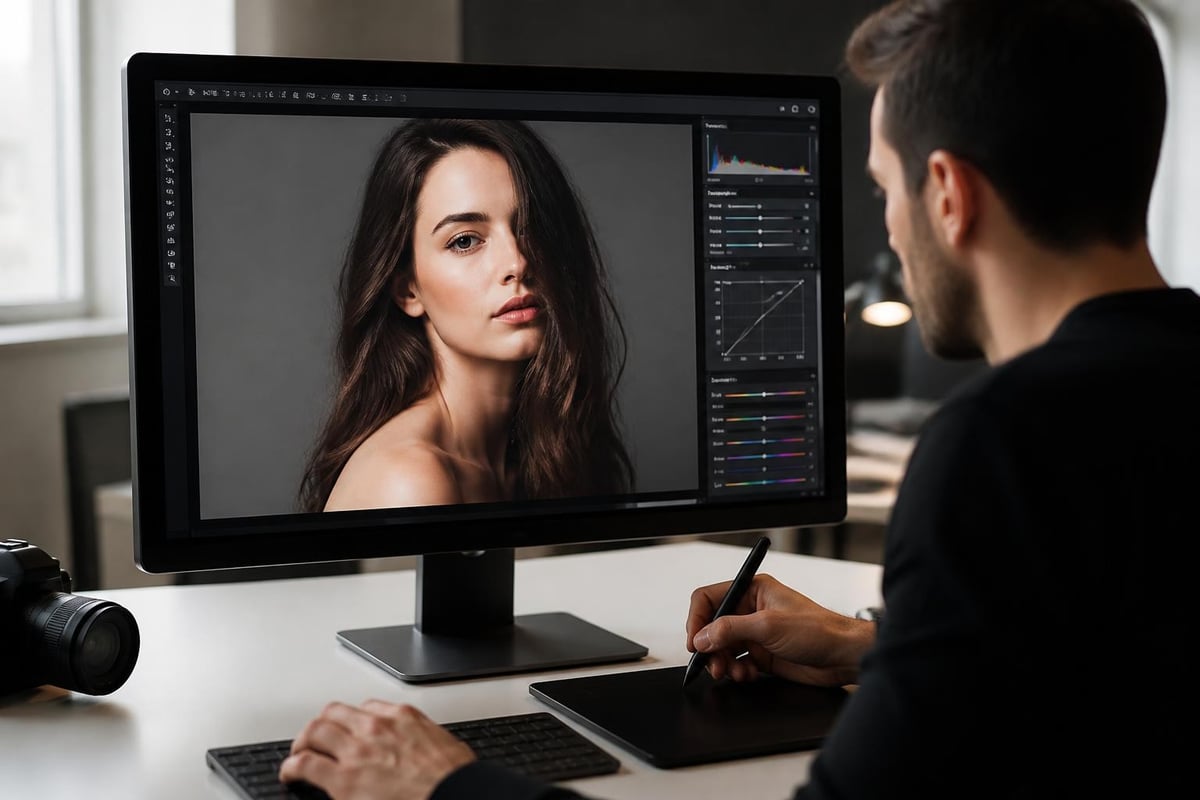
The ability to edit JPG files without downloading software has revolutionized how photographers, ecommerce businesses, and content creators handle their visual assets. With jpg editing online becoming increasingly sophisticated, you can now perform professional-level adjustments directly in your browser. This shift toward web-based editing solutions saves time, reduces costs, and eliminates the need for expensive software licenses while maintaining the quality standards required for commercial applications.
Understanding JPG Format and Online Editing Capabilities
The JPG (or JPEG) format remains the most widely used image file type across the internet, accounting for over 70% of all web images in 2026. This compression format balances file size with visual quality, making it ideal for product photography, social media content, and website graphics.
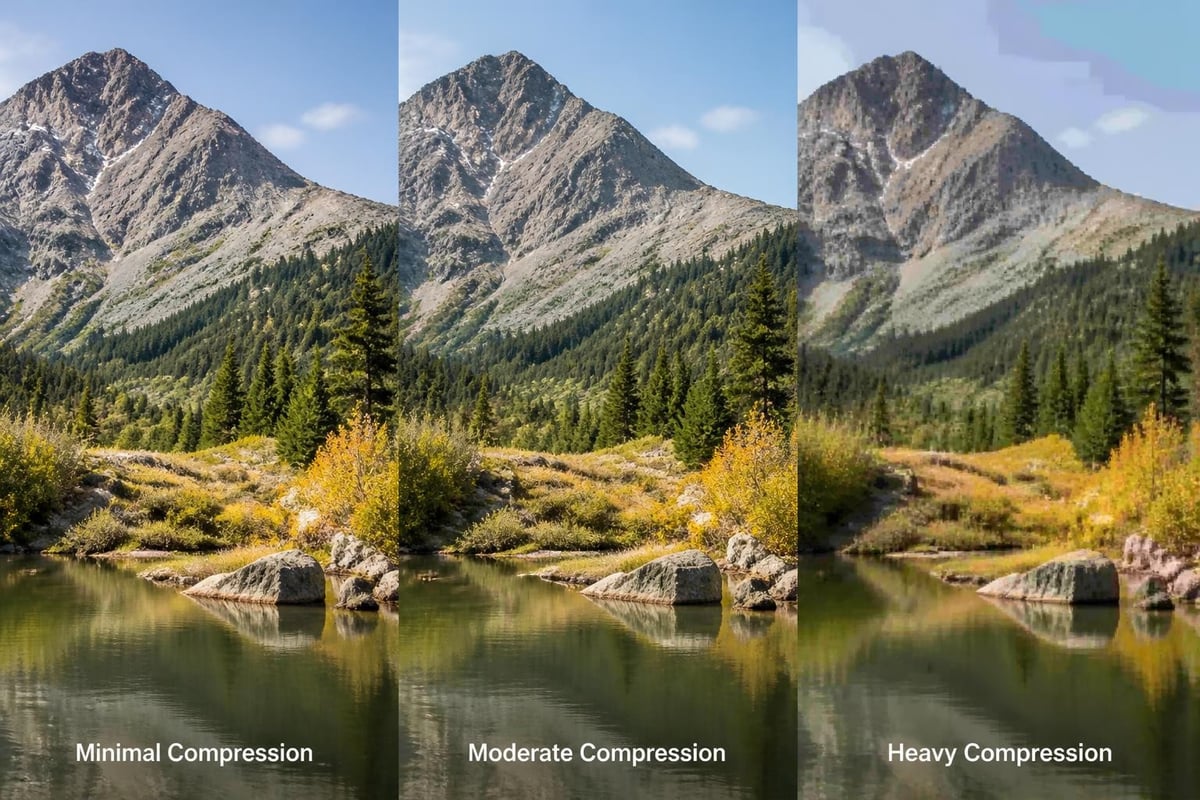
When you perform jpg editing online, you're working with a lossy compression format that discards some data to reduce file size. Each time you save a JPG, additional compression occurs, which can degrade image quality. Modern online editors have addressed this challenge through intelligent algorithms that minimize quality loss during the editing process.
Key Features of Browser-Based JPG Editors
Online JPG editing platforms now offer capabilities that previously required desktop software installation:
- Real-time preview of adjustments before saving
- Non-destructive editing that preserves original image data
- Batch processing for multiple images simultaneously
- Cloud storage integration with services like Dropbox and Google Drive
- Format conversion between JPG, PNG, WebP, and other formats
Professional photographers and ecommerce businesses benefit significantly from these features, particularly when managing large product catalogs or client galleries.
Top Online Tools for JPG Editing
The landscape of jpg editing online has expanded dramatically, with platforms offering specialized features for different use cases. Selecting the right tool depends on your specific requirements, whether you need quick adjustments or comprehensive retouching capabilities.
Comprehensive Editing Platforms
iLoveIMG provides a full suite of online image editing tools that process JPG files efficiently. The platform handles everything from basic cropping to advanced compression algorithms, making it valuable for users who need versatility without complexity. Their interface prioritizes speed, allowing you to complete edits in seconds rather than minutes.
For users seeking more focused functionality, JPEG.to's JPG editor delivers essential editing tools without requiring registration or software downloads. The platform emphasizes simplicity while maintaining professional output quality, making it particularly useful for quick edits on client projects.
| Platform | Best For | Key Strength | Processing Speed |
|---|---|---|---|
| iLoveIMG | Batch operations | Comprehensive tools | Very fast |
| JPEG.to | Quick edits | No registration | Instant |
| FreeToolio | Privacy-focused | Client-side processing | Fast |
| ImgModify | Essential tools | Browser-based | Moderate |
Privacy-Focused Solutions
FreeToolio has gained popularity among professionals who handle sensitive client images. The platform processes everything client-side, meaning your images never leave your device. This approach addresses privacy concerns while delivering real-time editing capabilities.
Similarly, ImgModify emphasizes privacy by processing images directly in your browser. For photographers working with unpublished shoots or businesses handling proprietary product images, this level of security becomes essential.
Professional Techniques for Online JPG Editing
Mastering jpg editing online requires understanding both technical specifications and creative application. The following techniques help maintain image quality while achieving professional results through browser-based tools.
Color Correction and Enhancement
Color accuracy determines whether product images convert browsers into buyers. When editing JPG files online, focus on these adjustment priorities:
- White balance correction to ensure accurate color representation
- Exposure adjustment to optimize brightness without clipping highlights
- Contrast enhancement to add depth and visual interest
- Saturation refinement to make colors vibrant without appearing artificial
- Shadow recovery to reveal details in darker areas
Professional photo editing services typically apply these adjustments in sequence, building upon each correction to achieve natural-looking results. The order matters because earlier adjustments affect how subsequent changes appear.
Optimizing Image Dimensions and Resolution
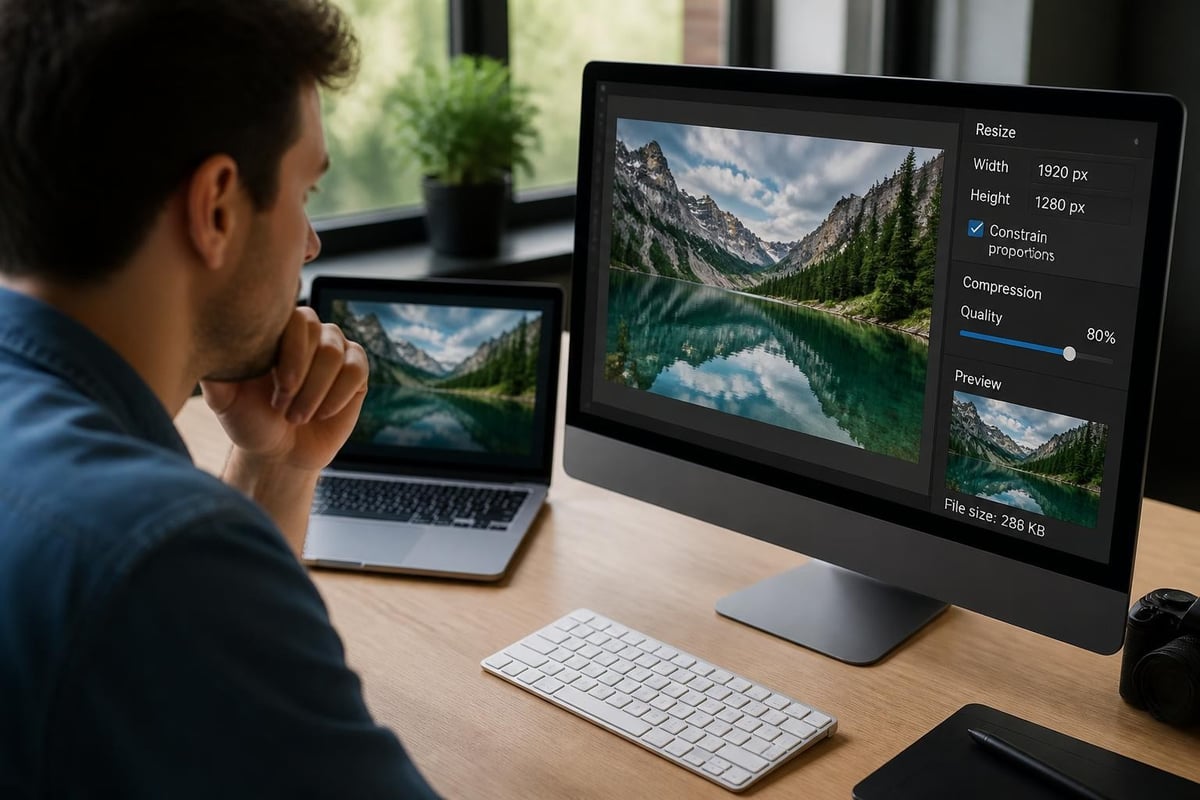
File size directly impacts website loading speed, which Google considers a ranking factor in 2026. When performing jpg editing online, resize images to match their display dimensions rather than uploading oversized files.
- Ecommerce product images: 1200-2000 pixels on the longest side
- Social media posts: Platform-specific dimensions (Instagram: 1080x1080 for squares)
- Blog featured images: 1200-1600 pixels wide
- Thumbnail images: 300-500 pixels maximum dimension
Advanced Editing Capabilities in Modern Online Editors
The gap between desktop and web-based editing continues to narrow as online platforms incorporate artificial intelligence and machine learning technologies. These advancements enable sophisticated edits that previously required professional expertise.
AI-Powered Background Removal
Background removal has become one of the most requested features for jpg editing online, particularly in ecommerce applications. Modern tools use neural networks trained on millions of images to distinguish subjects from backgrounds with remarkable accuracy.
The technology analyzes edge detection, color separation, and contextual understanding to create clean cutouts automatically. For businesses managing product catalogs, this automation reduces editing time from minutes per image to seconds.
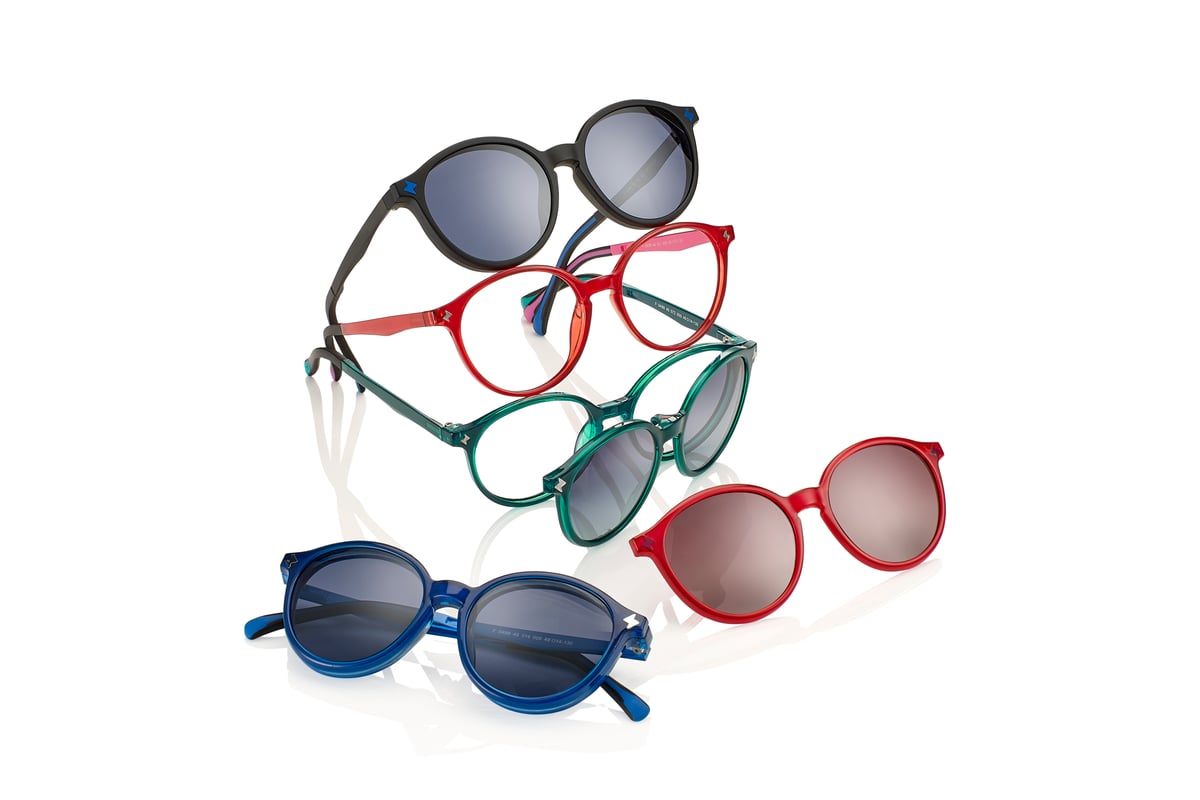
When working with product photography for online stores, clean backgrounds create consistency across your catalog. Ecommerce Photo Editing services combine automated background removal with manual refinement to ensure perfect edges and natural shadows, particularly important for transparent objects like glassware or items with fine details like jewelry.
Intelligent Object Removal and Cloning
Recent developments in image editing algorithms allow online tools to remove unwanted elements seamlessly. These tools analyze surrounding pixels to fill removed areas naturally, maintaining texture and lighting consistency.
| Technique | Application | Difficulty Level | Quality Result |
|---|---|---|---|
| Content-aware fill | Removing backgrounds | Easy | High |
| Clone stamp | Duplicating elements | Moderate | Very high |
| Healing brush | Fixing blemishes | Easy | High |
| Patch tool | Large area correction | Moderate | High |
Research into instruction-based image editing demonstrates how AI models can interpret natural language commands to perform complex edits. This technology increasingly powers consumer-facing jpg editing online platforms, making sophisticated techniques accessible to non-professionals.
Workflow Optimization for Batch JPG Editing
Processing multiple images efficiently requires systematic approaches that balance quality with productivity. Professional photographers and ecommerce managers often handle hundreds of images weekly, making workflow optimization critical.
Creating Editing Presets and Templates
Most online JPG editors now support preset creation, allowing you to save frequently used adjustment combinations. For product photography, create presets for:
- Standard color correction matching your brand guidelines
- Consistent crop ratios for platform requirements
- Watermark placement and opacity settings
- Export specifications including format and compression
Apply these presets across batches to maintain visual consistency while reducing repetitive manual work. This approach proves particularly valuable for social media content where maintaining brand identity across posts strengthens recognition.
Quality Control Checkpoints
Establish verification steps before finalizing edited JPG files:
- Zoom to 100% to check for artifacts or halos around edges
- Review on multiple devices to ensure color consistency
- Verify file size meets platform requirements
- Check metadata is appropriate for public distribution
- Test loading speed on typical connection speeds
Security Considerations for Online JPG Editing
When performing jpg editing online, understanding data security and privacy implications protects both your business and your clients. Different platforms handle uploaded images differently, affecting confidentiality and ownership rights.
Data Transmission and Storage Policies
Browser-based editors typically follow one of three processing models:
Server-side processing uploads your images to the platform's servers for editing. This approach enables more powerful processing but requires trusting the service provider with your files. Review terms of service to understand retention policies and whether platforms claim any rights to uploaded content.
Client-side processing handles all editing within your browser without uploading files to external servers. EditFlow exemplifies this approach, ensuring images remain on your device throughout the editing process. This method provides maximum privacy but may limit processing capabilities on older devices.
Hybrid processing combines both approaches, handling basic edits client-side while using servers for intensive operations like AI background removal.
Protecting Sensitive Images
For photographers handling unreleased work or businesses editing proprietary product images, additional security measures become necessary:
- Use platforms with SSL encryption for data transmission
- Clear browser cache after editing confidential images
- Verify platform compliance with relevant data protection regulations
- Consider using dedicated browsers for sensitive work
- Avoid public Wi-Fi when uploading valuable images
Research into image protection against AI editing reveals vulnerabilities in current protection methods, particularly with JPEG compressed images. This highlights the importance of controlling image access rather than relying solely on technical protections.
Technical Considerations for JPG Quality Preservation
Understanding how compression affects image quality helps you make informed decisions when performing jpg editing online. Each save operation applies compression, potentially degrading quality through cumulative losses.
Compression Settings and Quality Levels
JPG compression uses quality scales typically ranging from 0-100, where higher numbers preserve more detail:
- 90-100: Minimal compression, suitable for archival or print
- 80-89: Balanced quality, ideal for web display
- 70-79: Moderate compression, acceptable for thumbnails
- Below 70: Heavy compression, noticeable quality loss
For jpg editing online, most platforms default to quality levels around 85, balancing visual fidelity with practical file sizes. When editing images multiple times, work from the highest quality source available rather than repeatedly editing previously compressed versions.
Understanding Artifacts and How to Minimize Them
JPG compression creates distinctive artifacts including blocking (visible 8x8 pixel squares), color banding (smooth gradients appearing stepped), and halos around high-contrast edges. Online editing tools with advanced algorithms minimize these issues through:
- Smart compression that analyzes image content
- Selective quality application to critical areas
- Denoising filters applied before final compression
- Chroma subsampling optimization
Professional workflows often maintain master files in lossless formats like TIFF or PNG, creating JPG versions only for final delivery. This approach preserves maximum quality throughout the editing process.
Emerging Technologies in Online JPG Editing
The future of jpg editing online incorporates artificial intelligence, machine learning, and computational photography to automate complex tasks and enhance creative possibilities.
Generative AI and Image Enhancement
Modern online editors leverage generative AI to upscale images, enhance details, and even recreate missing portions of photographs. These technologies analyze patterns in training data to predict and generate realistic image content.
Methods like SDEdit using stochastic differential equations balance realism with faithfulness when editing images, producing results that maintain the original's character while incorporating requested changes. Such approaches increasingly power features in consumer jpg editing online platforms.
Real-Time Collaborative Editing
Cloud-based editing platforms now enable multiple users to work on the same image simultaneously, similar to collaborative document editing. This capability benefits photography studios, marketing teams, and agencies managing complex projects with distributed teams.
Real-time collaboration includes:
- Shared editing sessions where changes appear instantly for all participants
- Comment and annotation tools for feedback without separate communication channels
- Version history tracking who made which changes and when
- Permission controls managing who can view versus edit
Best Practices for Professional Results
Achieving professional quality through jpg editing online requires combining technical knowledge with creative judgment. These practices separate amateur edits from commercial-grade results.
Maintaining Consistent Visual Identity
Whether editing product images for an ecommerce store or creating content for social media, consistency strengthens brand recognition. Develop and document editing standards including:
- Specific color values for branded elements
- Consistent lighting style (soft and diffused versus dramatic and contrasty)
- Standard crop ratios and compositions
- Watermark placement and styling
- Background preferences (white, transparent, lifestyle)
Photography professionals understand that consistency creates professional polish that elevates perceived quality across entire portfolios or product catalogs.
When to Choose Online Versus Desktop Editing
While jpg editing online offers convenience and accessibility, certain situations benefit from traditional desktop software:
Choose online editing for:
- Quick adjustments on the go
- Basic edits like cropping and resizing
- Batch processing with simple operations
- Situations where you cannot install software
- Collaborative projects requiring shared access
Choose desktop software for:
- Complex compositing requiring multiple layers
- Precision work with advanced masking
- RAW file processing and conversion
- Projects requiring specific color profiles
- Extensive retouching with detailed local adjustments
Understanding these distinctions helps you select appropriate tools for specific projects, maximizing both efficiency and quality.
Mastering jpg editing online empowers photographers, ecommerce businesses, and content creators to produce professional-quality images efficiently without expensive software investments. The techniques and tools outlined here provide a foundation for achieving consistent, high-quality results that meet commercial standards. When your editing needs extend beyond basic adjustments to comprehensive retouching, color correction, and specialized services like background removal or product photography enhancement, Photo Editing Company delivers professional results with the expertise and attention to detail that elevate your visual content from acceptable to exceptional.