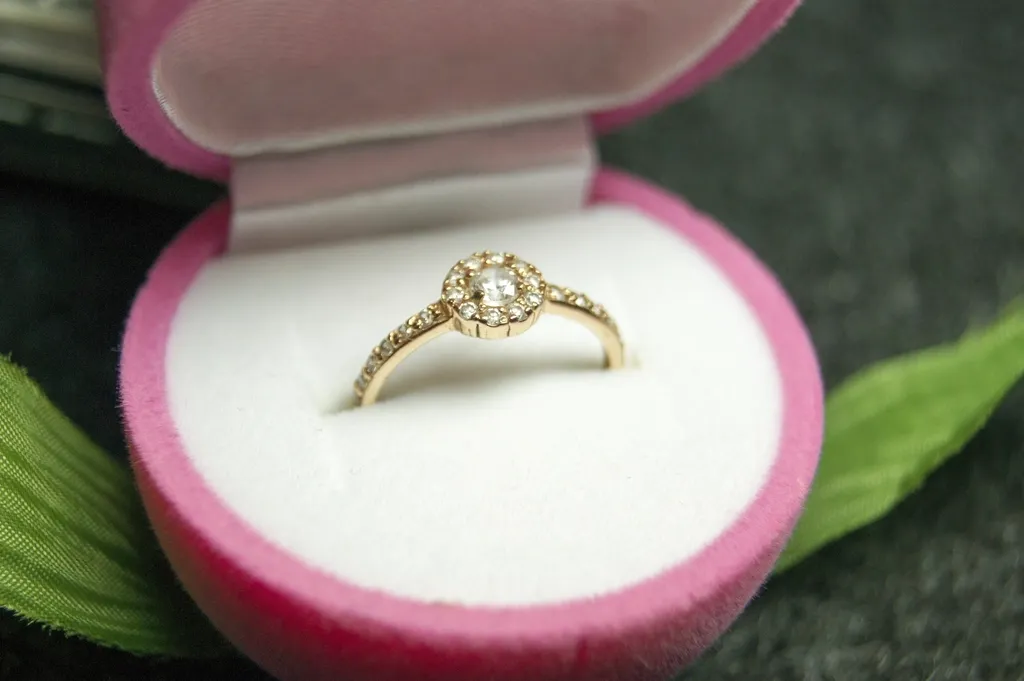

We are based in Cebu, and a growing share of our work is for Filipino businesses rather than overseas clients. If you are selling on Shopee or Lazada, running a studio in Manila or Davao, or marketing a resort in Palawan, you are working with a local team in your own time zone.
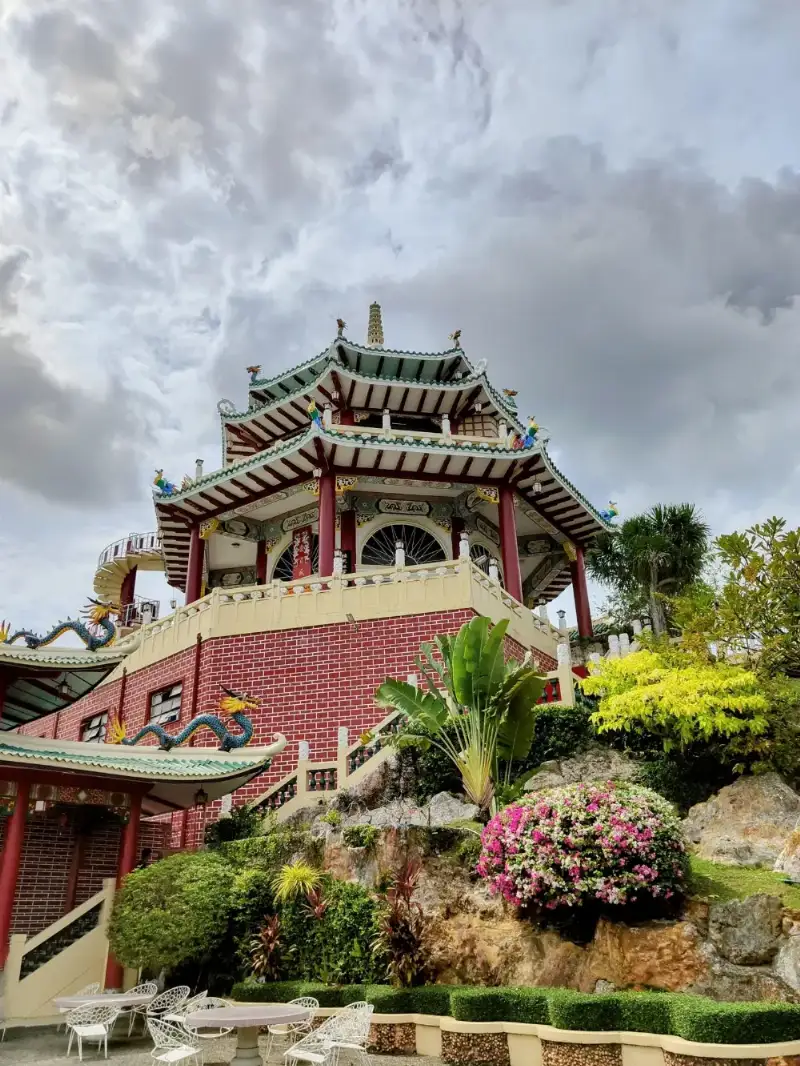
Online sellers on Shopee and Lazada
Marketplace competition here is fierce and almost entirely visual. Shoppers scroll quickly on phones, comparing thumbnails, and the listing with clean, bright, consistent images wins the tap. Many Filipino sellers photograph products at home in variable light, which produces catalogues that look assembled rather than designed.
We clean those up: white or light backgrounds for the main listing image, consistent brightness across the catalogue, and crops that keep the product readable at thumbnail size. We also prepare the vertical formats that perform best in the apps.
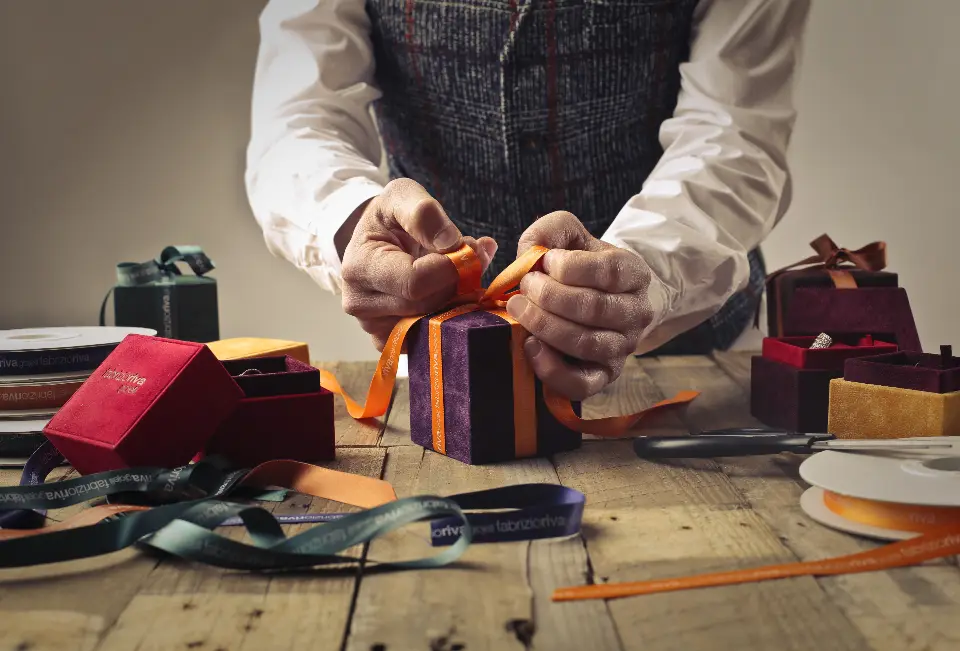
Studios and event photographers
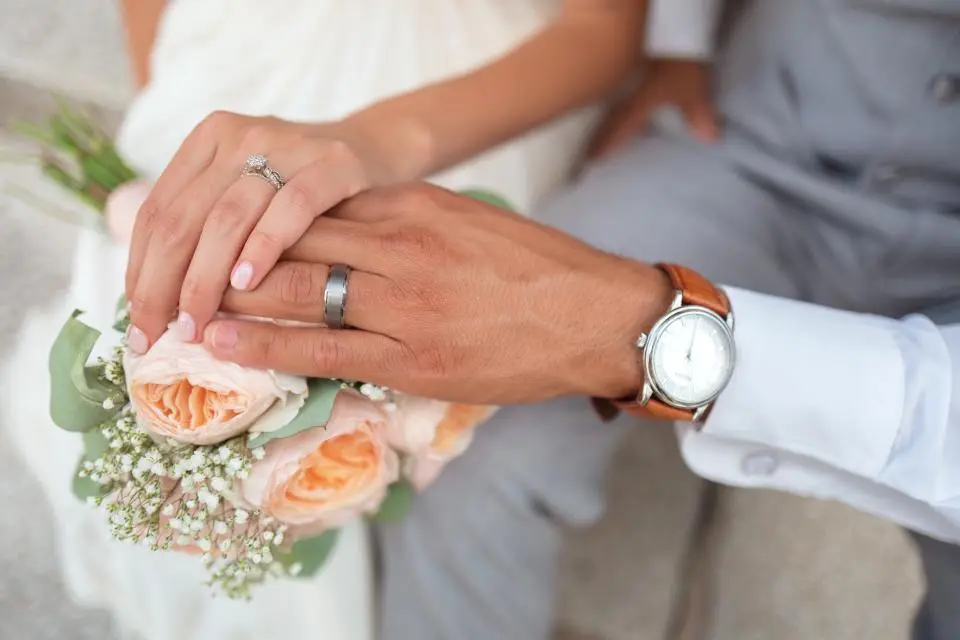
Wedding and event photographers across the Philippines use us for culling support and bulk retouching, particularly during peak season when a single wedding generates hundreds of images needing consistent colour and skin work. Outsourcing the editing lets a photographer shoot more dates without sacrificing delivery times.
Resorts, restaurants and local tourism
Tourism photography here has recurring technical problems: harsh midday tropical light, strong colour casts from water and foliage, and skies that blow out against darker beach or forest foregrounds. We balance these so a resort looks inviting and, importantly, still looks like the actual place when a guest arrives.
Working with a local team
Being in the same country removes several frictions. We work the same hours, so a question gets answered within minutes rather than overnight. We can be paid through local bank transfer or GCash rather than international wire. And for Cebu-based clients, meeting in person to discuss a large project is straightforward.
Sale days, payday sales and live selling
Online shopping in the Philippines is shaped by big sale events. Shopee and Lazada run major campaigns on double-digit dates such as 9.9, 10.10, 11.11 and 12.12, alongside regular payday sales, and TikTok Shop has added live selling and short video to the mix. Each of these brings a surge of new listings, bundles and promotional images in the days before it starts.
Sellers who plan their product photography and editing a few weeks ahead have a clear advantage. Fresh, consistent images go live on time, while sellers who leave it to the last day often end up uploading whatever they have. If you know a campaign is coming, send your photos early so the editing fits comfortably before the sale begins.
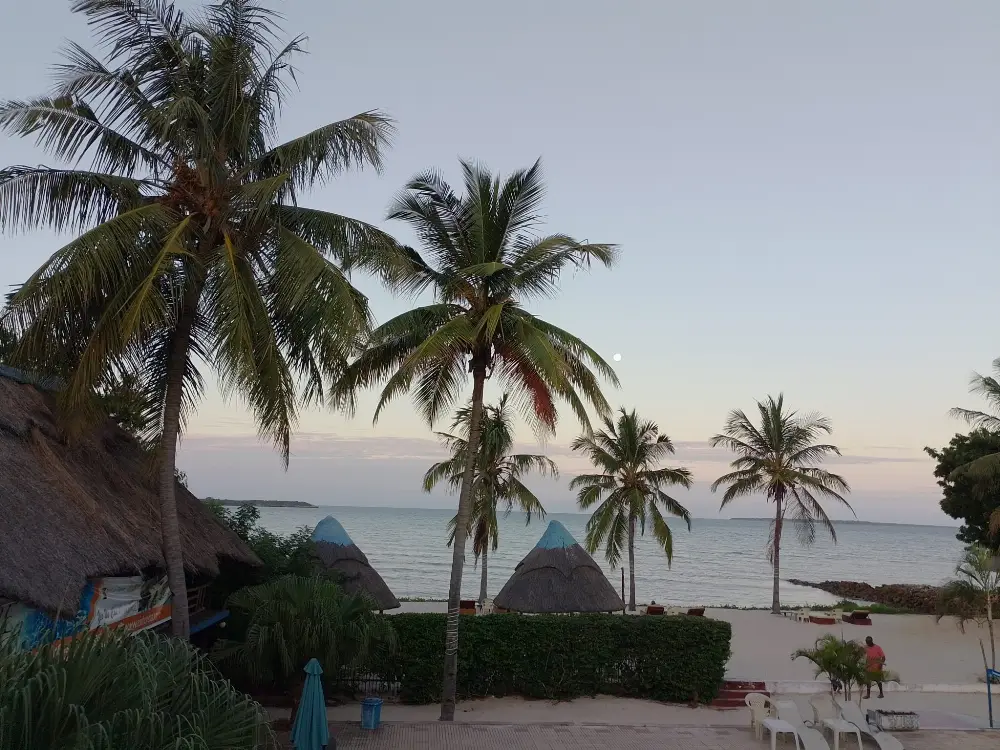
Making home-shot product photos look professional
Many Filipino sellers start by photographing products at home, often on a phone, and that is completely workable. The most common problems are easy to fix in editing:
- Yellow or blue colour casts from indoor bulbs, corrected to neutral so products look true to life.
- Busy backgrounds, replaced with clean white or light backgrounds for the main listing image.
- Uneven brightness between products shot on different days, matched so the shop looks consistent.
- Products that look small in the frame, re-cropped so they stay clear at thumbnail size.
- Dust, fingerprints and small marks on packaging, cleaned up without changing the product.
For better results at the shooting stage, our guide to improving product photos with a smartphone covers simple setups that work at home.
Handling the rainy season and tropical light
Outdoor photography in the Philippines has to cope with both harsh dry-season sun and grey, overcast days during the rainy months. Resort, real estate and event photographers often deliver images shot in very different conditions for the same client. Editing brings these into line: recovering highlights from bright midday shots, lifting dull rainy-day images, and replacing flat skies only where it still represents the location honestly.
How working with us usually runs
1. Send a few photos
Upload three images and tell us what they are for, such as Shopee listings, a wedding gallery or a resort website.
2. Free test edit
We edit them and send them back so you can see the difference before deciding anything.
3. Agree the look
Once you are happy, we note your preferences, including background, brightness, crop sizes and formats, so every batch matches.
4. Regular batches
Send new photos whenever you have them, whether a few products a week or a full wedding gallery, and receive them edited in the same style.
5. Easy payment and communication
Because we are in the same country and time zone, questions are answered during your working day.
How to prepare your photos
- Shoot in daylight near a window, or under one type of light, and avoid mixing bulbs.
- Use a plain white or light background, even a sheet of white cardboard.
- Keep your phone or camera steady and at the same distance for each product.
- Send the original files from your phone or camera, not screenshots or compressed chat images.
- Tell us the platforms you sell on so images are cropped to the right sizes.
Walkthrough: turning a home product photo into a listing image
Here is how a typical product photo taken at home on a phone becomes a clean main image for Shopee or Lazada.
Step 1: Check the original
We check that the product is sharp and fully visible. If it is blurry or cut off, we will suggest a quick reshoot rather than spend time on an image that cannot be fixed.
Step 2: Fix the colour
Yellow or blue casts from indoor lights are removed, and the product colour is adjusted to look like the real item.
Step 3: Remove the background
The product is cut out cleanly from the table, bedsheet or floor it was photographed on.
Step 4: Clean up
Dust, fingerprints and small marks on the product or packaging are removed.
Step 5: New background and crop
The product is placed on a clean white or light background, centred and cropped so it stays clear at thumbnail size.
Step 6: Platform sizes
Square images for listings and vertical versions for social media and live selling promotions are prepared.
Common mistakes we see from online sellers
- Products that look different colours in each photo because they were shot under different lights.
- Busy home backgrounds that distract from the product.
- Products too small in the frame to be seen on a phone screen.
- Over-filtered photos that make products look different from what customers receive.
- Shop pages where every product has a different background and style.
Photographers, resorts and local businesses
Beyond online sellers, many Philippine businesses rely on photography to win customers. Wedding and debut photographers need large galleries edited quickly and consistently. Resorts and restaurants need photos that make a place look inviting on booking sites, Google and social media. Real estate brokers need bright, straight, clutter-free photos for property listings.
Each of these has the same core need: consistent, natural-looking images that represent the real thing well. A resort that looks very different from its photos disappoints guests and gets poor reviews, while an honest but attractive image builds trust. That is the balance we aim for in every edit.
Working with a local team also makes collaboration easy. You can explain what you need in English or Filipino, ask questions during normal working hours, and adjust quickly when a client changes their mind.
What affects price and turnaround
The main factors are the type of editing and the number of images. A simple background clean-up for a product photo takes less time than detailed portrait retouching or a full wedding gallery. Regular sellers with steady volumes are priced differently from one-off projects, and turnaround depends on batch size and the time of year, since wedding season and the big sale months are busier. Send a sample to get an exact quote.
Thumbnails for live selling and video
Live selling and short video have become an important way to sell online in the Philippines. Even when the selling happens on video, a still image usually decides whether people tap in: the stream thumbnail, the product card shown during the live, or the cover of a short video.
These images work best when the product is large, bright and clearly separated from the background, with space left for the price or promo text your platform adds. Preparing a set of clean product cut-outs in advance makes it quick to build thumbnails and on-screen product cards for every live session.
Questions to ask before choosing an editor
There are many photo editors in the Philippines, from freelancers to studios. Before choosing one, ask:
- Can I see a free test edit on my own photos?
- How fast can you return my usual number of images, especially before big sales?
- Will every batch match the same style, even months later?
- How do I send files and pay?
- Will you tell me honestly when a photo needs to be reshot?
A sample brief
For example: thirty product photos for my Shopee shop, taken on my phone; white background; bright and clean; product big in the frame; square size for listings plus vertical size for TikTok; same style as my last batch; needed before the 11.11 sale.
Services Filipino businesses use most
- E-commerce photo editing: clean product images for Shopee, Lazada and TikTok Shop.
- Background removal: white or light backgrounds for main listing images.
- Wedding photo editing: consistent colour and retouching across large galleries.
- Real estate photo editing: bright, straight, clutter-free property photos.
- Food photo editing: appetising menu and social media images for restaurants.
Key takeaways
- Clean, consistent thumbnails win on mobile marketplaces.
- Phone photos can usually be improved a lot, and honest advice tells you when to reshoot.
- Send images early before 11.11, 12.12 and payday sales.
- A local team means the same hours and easy communication.
- A free test edit on your own photos is the best way to judge quality before sending a larger batch.
Frequently asked questions
Can you edit product photos for Shopee and Lazada?
Yes. We create clean main listing images, consistent brightness and colour across your catalogue, and crops that stay clear at thumbnail size on mobile, sized for the platforms you sell on.
Can you improve photos taken on a phone?
Yes. Phone photos can usually be improved a lot by correcting colour, replacing busy backgrounds and matching brightness. If a photo is too blurry or dark to fix, we will tell you honestly so you can reshoot it.
Do you edit wedding and event photos?
Yes, including consistent colour and skin retouching across large galleries, which helps photographers deliver faster during peak wedding season.
Are you really based in the Philippines?
Yes. Our studio is in Cebu, so we work the same hours as you, and for Cebu-based clients it is easy to meet in person to discuss larger projects.
How do I send my photos?
Use our upload page, or share a cloud folder link. For regular work, a shared folder makes it easy to send new batches whenever they are ready.
Can you help before 11.11 and 12.12 sales?
Yes. Send your photos as early as possible before the sale date, and we will plan the editing so your listings and promotional images are ready on time.
Do you edit photos in small quantities?
Yes. You can send just a few photos at a time, which suits small sellers adding new products every week.
Try three images first
Send three photographs and tell us what you are selling or shooting. We will edit them and send them back, and you can decide from there with nothing committed.