
How to Improve Your Photos with Ai in 2025
To improve your photos with AI in 2025, you must realize that technology has shifted from being a simple filter to becoming a sophisticated creative partner. Consequently, getting the best results now involves a blend of automated utility and generative creativity. This transition is important because it saves hours of manual labor while simultaneously maintaining professional standards.
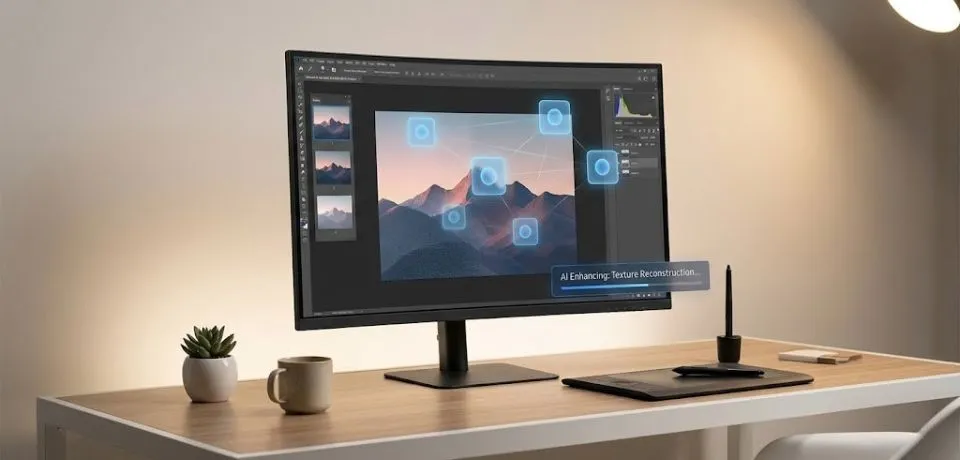
Here are some tips to help you improve your photos with AI
1. Professional Cleanup & Object Removal
First and foremost, the old “cloning and stamping” era has largely been replaced by context-aware generative tools.
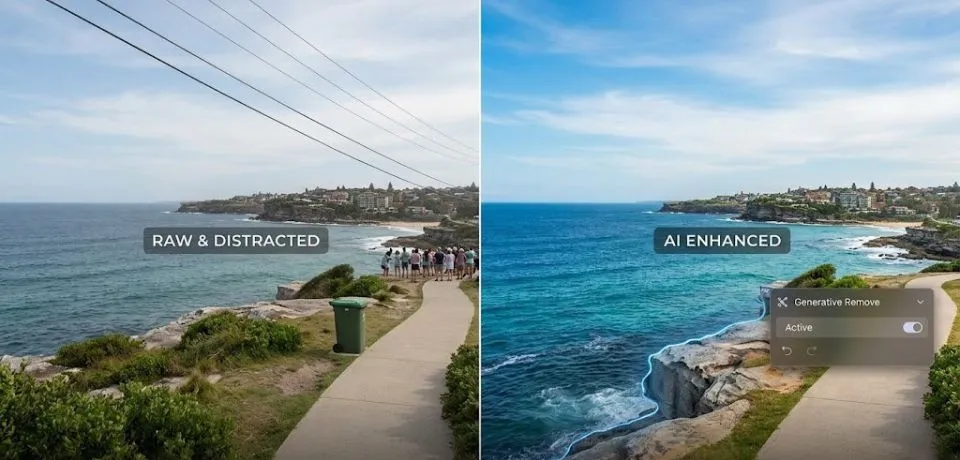
- Generative Remove (Lightroom/Photoshop): Instead of just blurring out a distraction, the system now analyzes lighting and texture to “re-imagine” what belongs behind an object. Therefore, this is perfect for removing power lines or tourists from a shot.
- Distraction Removal: Furthermore, modern tools can now automatically detect and suggest the removal of common “photo killers” like trash bins or wires with a single click. As a result, your main subject remains the center of attention.
2. Improve Your Photos with AI for Advanced Product & Jewelry Retouching
In addition to basic cleanup, AI tools have become much more surgical for high-end items where detail is everything.
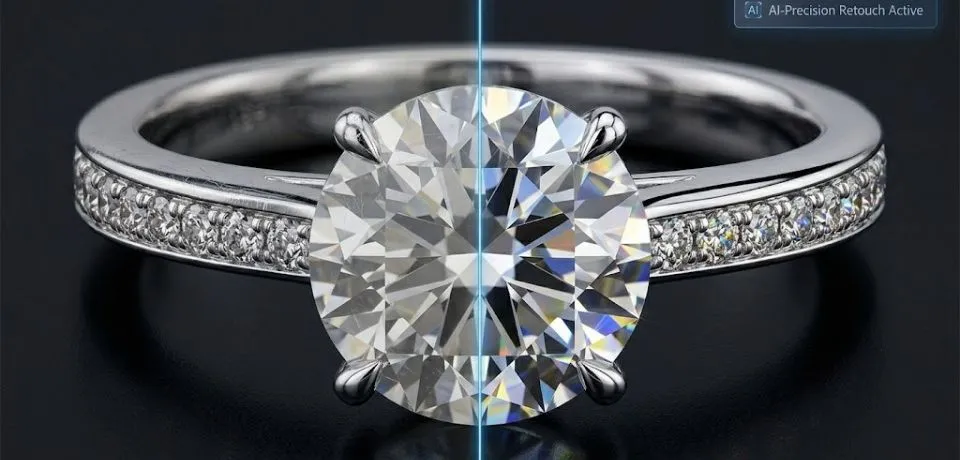
- Relighting Tools: For example, software like Luminar Neo allows you to map a 3D scene from a 2D photo. Because of this, you can shift the light source to highlight gemstones or product curves after the shot is taken.
- Background Synthesis: Moreover, you can now swap a flat studio background for a realistic lifestyle scene. Specifically, the AI ensures shadows and reflections match the new environment perfectly.
- Micro-Detail Enhancement: Similarly, upscalers like Topaz Photo AI do not just enlarge pixels. Instead, they reconstruct textures to make jewelry sparkle more than the original sensor could manage.
3. High-Volume Workflow Automation
If you are managing hundreds of images, AI handles the “grunt work” so you can focus on the art.
- Assisted Culling: New features use AI to automatically group photos. Subsequently, they flag the ones with the best focus and sharpest composition.
- Style Learning: Platforms like Imagen AI learn your personal editing style from past work. Afterward, they apply it to new sets of photos instantly to keep your brand consistent.
4. Improve Your Photos with AI Using Generative Expansion
On the other hand, if your composition is too tight or you need a vertical shot for a reel, generative expansion is the answer.
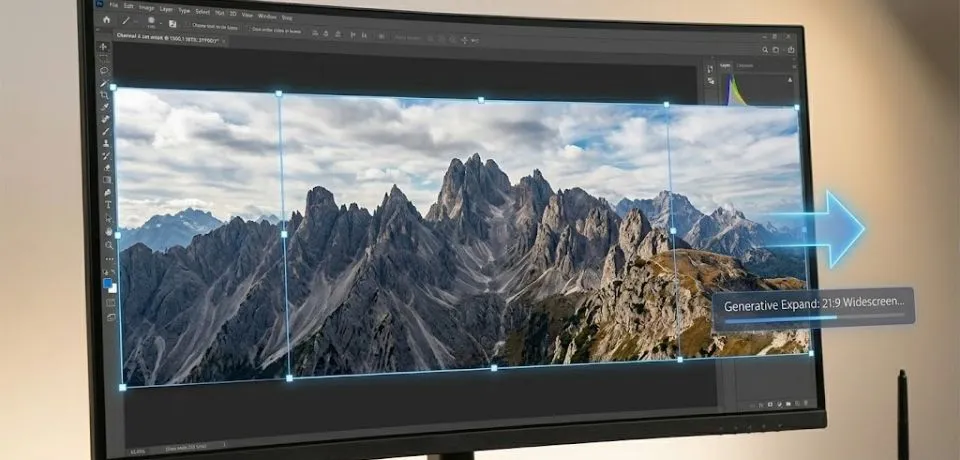
- Generative Expand: By using Photoshop to drag the crop tool beyond the borders, the AI fills empty space with matching scenery. Thus, you can extend mountains or streets without any visible seams.
- Aspect Ratio Correction: Following this, you can easily turn landscape photography into social-media-ready vertical content without losing the subject.
5. Summary of Top AI Tools for 2025
| Tool | Best For | Key Feature |
| Adobe Photoshop | Creative Manipulation | Generative Fill & AI Assistant |
| Luminar Neo | Quick Enhancements | Sky AI & 3D Relighting |
| Topaz Photo AI | Image Quality | Denoise, Sharpen, and Upscale |
| Retouch4me | Portrait & Fashion | Automated skin and fabric cleanup |
| Remove.bg | E-commerce | Instant, high-quality background removal |
CONCLUSION
Ultimately, AI is changing how we look at our pictures, making it easier than ever to get the look you want without spending all day at a computer. You can now fix small mistakes or even change a whole background with just a few clicks of a button. These new tools are here to help you tell your story and share your favorite moments with more clarity. It is an exciting time to be a creator, as the technology does the hard work while you focus on being creative.
Since these tools are getting better every day, I want to know what you think about this new way of working. Do you think these new tricks make photography more fun, or do you prefer the old way of doing things? Please share your thoughts and your favorite tips in the comments below!
Read Next: How to Spot the Difference Between AI and Manual Photo Edits