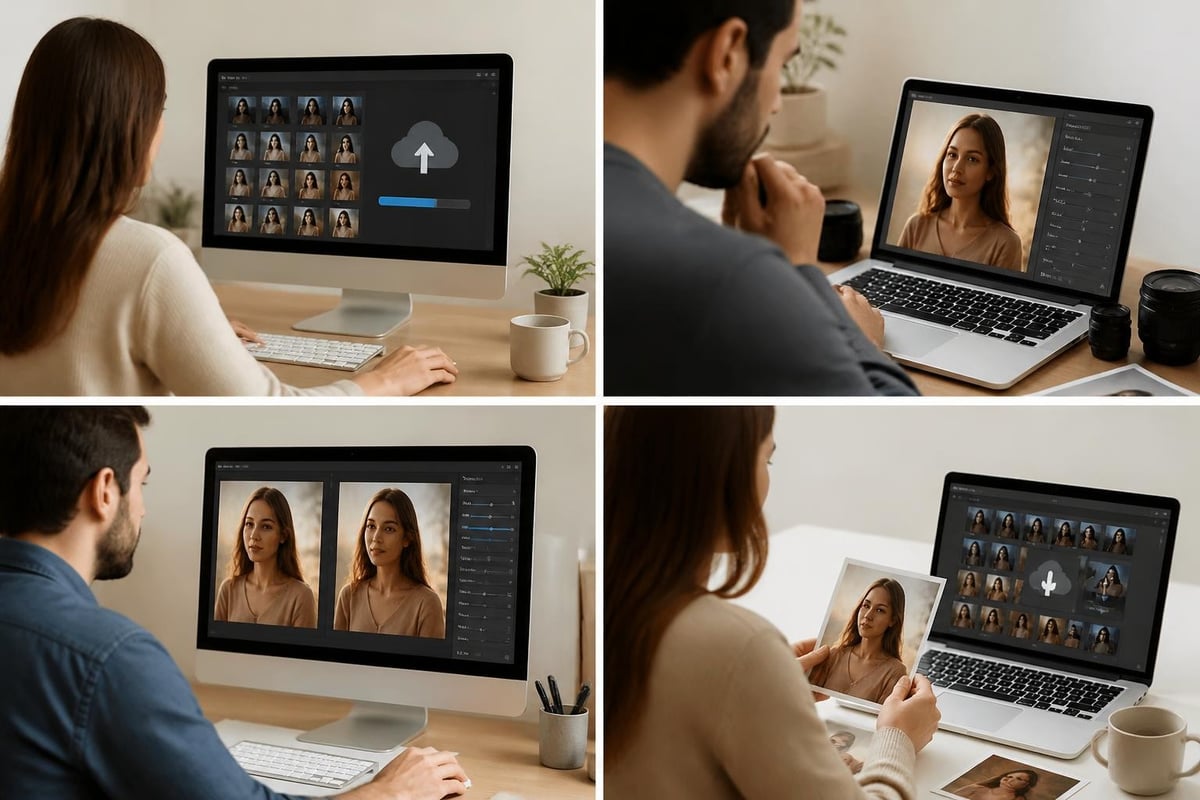
Professional retouching skin has evolved significantly over the past decade, transforming from heavy airbrushing to sophisticated techniques that preserve natural texture and authentic beauty. Today's photographers, retouchers, and brands demand results that enhance rather than erase, creating images that look polished yet believable. Understanding the nuances of skin retouching requires technical expertise, artistic judgment, and a commitment to ethical standards that respect both the subject and the audience. Whether you're working on fashion editorials, e-commerce portraits, or personal branding images, mastering these techniques will elevate your work and deliver results that clients appreciate.
Understanding the Fundamentals of Professional Skin Retouching
Retouching skin begins with recognizing that every face tells a story. The goal isn't to create a plastic, artificial appearance but to enhance the subject's natural features while minimizing temporary imperfections. Professional retouchers distinguish between permanent characteristics that define a person's unique appearance and temporary blemishes that can be addressed without compromising authenticity.
The foundation of effective skin work involves several key principles. First, preservation of skin texture remains paramount. Modern audiences have developed a sophisticated eye for over-retouched images, and the backlash against unrealistic beauty standards has pushed the industry toward more natural approaches. Second, color consistency across different skin tones requires careful attention to avoid creating unnatural patches or inconsistent lighting. Third, maintaining the integrity of the original image through non-destructive editing methods ensures you can always revisit and adjust your work.
Essential Tools and Software Setup
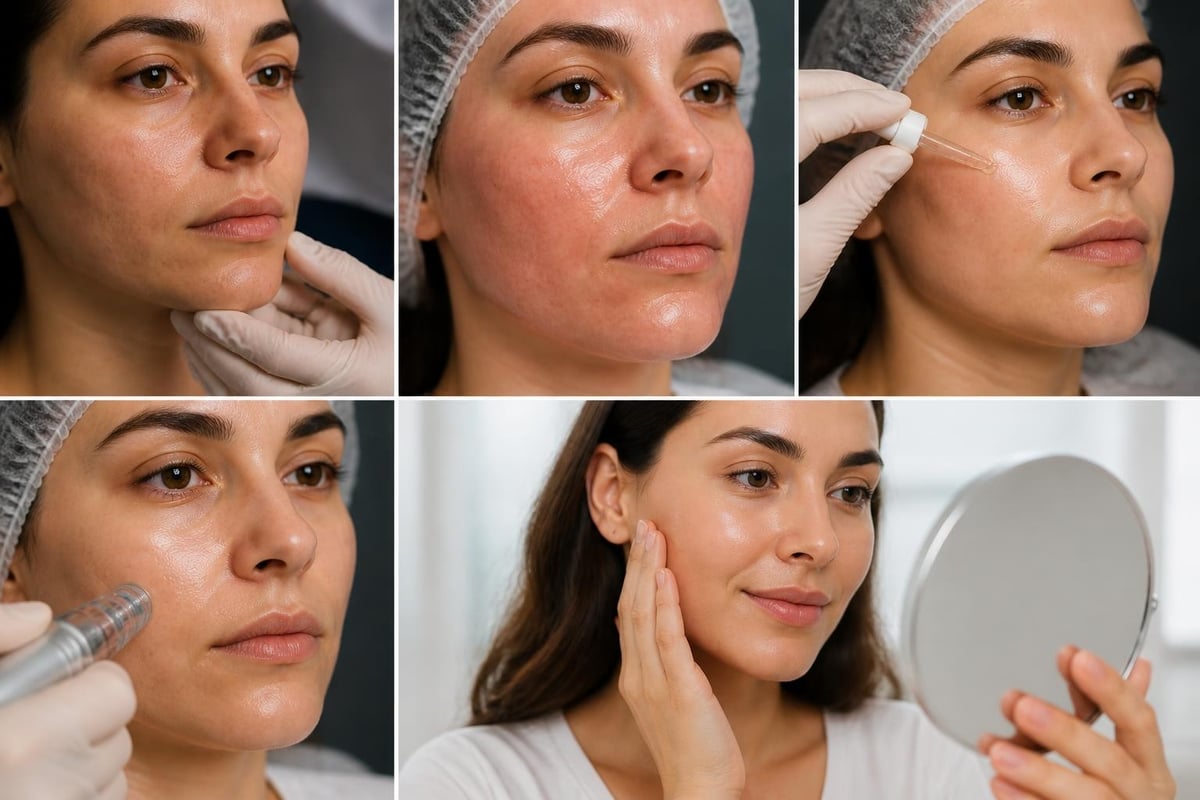
Professional retouchers rely on a carefully configured toolkit that supports precision work. Adobe Photoshop remains the industry standard, offering unparalleled control over every aspect of the retouching process. Layers, masks, adjustment layers, and blend modes form the backbone of any serious skin retouching workflow.
Core tools for retouching skin include:
- Healing Brush and Spot Healing Brush for blemish removal
- Clone Stamp for texture-aware corrections
- Dodge and Burn tools for dimensional shaping
- Frequency Separation for independent texture and tone control
- Color grading adjustment layers for skin tone harmonization
- High-pass filters for selective sharpening
Setting up a non-destructive workflow from the start saves countless hours and prevents irreversible mistakes. This approach allows retouchers to work on separate layers, preserve original data, and make adjustments at any stage without starting over. The professional skin retouching workflow emphasizes this principle as fundamental to delivering quality work consistently.
Advanced Techniques for Natural-Looking Results
The frequency separation technique has revolutionized how professionals approach retouching skin. This method separates color and tone information from texture detail, allowing retouchers to address each independently. By working on two different frequencies, you can smooth skin tones without destroying the natural texture that makes skin look real and dimensional.
Implementing frequency separation requires creating two layers: a low-frequency layer containing color and tone information, and a high-frequency layer preserving texture details. This separation enables precise control over each element. You can blur away color inconsistencies without affecting pores and fine lines, or smooth texture without muddying color transitions. The frequency separation tutorial demonstrates these principles in practical application.
Working with Different Skin Types and Tones
One of the most critical aspects of professional retouching involves adapting your approach to different skin characteristics. What works beautifully on fair, dry skin may produce terrible results on darker, oily skin. Understanding these differences prevents costly mistakes and ensures consistent quality across diverse subjects.
| Skin Type | Key Considerations | Recommended Approach |
|---|---|---|
| Fair/Light | Shows redness easily, visible texture | Gentle color correction, preserve texture |
| Medium | Balanced tones, varied texture | Standard techniques, watch undertones |
| Dark/Deep | Rich undertones, highlights critical | Preserve depth, enhance natural shine |
| Oily | Reflective areas, enlarged pores | Control shine, maintain texture |
| Dry | Texture emphasized, uneven tone | Subtle smoothing, enhance hydration appearance |
Retouching techniques for different skin types and tones requires sensitivity and technical knowledge. Each skin tone reflects light differently and responds uniquely to color adjustments. Dark skin, for instance, often features beautiful golden or red undertones that must be preserved and enhanced rather than neutralized. Over-lightening or desaturating these tones creates an unnatural, ashen appearance that fails to honor the subject's natural beauty.
Ethical Considerations in Modern Retouching
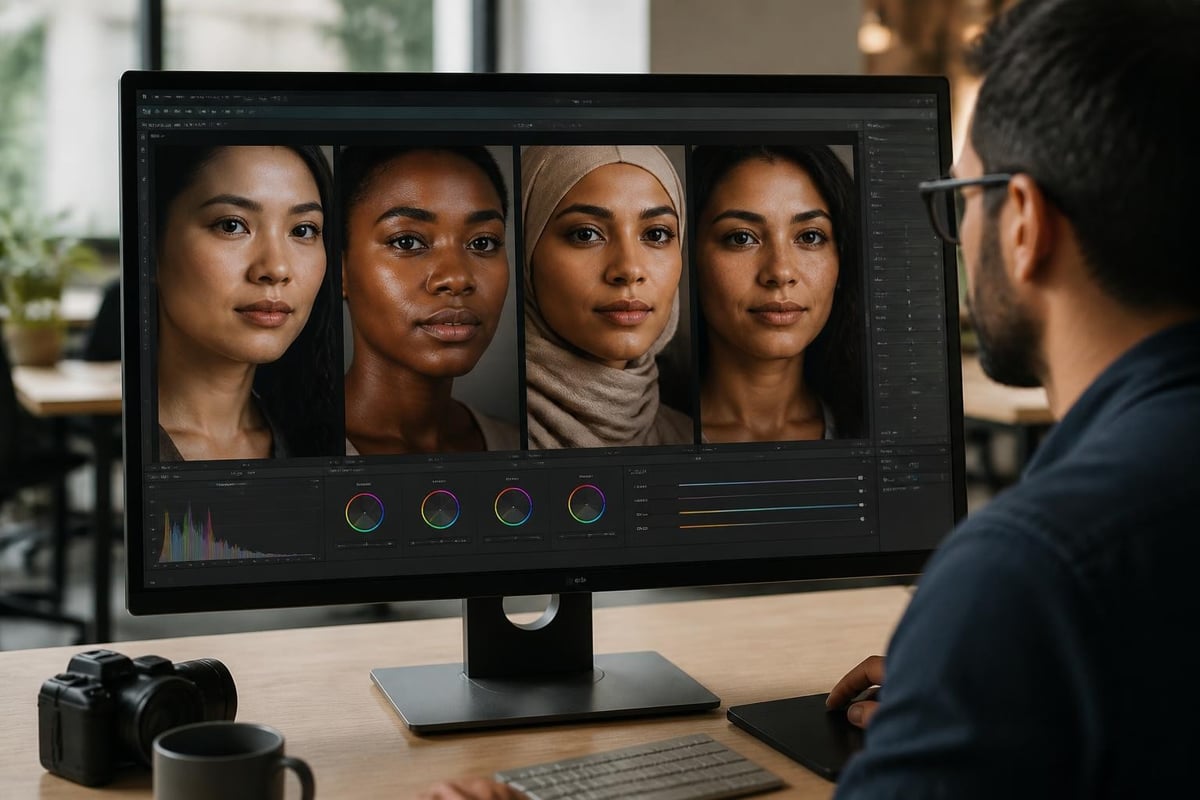
The conversation around retouching ethics has intensified as society grapples with unrealistic beauty standards and their psychological impact. Professional retouchers now face increasing pressure to balance client expectations with social responsibility. Understanding where to draw the line between enhancement and misrepresentation has become essential to maintaining professional integrity.
Several countries have implemented regulations requiring disclosure when images have been significantly altered, particularly in advertising. France, for example, requires labels on commercially published photographs where a model's appearance has been manipulated. These regulations reflect growing awareness of how manipulated images contribute to body image issues, especially among young people.
Ethical retouching guidelines include:
- Preserve the subject's unique identifying features
- Remove only temporary imperfections, not permanent characteristics
- Maintain realistic body proportions and shapes
- Disclose significant alterations when required or appropriate
- Consider the psychological impact on both subject and audience
The ethics of retouching discussion extends beyond legal requirements to professional responsibility. Many photographers and retouchers now adopt personal codes of practice that limit the extent of manipulation they're willing to perform. This approach protects their reputation while contributing to healthier beauty standards in visual media.
Commercial Applications and Industry Standards
Commercial retouching skin serves diverse industries with varying expectations and requirements. Fashion editorials may allow more creative liberty, while e-commerce photography demands accuracy to prevent returns. Understanding these distinctions helps retouchers deliver appropriate results for each context.
For e-commerce applications, retouching must enhance appeal without misrepresenting products. When photographing models wearing jewelry or clothing, skin retouching keeps the focus on the product while ensuring the model looks professional and polished. Professional ecommerce photo editing services balance these requirements, creating images that convert viewers to customers while maintaining realistic expectations.
Building an Efficient Retouching Workflow
Professional retouchers develop systematic workflows that ensure consistency and efficiency across large projects. A well-structured process reduces decision fatigue and helps maintain quality standards even under tight deadlines. This systematic approach becomes especially valuable when handling batch work for commercial clients.
Standard retouching workflow stages:
- Initial Assessment - Review images, identify issues, establish scope
- Basic Corrections - Exposure, white balance, lens corrections
- Blemish Removal - Clean up temporary imperfections
- Skin Tone Evening - Balance color and eliminate patches
- Texture Refinement - Frequency separation or similar techniques
- Dodge and Burn - Enhance dimension and contours
- Final Color Grading - Harmonize overall appearance
- Quality Control - Review at multiple zoom levels
This structured approach ensures no critical steps get skipped while allowing flexibility to adjust based on specific image requirements. When working with clients who require consistent results across multiple images, documenting your workflow becomes invaluable. Creating action sets for repetitive tasks accelerates the process without sacrificing quality.
Avoiding Common Retouching Mistakes
Even experienced retouchers occasionally fall into traps that compromise their work. Recognizing these common pitfalls helps you avoid them and develop better habits that serve long-term improvement. The most frequent mistakes often stem from working too quickly or losing perspective on the overall image.
Over-smoothing represents perhaps the most prevalent error in retouching skin. When texture disappears entirely, skin takes on a plastic, lifeless quality that immediately signals heavy manipulation. This problem often occurs when retouchers zoom in too closely and lose sight of how the image appears at normal viewing distances. Regularly zooming out to evaluate your work prevents this issue.
Common retouching mistakes to avoid:
- Destroying skin texture through excessive smoothing
- Creating color shifts that don't match the subject's natural tones
- Inconsistent lighting between retouched and untouched areas
- Over-sharpening that emphasizes imperfections
- Removing features that define the subject's unique appearance
- Working only at high magnification without checking overall appearance
- Failing to match grain or noise patterns after manipulation
Color management issues create another frequent problem. Working in the wrong color space or without proper monitor calibration leads to results that look different across devices. Professional retouchers invest in calibrated monitors and work in ProPhoto RGB or Adobe RGB color spaces to maintain maximum color information throughout the editing process.
Advanced Color Correction Techniques
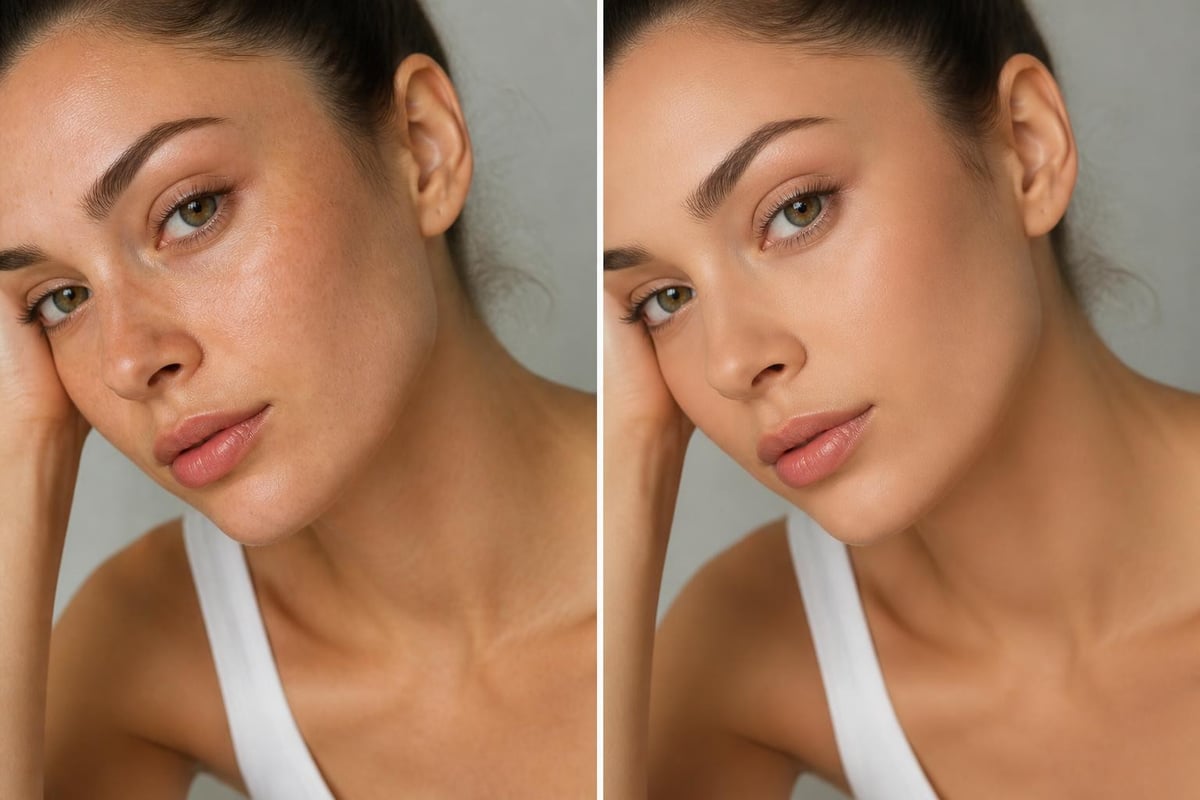
Color correction forms the foundation of professional retouching skin work. Even perfectly executed texture work fails if skin tones appear unnatural or inconsistent. Mastering color correction requires understanding color theory, light behavior, and how different skin tones respond to various adjustments.
The human eye excels at detecting color casts in skin tones, making accuracy critical. Slight green or cyan casts make skin look sickly, while excessive warmth creates an artificial, orange appearance. Neutral skin tones should fall along a specific diagonal in the color space, from shadows through midtones to highlights.
| Color Issue | Cause | Solution |
|---|---|---|
| Green cast | Mixed lighting, fluorescent sources | Add magenta selectively to affected areas |
| Orange skin | Over-warming, incorrect white balance | Reduce saturation, add cyan to shadows |
| Ashen appearance | Over-desaturation, incorrect tone curves | Restore warm undertones, adjust luminosity |
| Patchy color | Uneven lighting, selective adjustments | Use frequency separation, blend carefully |
Professional color correction often involves targeted adjustments to specific hue ranges rather than global changes. Selective Color adjustment layers allow precise control over how individual colors behave without affecting the entire image. This precision proves especially valuable when working with mixed lighting or addressing specific color casts in certain areas.
Integrating Artificial Intelligence in Retouching Workflows
Artificial intelligence has transformed retouching skin capabilities, offering both opportunities and challenges for professional retouchers. AI-powered tools can now handle basic blemish removal and skin smoothing with impressive accuracy, freeing retouchers to focus on more nuanced artistic decisions. However, understanding when to use AI versus manual techniques remains crucial.
AI excels at repetitive tasks and initial processing but often lacks the artistic judgment necessary for high-end work. Smart retouchers use AI to accelerate their workflow while maintaining manual control over critical decisions. This hybrid approach combines efficiency with artistic excellence. Comparing AI and manual photo editing approaches reveals strengths and limitations of each method.
Modern retouching software increasingly incorporates machine learning algorithms trained on thousands of professionally retouched images. These tools can identify skin areas, suggest adjustments, and even apply corrections automatically. While impressive, these automated solutions work best as starting points rather than final results. The human eye and artistic sensibility remain irreplaceable for work requiring nuance and creative vision.
Specialized Retouching for Different Photography Genres
Different photography specializations demand unique approaches to retouching skin. Portrait photographers prioritize natural, flattering results that maintain the subject's personality. Fashion retouchers may push creative boundaries further, creating images that serve artistic rather than documentary purposes. Beauty photography requires pixel-perfect precision, as these images often appear at large sizes where every detail matters.
For professional headshots and corporate portraits, retouching should enhance the subject's professional appearance without creating an obviously manipulated look. Business professionals need to be recognizable in person, making subtle, natural retouching essential. Remove temporary blemishes and even out skin tone, but preserve the features that make someone distinctive and memorable.
Beauty and Fashion Retouching Standards
High-end beauty and fashion retouching represents the pinnacle of the craft. These images undergo extensive manipulation, yet the best work maintains an illusion of effortlessness. Achieving this level requires mastering advanced techniques and developing an aesthetic sensibility that guides technical decisions. Achieving natural results without the filter look represents the ultimate goal even in highly stylized work.
Beauty retouching often involves detailed work on eyes, lips, and hair in addition to skin. Each element receives individual attention, with techniques adapted to specific features. Lip retouching might involve enhancing definition and adjusting color while maintaining natural texture. Eye retouching typically includes brightening the whites, enhancing iris detail, and adding catchlights for sparkle and life.
Beauty retouching checklist:
- Clean and even skin tone across entire face
- Enhanced but natural-looking dimension through dodge and burn
- Brightened and detailed eyes with natural catchlights
- Defined, color-corrected lips with texture preserved
- Groomed and polished hair with natural flow
- Balanced overall color harmony
- Preserved skin texture at appropriate viewing distance
When working with luxury brands, particularly in jewelry photography, the model's appearance must complement rather than compete with the product. For businesses like La Maison Val D'or, which specializes in ultra-fine jewelry, retouching ensures that flawless skin presentation allows exquisite pieces to remain the focal point while maintaining an overall image of elegance and sophistication.
Professional Tools and Resources for Continuous Improvement
The retouching industry evolves constantly, with new techniques, tools, and best practices emerging regularly. Successful retouchers commit to continuous learning and skill development. Staying current requires engaging with professional communities, studying contemporary work, and experimenting with new approaches.
Online tutorials and courses provide accessible learning opportunities for retouchers at all skill levels. Resources like step-by-step Photoshop tutorials offer structured learning paths for developing specific skills. Practice remains essential; theoretical knowledge means little without hands-on experience applying techniques to real images.
Building a reference library of exceptional retouching work helps develop your aesthetic eye. Analyze how top retouchers handle challenging situations, noting their approaches to color, texture, and overall presentation. This study, combined with regular practice, accelerates skill development and helps you identify your unique artistic voice within the field.
Business Considerations for Retouching Professionals
Professional retouchers must balance artistic excellence with business realities. Establishing clear pricing structures, managing client expectations, and maintaining efficient workflows all contribute to sustainable success. Understanding the business side prevents burnout and ensures your creative work remains financially viable.
Communication skills prove as important as technical abilities when working with clients. Setting clear expectations about what retouching can and cannot achieve prevents disappointment and scope creep. Providing samples that demonstrate your style helps attract clients who appreciate your approach, reducing conflicts about aesthetic preferences.
In today's digital landscape, having a professional online presence extends your reach beyond local markets. Showcasing your portfolio online allows potential clients worldwide to discover your work. Maintaining professional profiles across relevant platforms and keeping your best work visible ensures steady client flow. Modern networking tools like digital business cards from Spreadly enable retouchers to share their contact information and portfolio instantly with potential clients at events, through email signatures, or via QR codes, streamlining the client acquisition process.
Business best practices for retouchers:
- Develop clear service packages with defined deliverables
- Create contracts that protect both parties
- Establish revision policies before starting work
- Maintain organized file management systems
- Build relationships with photographers and creative directors
- Document your process for training and consistency
- Invest in continuing education and skill development
- Network actively within creative communities
Managing client relationships requires diplomacy and professionalism. Some clients request adjustments that cross ethical boundaries or would result in poor-quality work. Learning to redirect these requests tactfully while educating clients about better alternatives builds respect and long-term relationships. Your reputation depends not just on technical skill but on professional integrity and reliability.
Quality Control and Delivery Standards
Professional retouchers implement rigorous quality control processes before delivering final images. Checking work at multiple magnification levels ensures both overall composition and fine detail meet standards. What looks perfect at 50% zoom may reveal problems at 100%, while work that appears flawless at 100% might look over-processed when viewed at screen size.
Establishing delivery specifications with clients before beginning work prevents confusion and ensures compatibility with their intended use. Different applications require different file formats, resolutions, and color spaces. Print work typically demands CMYK conversion and higher resolution than web images, while social media applications may require specific aspect ratios or file sizes.
Before final delivery, create a systematic review process that catches errors:
- Technical check - Verify resolution, color space, file format match specifications
- Detail review - Examine at 100% magnification for missed spots or artifacts
- Overall assessment - View at final display size for natural appearance
- Color accuracy - Confirm skin tones appear natural and consistent
- Edge inspection - Check for halos, fringing, or masking errors
- Comparison review - Reference original to ensure improvements not degradation
- Client specification match - Confirm all requested adjustments completed
Maintaining organized archives of both original and retouched files protects against future requests for adjustments or alternative versions. Professional retouchers typically retain project files for at least one year, though many keep them indefinitely given declining storage costs.
Mastering retouching skin requires combining technical expertise with artistic sensibility and ethical awareness. As visual media continues evolving in 2026, the demand for natural, authentic-looking retouching has never been higher. Whether you're working on commercial portraits, fashion editorials, or product photography, Photo Editing Company delivers professional retouching services that enhance images while preserving natural beauty. With expertise across diverse retouching applications and a commitment to quality, our team helps photographers and businesses worldwide achieve stunning results that resonate with modern audiences.