Amazon Photo Editing

  • Home
  • Amazon Photo Editing

Selling your products in amazon can be very challenging especially when you don’t have high quality images. In the competitive world of e-commerce, high-quality product imagery is the primary driver of customer trust and conversion. Amazon photo editing involves transforming raw shots into polished, professional assets that strictly adhere to platform requirements, such as the mandatory pure white background (RGB: 255, 255, 255).

Through meticulous background removal, color correction, and shadow enhancement, photo editors in photo editing company ensure that every detail—from texture to true-to-life tones—is highlighted. By utilizing advanced retouching techniques using Photoshop and human intervention, you can effectively communicate product value, reduce returns, and give your listings the visual edge needed to stand out in a crowded marketplace.

You can have up to 5 images and 1 video using our amazon photography services. We take photos of your products and make them ready in your ecommerce store. We deliver high quality resolution of your images with the right size in height and width according to amazon standards.

e-commerce photo editing

Built on a foundation of meticulous attention to detail, we pride ourselves on consistently exceeding client expectations, whether we are editing jewelry, apparel, real estate, or AI-generated images. We offer flexible turnaround times and highly competitive pricing starting as low as $0.90 per image (customized based on volume and complexity), ensuring you receive premium, reliable workmanship that effortlessly turns your browsers into buyers.

Amazon Photo Editing Services

Full list services we provide for Amazon Product Photo Editing

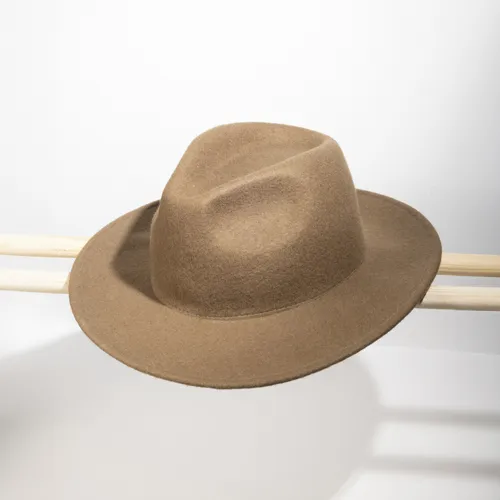
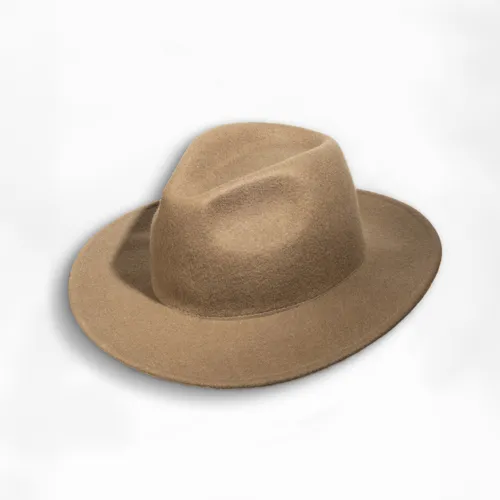
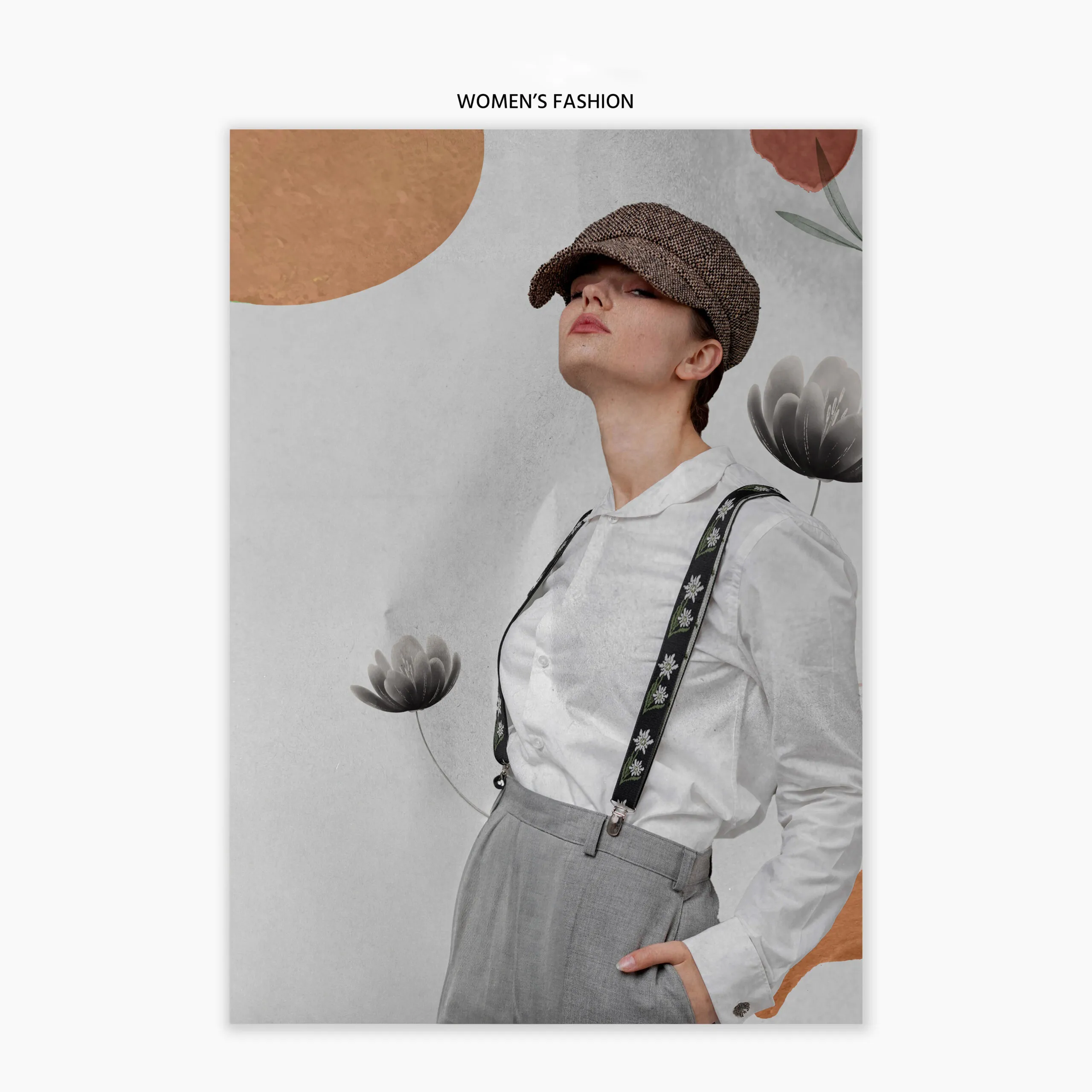
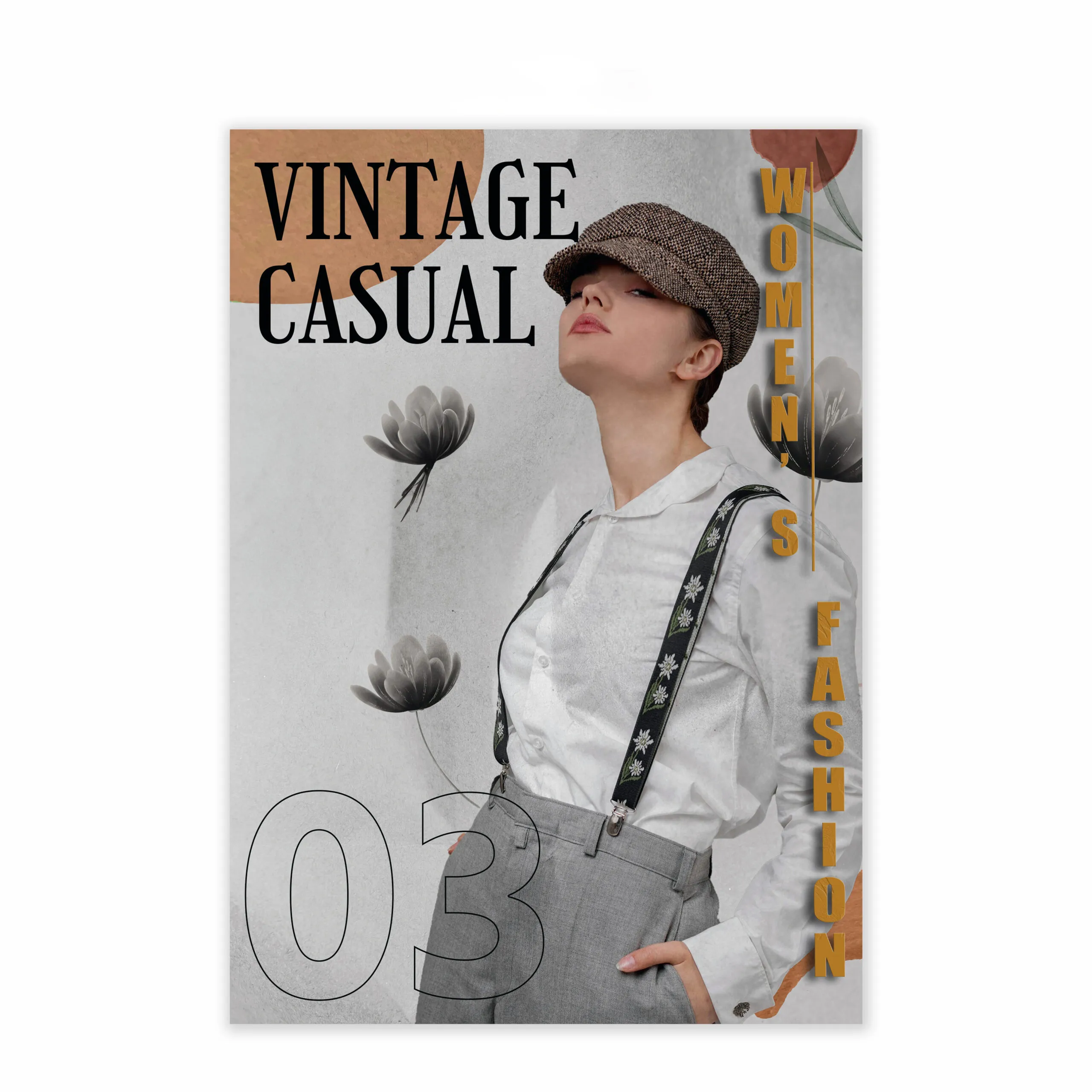
Before Image After Image
Before After

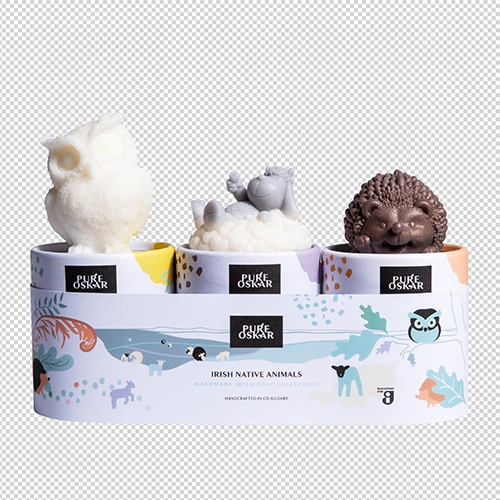
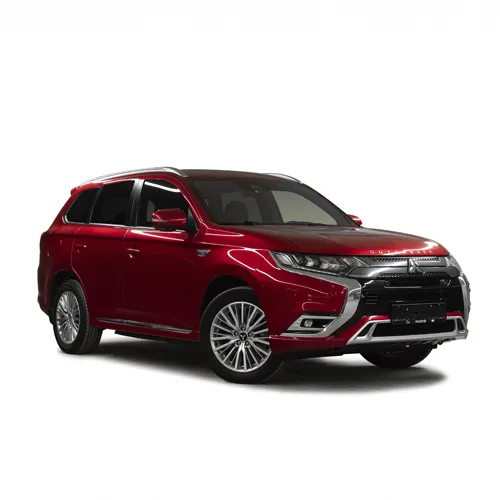
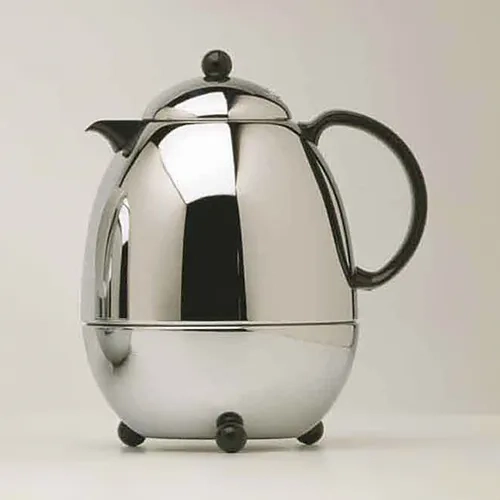
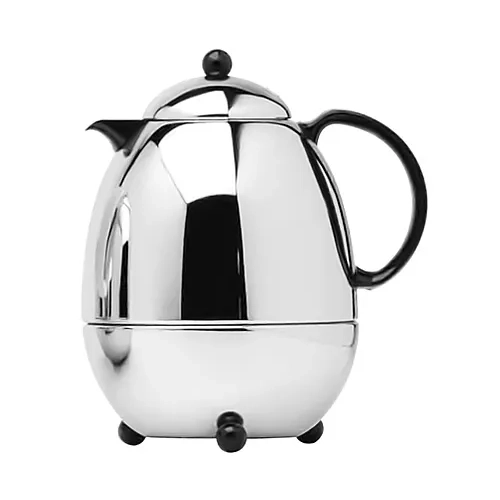
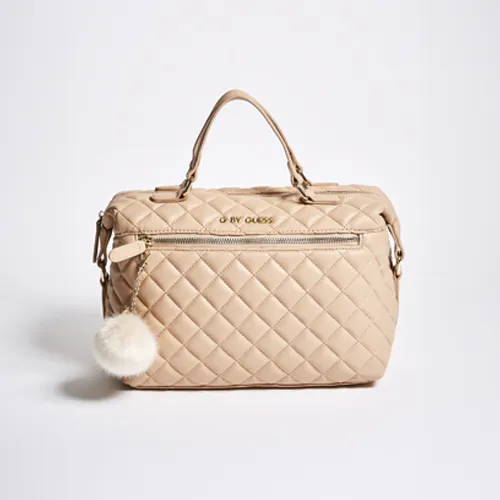
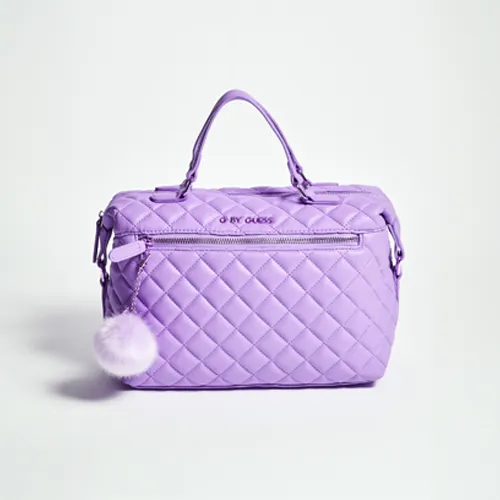
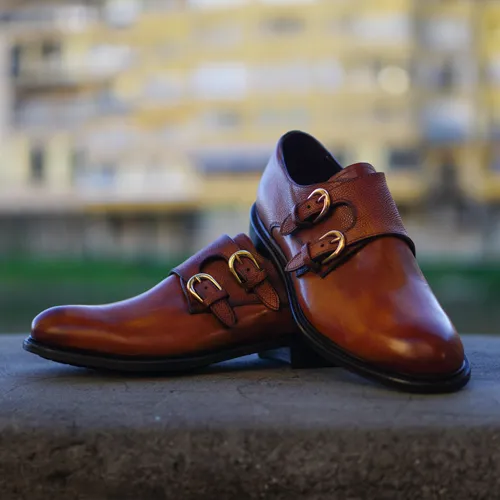
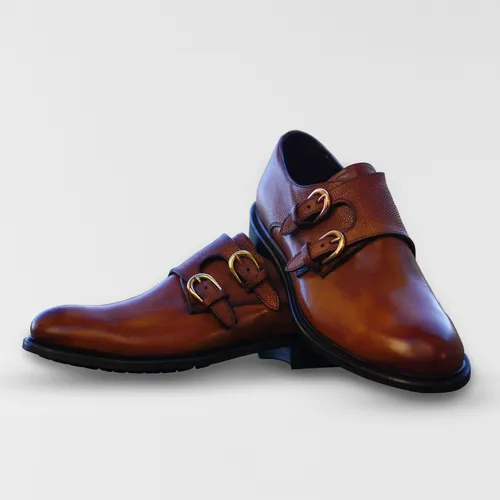
Amazon requires all main product images to have a pure white background (RGB 255, 255, 255). Background removal isolates your product perfectly, eliminating distractions and ensuring you comply with marketplace standards so your listing doesn’t get suppressed.


Before Image After Image
Before After

Even brand-new products can pick up dust, fingerprints, or minor scratches during a photoshoot. This service digitally cleans up those imperfections, presenting a flawless, premium version of your product that reassures buyers of its quality.

Before Image After Image
Before After

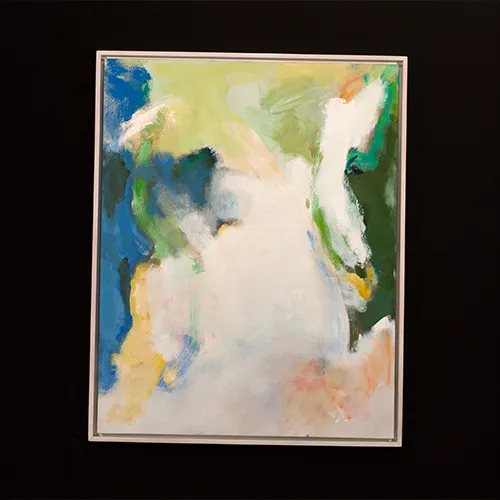
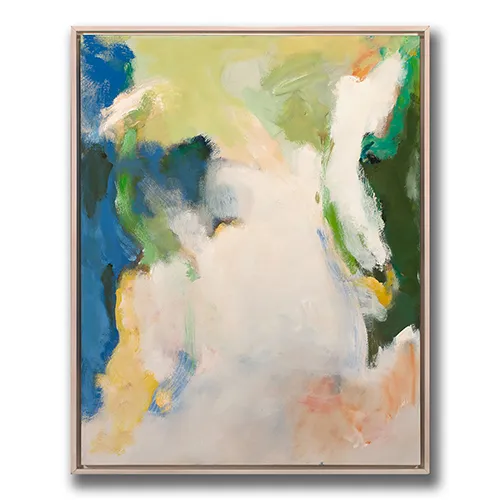
Products placed on a pure white background can sometimes look like they are floating unnaturally in space. Adding a realistic drop shadow or cast shadow grounds the product, giving it depth, dimension, and a more natural, appealing look.

Before Image After Image
Before After

If the color of your product in the photo doesn’t match the real-life item, you risk facing negative reviews and high return rates. Color correction adjusts the white balance, contrast, and hues to ensure absolute color accuracy.


Before Image After Image
Before After

Amazon has specific size and zoom-capability requirements (usually a minimum of 1000 pixels on the longest side). Photo resizing and cropping ensure your images are optimized for fast loading, mobile viewing, and the crucial hover-to-zoom feature.


Before Image After Image
Before After

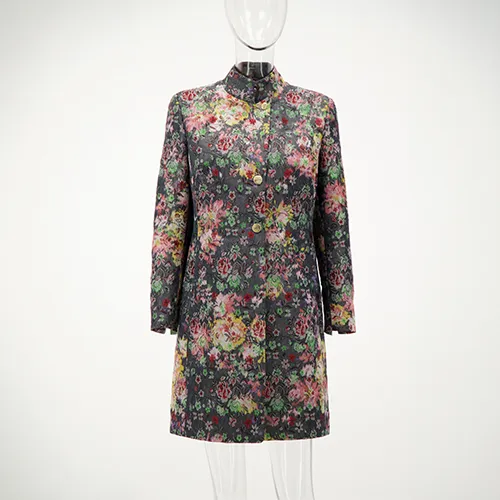
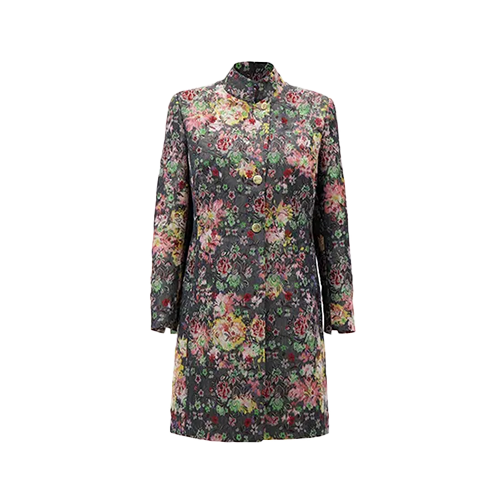
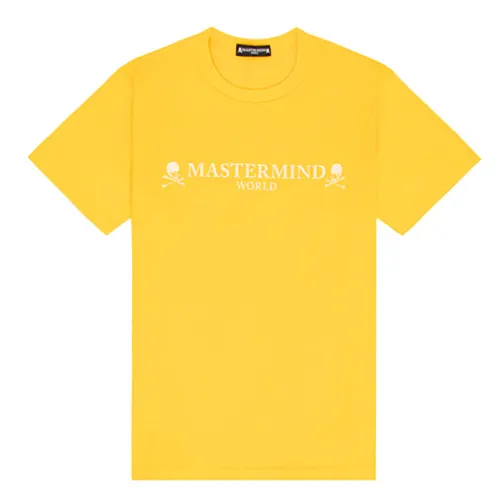
Essential for clothing brands, the ghost mannequin (or invisible mannequin) technique removes the physical dummy from the photo. It composites multiple images together to show the shape, fit, and inner lining of the garment, giving it a hollow, 3D effect.


Before Image After Image
Before After

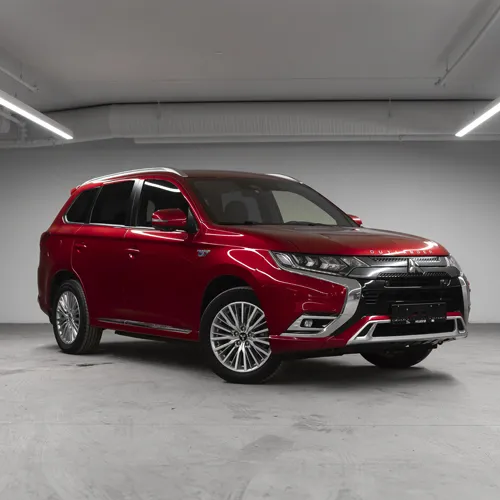
A clipping path is a precise, hand-drawn vector outline created around your product using photo editing software. This ensures the edges of your product are perfectly sharp and clean when extracted from their original background, which is crucial for items with complex shapes.


Before Image After Image
Before After

Camera lenses can sometimes warp the shape of a product, making straight lines look curved or throwing off the perspective. Distortion correction fixes these optical anomalies so your product looks exactly as it should in real life.


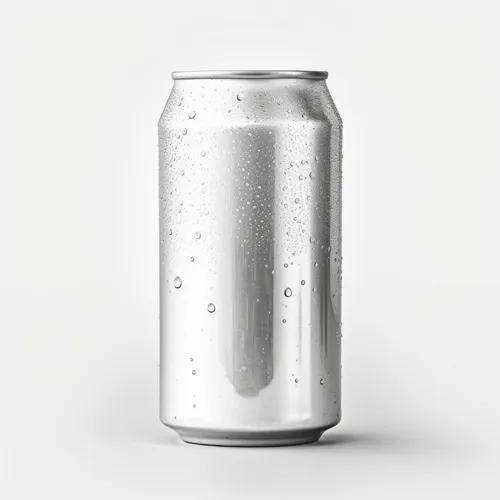
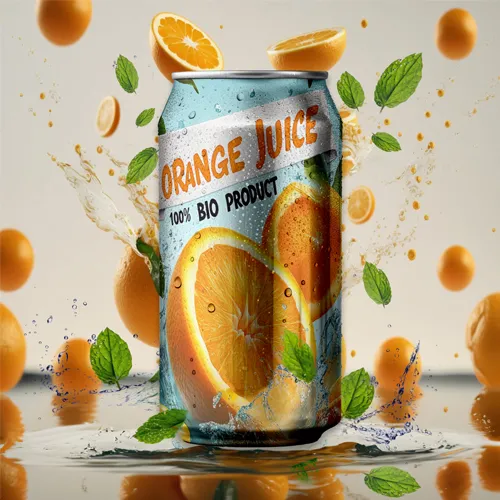
Before Image After Image
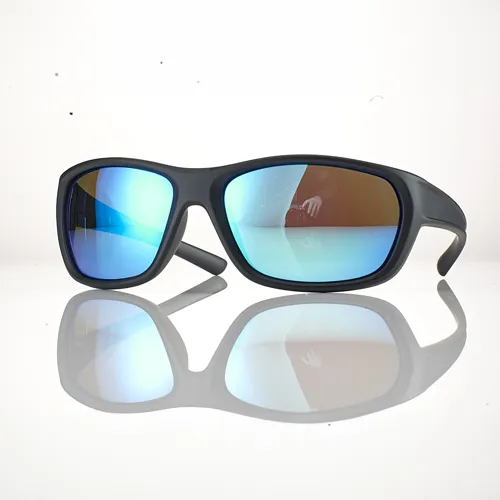
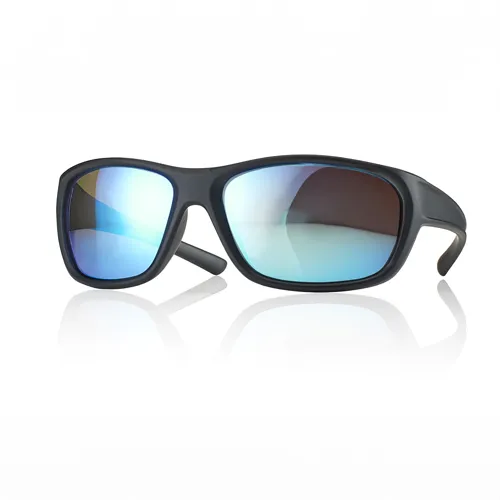
Before After

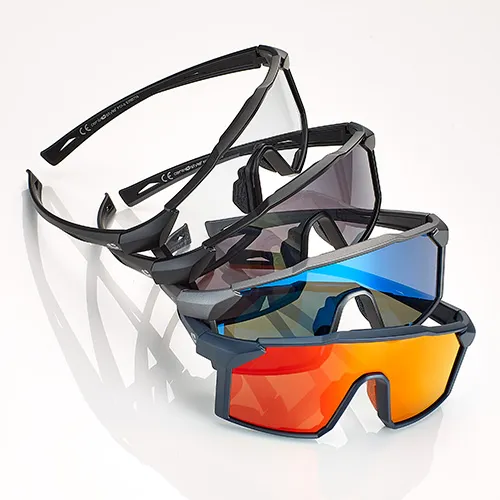
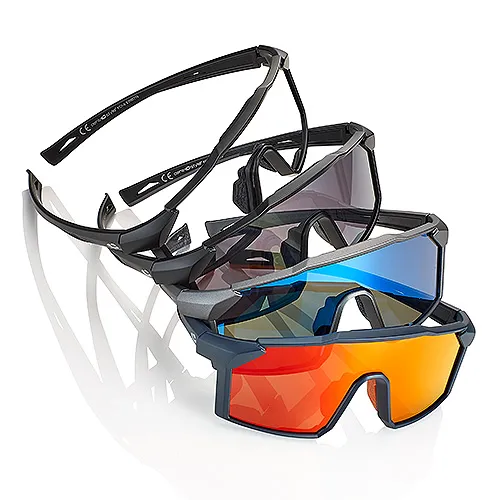
For luxury items like jewelry, electronics, or sunglasses, a reflection shadow creates a mirror-like effect beneath the product. This adds a highly professional, high-end glossy aesthetic that instantly elevates the perceived value of the item.


Amazon Product Image Guidelines

The Amazon product images should have a pure white background (RGB 255,255,255), be at least 1,000 pixels (preferred 1,600+ for zoom) on the longest side, and in JPEG, TIFF, or PNG format. The product must fill 85% or more of the frame, show only the product for sale, and avoid text, watermarks, or logos.


Jungle Scout +3
Key Technical Requirements
  • Dimensions: Minimum 1,000 pixels on the longest side (height or width), with 1,600+ pixels recommended for the zoom function.
  • Maximum Size: 10,000 pixels on the longest side.
  • File Formats: JPEG (.jpg) is preferred, but TIFF, PNG, and non-animated GIF are accepted.
  • Color Mode: sRGB or CMYK.
  • File Naming: [ASIN].[file extension] (e.g., B000123456.jpg).
    Amazon Seller CentralAmazon Seller Central +2
Main Image Guidelines (Listings)
  • Background: Must be pure white.
  • Framing: The product must fill at least 85% of the frame.
  • Content: The image must be a professional photograph (no graphics/illustrations) showing only the product for sale, without accessories, text, or logos.
  • Apparel: Must be on a model or flat, but not on a mannequin.
  • Shoes: Single shoe, facing left, at a 45-degree angle.
    Amazon Seller Central +4
Best Practices for Secondary Images
  • Lifestyle Shots: Show the product in use to provide context.
  • Features/Details: Use close-ups to highlight, for example, fabric, controls, or texture.
  • Angles: Include rear, side, and top-down views.
  • Packaging: Show the packaging to confirm it is brand new.
    WAKE amazon agency +3
Common Reasons for Rejection
  • Using a non-white background for the main image.
  • Including text, logos, or watermarks.
  • Having low-resolution or blurry photos.
  • Product is too small, taking up less than 85% of the frame

Frequently Asked Questions

  1. How do I submit wedding photo editing?
    • Submitting your photos is easy. You can either send it through WeTransfer and send me link at photoeditingjomacker@gmail.com along with your specific instructions or send to our upload page.
  2. Can you edit photos taken with different types of cameras or smartphones
    • Certainly! Our wedding photo editing services are adaptable to various camera type and smartphones. We ensure a consistent and professional look by adjusting colors and tones across all images.
  3. Is there a limit to the number of revisions i can request?
    • No, your satisfaction is our priority. There’s no strict limit on revisions. If you need adjustment, just let us know, and we’ll work on them until you’re happy with the final result.
  4. How long does it take to receive edited wedding photos?
    • The turnaround time depends on the number and complexity of the photos. Generally, we aim to deliver edited wedding photos within 24 to 48 hours. For larger projects, a customized timeline will be provided to ensure timely delivery.
How Amazon Photo Editing Service Works?
  1. Upload Your Photos: Easily upload your raw product images to our secure online platform. We accept RAW files, TIFF, PSD, or standard JPEGs (even clear smartphone photos!) and handle the rest.
  2. Share Your Vision: Tell us about your product, your target audience, and any competitor references. Whether you need clear pure-white backgrounds, beautiful lifestyle composites, or detailed infographic callouts, we tailor our work to elevate your brand.
  3. Review and Feedback: We’ll send you the edited listing images for review. Need a shadow softened or text changed? Just let us know, and we’ll revise the images until they perfectly match your vision.
  4. Download Your Edited Images: Once approved, download your high-resolution, professionally edited product photos directly from our platform. They arrive perfectly sized, Amazon-compliant, and ready to upload. Quick, simple, and hassle-free!

Fast, reliable, and high-quality photo editing powered by modern technology.

Rafael IT Building
Cebu, Philippines
Call Us: (032) 263 0828
(Monday - Friday)
Sunday - Monday
(8 am - 10 pm)