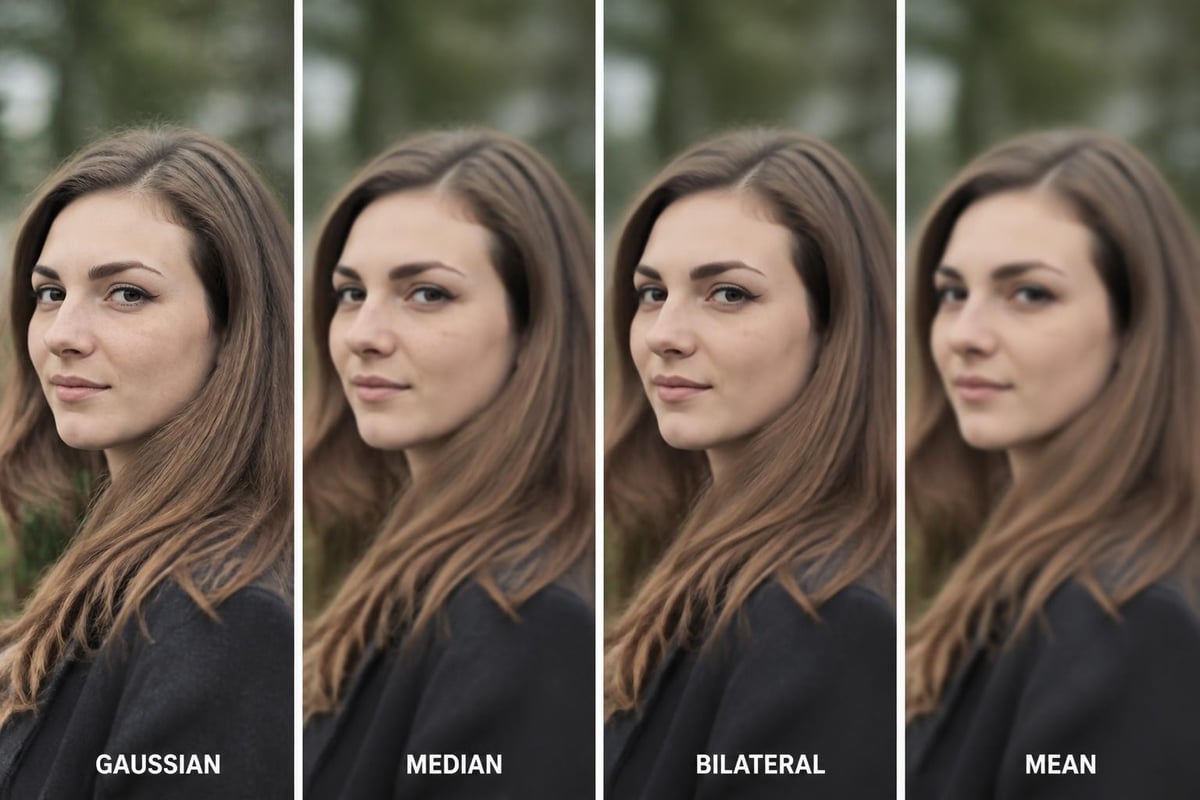
Photography editing for beginners can seem overwhelming with countless tools, techniques, and terminology to learn. However, understanding the fundamentals of post-processing is essential for any photographer looking to elevate their work from simple snapshots to polished, professional images. Whether you captured your photos on a smartphone or a professional camera, learning how to edit effectively will help you realize your creative vision and correct technical imperfections. This guide breaks down the essential concepts, tools, and workflows that will transform your approach to image enhancement in 2026.
Understanding the Basics of Photo Editing
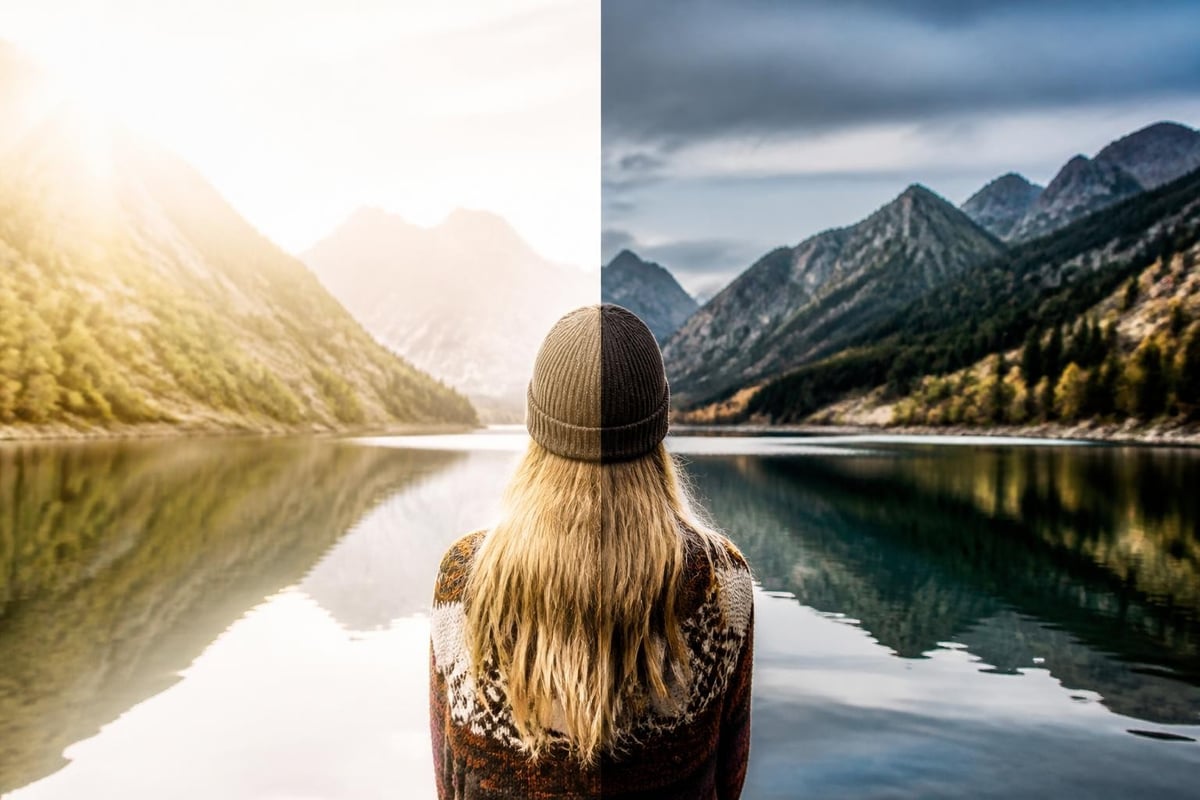
Photography editing for beginners starts with grasping what post-processing actually accomplishes. Editing is not about creating false images but rather about refining what your camera captured and expressing your artistic intent. Modern digital cameras record images in ways that often appear flat or underexposed straight out of the camera, requiring adjustments to match what your eye saw in the moment.
The foundation of any editing workflow rests on three core principles: exposure correction, color balance, and composition refinement. Exposure determines how light or dark your image appears, color balance ensures natural or intentional color tones, and composition refinement involves cropping and straightening to improve visual flow.
Essential Editing Concepts
Before diving into software, beginners should understand key terms that appear across all editing platforms:
- Exposure: Overall brightness of the image
- Contrast: Difference between light and dark areas
- Highlights: Brightest parts of your photo
- Shadows: Darkest areas where detail may be hidden
- Saturation: Intensity of colors in the image
- White Balance: Color temperature affecting warm or cool tones
- Sharpness: Clarity and definition of details
These fundamental adjustments form the building blocks of every editing session. Following a structured editing order helps beginners develop consistency and avoid common mistakes that can degrade image quality.
Choosing Your Editing Software
The software landscape for photography editing has expanded significantly, offering options for every skill level and budget. Leading photo editing software in 2026 ranges from free mobile apps to professional desktop applications, each with distinct advantages.
| Software Type | Best For | Cost Range | Learning Curve |
|---|---|---|---|
| Mobile Apps | Quick edits, social media | Free to $10/month | Low |
| Beginner Desktop | Hobbyists, learning fundamentals | $0 to $150 one-time | Medium |
| Professional Suites | Serious photographers, businesses | $10 to $60/month | High |
| Browser-Based | Casual editing, accessibility | Free to $20/month | Low to Medium |
Adobe Lightroom remains the industry standard for photography editing for beginners because it offers non-destructive editing, meaning your original files remain untouched while you experiment with adjustments. Alternatives like Capture One, Luminar Neo, and DxO PhotoLab provide comparable features with different interface approaches.
Free options including GIMP, Darktable, and RawTherapee deliver powerful capabilities without subscription costs, though they require more patience to master. Mobile applications like Snapseed, VSCO, and Adobe Lightroom Mobile bring surprisingly robust editing tools to smartphones and tablets.
What to Look for in Beginner Software
When selecting your first editing application, prioritize these features:
- Intuitive interface with clearly labeled tools
- Non-destructive editing to preserve original files
- Preset filters to learn from and customize
- Tutorial resources built into the software
- RAW file support for maximum editing flexibility
Starting with one application and learning it thoroughly proves more effective than jumping between multiple programs. Most professional editors use just two or three tools consistently rather than collecting dozens of applications.
Building Your Editing Workflow
Developing a consistent photography editing for beginners workflow creates efficiency and produces better results than random adjustments. Professional editors follow systematic approaches that address technical corrections before creative enhancements.
A typical editing sequence progresses through these stages:
Technical Corrections come first, addressing issues like crooked horizons, lens distortions, and chromatic aberration. This step-by-step approach ensures your image foundation is solid before moving to aesthetic adjustments.
Global Adjustments affect the entire image simultaneously. Start by setting your white balance to ensure colors appear natural or match your creative intent. Next, adjust exposure to achieve proper overall brightness, then refine contrast to add depth and dimension.
Local Adjustments target specific areas without affecting the whole image. Brightening shadowed faces, darkening overexposed skies, or enhancing specific colors falls into this category. Modern software offers brushes, gradients, and masking tools for precise local control.
Creative Enhancements represent the final stage where you apply your artistic vision through color grading, vignettes, grain, or specialty effects that define your personal style.
Time-Saving Workflow Tips
Efficiency matters when editing multiple images from a shoot. These practices accelerate your process without sacrificing quality:
- Batch process similar images by copying settings from one photo to others shot in identical conditions
- Create and save presets for your frequently used adjustment combinations
- Edit chronologically to maintain consistency across a photo series
- Use keyboard shortcuts to access tools without menu navigation
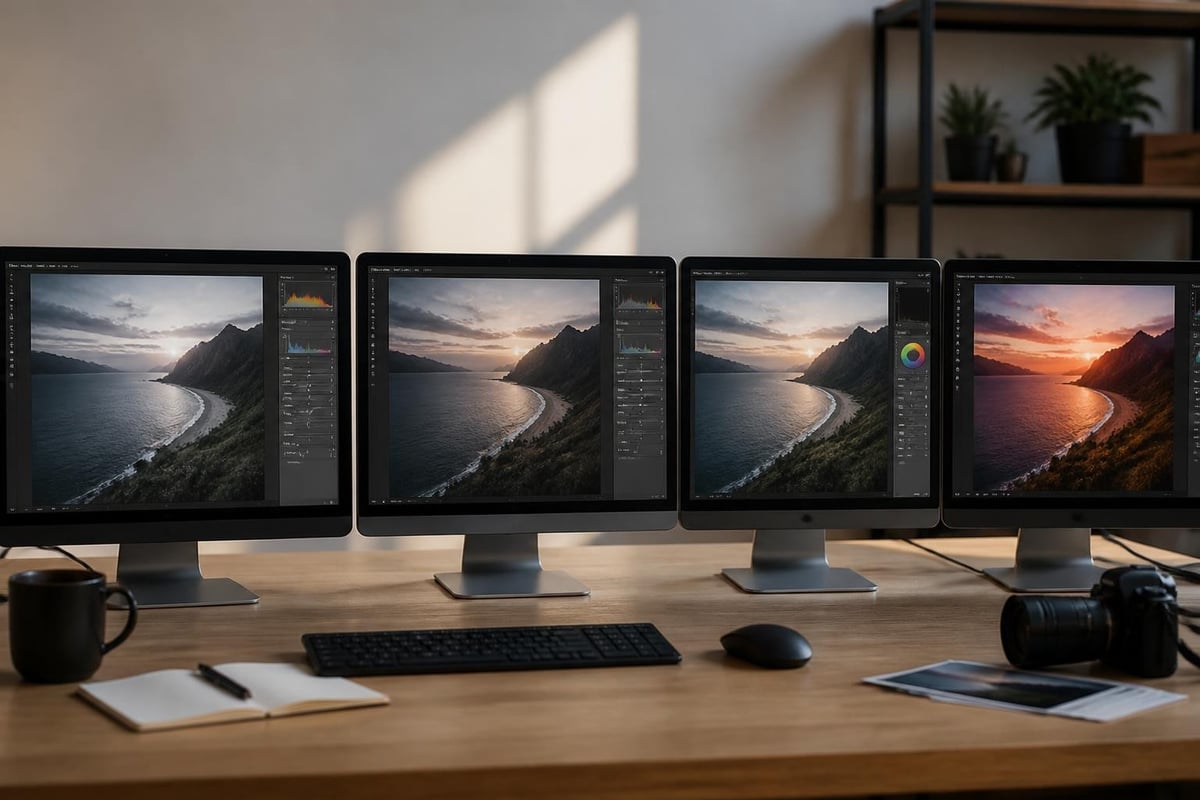
- Work from a calibrated monitor to ensure accurate color representation
Many photographers spend 5-10 minutes per image when starting out, eventually reducing this to 1-3 minutes for standard adjustments as skills develop. Complex retouching or creative composites naturally require more time investment.
Mastering Core Editing Techniques
Photography editing for beginners centers on several fundamental techniques that appear in virtually every editing session. Mastering these core skills provides the foundation for more advanced work later.
Exposure and Tone Adjustments
Proper exposure creates the foundation for compelling images. The histogram, a graph showing tonal distribution from black to white, serves as your primary diagnostic tool. Ideally, your histogram should spread across the full range without clipping (cutting off) at either extreme.
When adjusting exposure:
- Move the exposure slider first to set overall brightness
- Use highlights to recover blown-out bright areas
- Raise shadows to reveal hidden detail in dark regions
- Adjust whites and blacks to set true white and black points
- Fine-tune contrast to control the relationship between tones
This sequence prevents overcorrection and maintains maximum image quality. Small, incremental adjustments typically look more natural than dramatic single-slider movements.
Color Correction and Enhancement
Color work separates adequate edits from exceptional ones. White balance correction should occur early in your workflow, as it affects how all other color adjustments appear.
Temperature controls warm (yellow/orange) versus cool (blue) tones, while tint adjusts green versus magenta casts. Shooting under mixed lighting or at sunset often requires these corrections to restore natural skin tones or enhance golden hour warmth.
| Color Adjustment | Purpose | When to Use |
|---|---|---|
| White Balance | Correct color temperature | First adjustment in workflow |
| Vibrance | Boost muted colors gently | Enhance landscapes, products |
| Saturation | Intensify all colors equally | Creative looks, fashion |
| HSL Sliders | Target specific color ranges | Fine-tune individual hues |
| Split Toning | Add color to highlights/shadows | Create mood, vintage effects |
For ecommerce and product photography, accurate color reproduction is critical. Professional services specializing in ecommerce photo editing ensure product colors match physical items exactly, maintaining customer trust and reducing returns.

Sharpness and Detail Enhancement
Sharpening brings out fine details and creates the perception of increased clarity. However, photography editing for beginners often involves oversharpening, which creates unnatural halos and emphasizes noise.
Apply sharpening as one of your final adjustments:
- Zoom to 100% to accurately judge sharpening effects
- Start conservatively with lower amounts than seem necessary
- Use masking to restrict sharpening to edges and details
- Avoid sharpening noise by checking smooth areas like skies
- Consider output medium as prints require more sharpening than screens
The clarity and texture sliders in modern software offer alternative approaches to enhancing detail. Clarity boosts midtone contrast for punchy images, while texture affects fine detail without impacting larger shapes.
Common Beginner Mistakes to Avoid
Every photographer learning editing makes predictable errors that can actually hinder their progress. Recognizing these pitfalls helps you develop better habits from the start.
Over-editing ranks as the most frequent mistake. Pushing sliders to extremes creates unnatural-looking images with blown-out colors, excessive contrast, or visible artifacts. Step away from your work periodically and return with fresh eyes to assess whether adjustments appear realistic.
Ignoring composition during cropping wastes the opportunity to strengthen your image. Even minor crops removing distracting edges or repositioning your subject according to the rule of thirds dramatically improve visual impact.
Inconsistent white balance across a photo series creates jarring transitions when images appear together. Set white balance deliberately rather than accepting auto settings that may shift between frames.
Neglecting backups before editing can lead to devastating file loss. Maintain at least two copies of original files on separate drives before beginning any post-processing work.
Skipping calibration means your beautifully edited images on your screen may look completely different on other devices or in print. Understanding color accuracy becomes increasingly important as your work reaches wider audiences.
Developing Your Editing Style
As technical skills improve, photography editing for beginners evolves into developing a recognizable personal style. Your editing aesthetic becomes part of your photographic signature, helping your work stand out in a crowded visual landscape.
Study photographers whose work resonates with you and analyze their editing choices. Do they favor warm or cool tones? High or low contrast? Saturated or muted colors? Understanding these preferences helps you articulate your own aesthetic direction.
Creating Custom Presets
Presets serve as starting points that establish your look quickly across multiple images. Rather than applying presets blindly, create your own based on adjustments you consistently make:
- Edit several images from different shoots to identify your recurring adjustments
- Save these common settings as a custom preset
- Apply your preset as a foundation, then fine-tune for each image
- Develop multiple presets for different shooting conditions or subjects
- Refine presets over time as your style evolves
Professional photographers often maintain libraries of 5-10 signature presets that handle 80% of their editing work, reserving custom adjustments for special situations.
Balancing Editing and Photography Skills
The relationship between capture and post-processing remains debated, but modern professional photography embraces editing as an integral creative tool rather than compensation for poor shooting.
Invest time developing both your camera skills and editing proficiency simultaneously. Better in-camera technique reduces editing time while strong post-processing skills rescue imperfect captures and realize creative visions impossible to achieve solely through camera settings.
Advanced Techniques Worth Learning Next
Once you have mastered fundamental photography editing for beginners techniques, several advanced skills will expand your capabilities significantly.
Layer-based editing in programs like Photoshop enables non-destructive workflows where each adjustment exists independently. This approach allows infinite experimentation and selective application of effects to specific image areas.
Frequency separation separates texture from color and tone, enabling retouching that maintains natural skin texture while smoothing color variations. This technique revolutionizes portrait editing.
Luminosity masking creates selections based on brightness values, allowing incredibly precise adjustments to specific tonal ranges without affecting others.
Focus stacking combines multiple exposures shot at different focus points to achieve depth of field impossible in a single capture, particularly valuable for macro and product photography.
These techniques require additional learning investment but unlock creative possibilities unattainable through basic adjustments alone. Many professional retouchers at Photo Editing Company employ these advanced methods to deliver exceptional results for clients worldwide.
Practical Exercises to Build Skills
Theoretical knowledge becomes practical ability through deliberate practice. These exercises accelerate your photography editing for beginners journey:
Exercise 1: The Five-Minute Edit
Select 10 images and allow yourself exactly five minutes to edit each one. This constraint forces you to identify and address the most important improvements first, building efficiency and decision-making skills.
Exercise 2: Edit Without Color
Convert your image to black and white immediately and complete all tonal adjustments before restoring color. This approach trains your eye to see and correct exposure, contrast, and luminosity independent of color distractions.
Exercise 3: Recreate Professional Edits
Find before/after examples from photographers you admire and attempt to recreate their editing on similar images. This reverse-engineering process reveals techniques you might not discover through experimentation alone.
Exercise 4: Single-Slider Challenge
Edit an entire image using only one adjustment slider at a time. This limitation helps you understand each control's specific effect without the confusion of multiple simultaneous changes.
Exercise 5: Print Comparison
Edit an image for screen display, then print it and compare the results. Adjust your editing based on how the print differs from your screen, learning how various adjustments translate to physical output.
Resources for Continued Learning
Photography editing skills develop through continuous learning and practice. Numerous resources support beginners as they advance:
Online Courses and Tutorials offer structured learning paths from beginner through advanced levels. Platforms like YouTube provide free tutorials, while paid services deliver comprehensive curricula with assignments and feedback. Video demonstrations of editing techniques help visual learners understand complex concepts more easily than text alone.
Photography Communities on Reddit, Facebook, and dedicated forums provide spaces to share work, receive critiques, and learn from others' experiences. Constructive feedback accelerates improvement faster than solo practice.
Books and Blogs offer deep dives into specific techniques and philosophies. C&A's step-by-step editing guide demonstrates how written instructions with visual examples create valuable learning resources.
Software Company Resources from Adobe, Skylum, and others include official tutorials tailored to their specific applications, ensuring you learn authentic workflows rather than workarounds.
Practice Projects matter more than passive consumption of educational content. Apply new techniques immediately to reinforce learning and develop muscle memory for common adjustments. Editing across diverse genres from photography categories broadens your adaptability and problem-solving abilities.
Mastering photography editing for beginners requires patience, practice, and willingness to experiment with different approaches until you discover workflows that match your creative vision. The techniques covered in this guide provide a solid foundation for transforming your captures into polished, professional images that effectively communicate your artistic intent. When your editing needs exceed your available time or require specialized expertise, partnering with professionals who understand post-processing intricacies can elevate your visual content significantly. Photo Editing Company delivers expert retouching services for photographers and businesses worldwide, handling everything from basic corrections to complex manipulations with precision and efficiency.