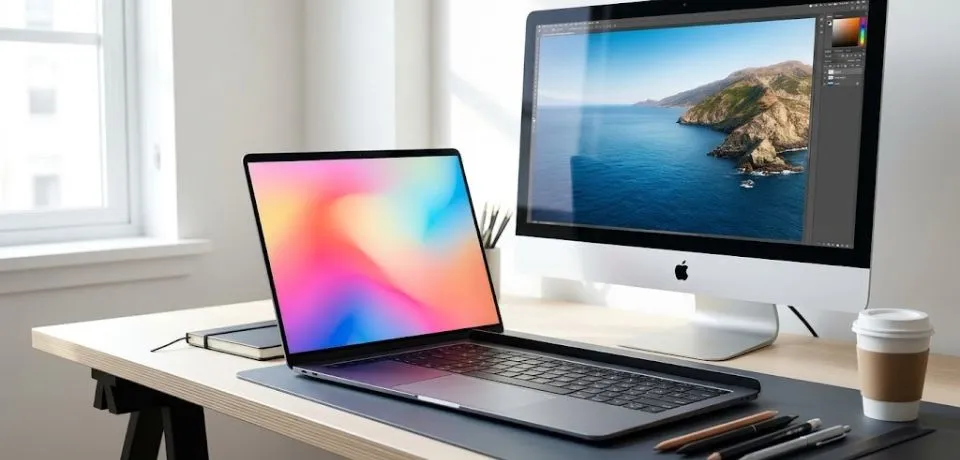
Stock photography editing in 2026 has shifted away from the hyper-polished, "plastic" looks of the previous decade. Because AI-generated "perfection" is now everywhere, top agencies like Adobe Stock and Getty Images prioritize authenticity and intentional imperfection instead. Consequently, raw and human-centered imagery has become much more valuable to buyers. Furthermore, the focus has moved toward subtle adjustments that preserve the soul of the original shot.

Check out these helpful tips for your stock photography editing
1. The 2026 Aesthetic: "The New Realism."
To begin with, modern trends favor a natural look over digital distortion. Therefore, you should consider these specific style shifts:
- Subtle Film Tones: First, move away from high-contrast "HDR" looks. Instead, use Kodak Portra or Fuji 400 profiles for soft, warm midtones and creamy highlights.
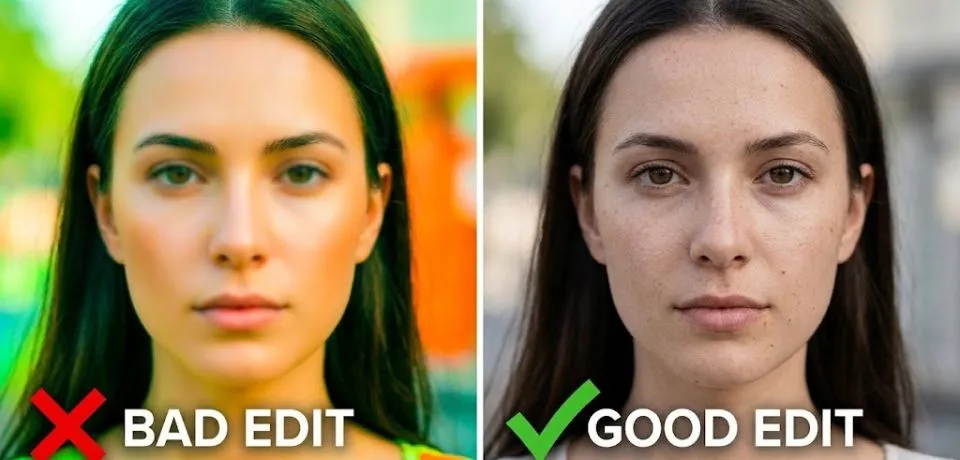
- Intentional Imperfections: Additionally, do not over-smooth skin. It is better to retain natural textures, stray hairs, and minor "lived-in" flaws that prove the photo is a real human moment.
- Cinematic Storytelling: Meanwhile, use a "teal and orange" color grade sparingly. Alternatively, you can lean into 90s-style "party flash" aesthetics for lifestyle shots.
- Mobile-First Framing: Finally, while shooting high-res, always perform your stock photography editing with vertical 9:16 crops in mind. This is because many buyers now look for content specifically for social media reels and stories.
2. Technical Submission Standards for Stock Photography Editing
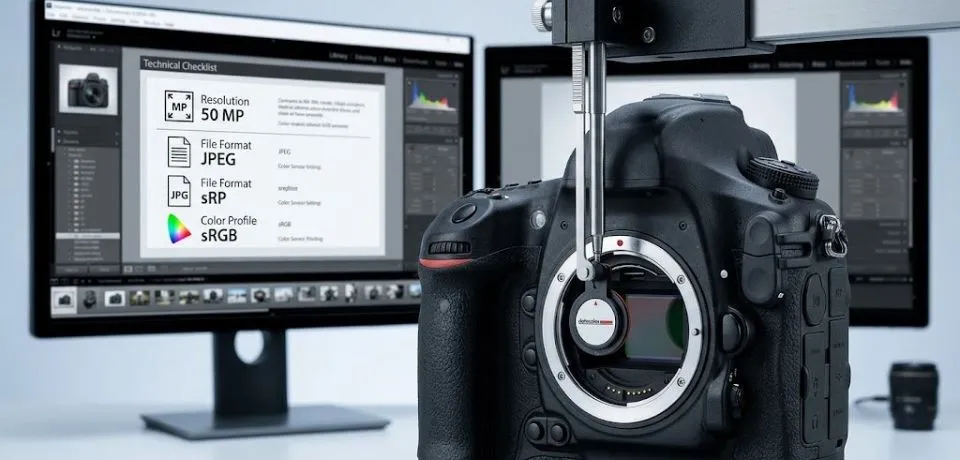
In order to avoid rejection from major platforms, you must follow strict guidelines. Specifically, ensure your exports meet these updated 2026 criteria:
| Requirement | Specification |
| Minimum Resolution | 4 Megapixels (MP) for Shutterstock; 3MP for Getty. |
| File Format | JPEG (Highest quality, 10–12) is the standard. Avoid layered TIFFs. |
| Color Profile | sRGB is mandatory for web display. ProPhoto RGB often causes color shifts. |
| Noise & Sharpening | AI-driven denoising (like Topaz Photo AI) is preferred over traditional sliders to avoid "crunchy" artifacts. |
| IP & Logos | Zero Tolerance. Use Generative Fill to remove all trademarks, even small ones, on buttons or shoes. |
3. Essential AI Workflow for Professionals
The 2026 workflow leverages AI as a "junior editor" to handle tedious tasks. For instance, you can use these tools to speed up your process:
- Culling: First, use tools like Aftershoot to automatically filter for focus and best expressions before you even start.
- Generative Cleanup: Next, use Adobe Firefly within Photoshop for "Generative Expand" to create copy space for designers.
- Product Retouching: Since you may handle jewelry or e-commerce, tools like Photoroom or Claid are now industry standards for bulk background removal.
- Lighting Correction: Moreover, if a shot is flat, use Relight AI to add depth to subjects without affecting the background.
4. Critical "Don'ts" for Stock Photography Editing
However, there are several mistakes you must avoid to stay competitive:
- Don't Over-Saturate: As a rule, clean, true-to-life colors outperform "vibrant" filters in search rankings.
- Don't Use "Fantasy" AI: Similarly, avoid adding AI elements that look fake. Only use models trained on licensed stock.
- Don't Ignore Metadata: Lastly, remember that Alt-text and SEO-friendly filenames are just as important as the visual edit for discoverability.
CONCLUSION
Finding the right look for your images does not have to be a struggle or take up all your free time. When you focus on clean stock photography editing, your work stands out to buyers and helps you sell more photos faster. It is all about making small changes that have a big impact on how people see your brand or products. I want to help you get the best results possible so you can get back to doing what you love most. What is the one thing you find most difficult when you try to fix up your pictures for online shops? Is it getting the colors to look real or removing those tricky backgrounds from your shots?
Share your thoughts and tips in the comments below because I would love to hear from you. Let’s start a great conversation and help each other grow as creators today!
Read Next: Top 10 Reasons Manual Editing Still Matters in Photography