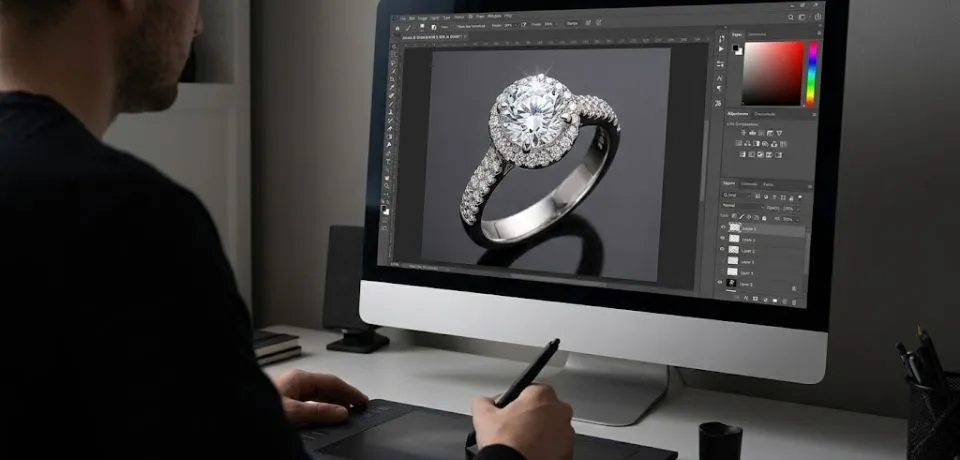
Beautify jewelry starting today by mastering the delicate balance between light and precision. Whether you are preparing pieces for a high-end gallery, an e-commerce storefront, or just personal flair, success often comes down to how you handle reflections. Since jewelry is highly reflective, the "outsmart" approach involves controlling those reflections rather than fighting them. Consequently, by following these professional steps, you can achieve a high-end look without expensive equipment.
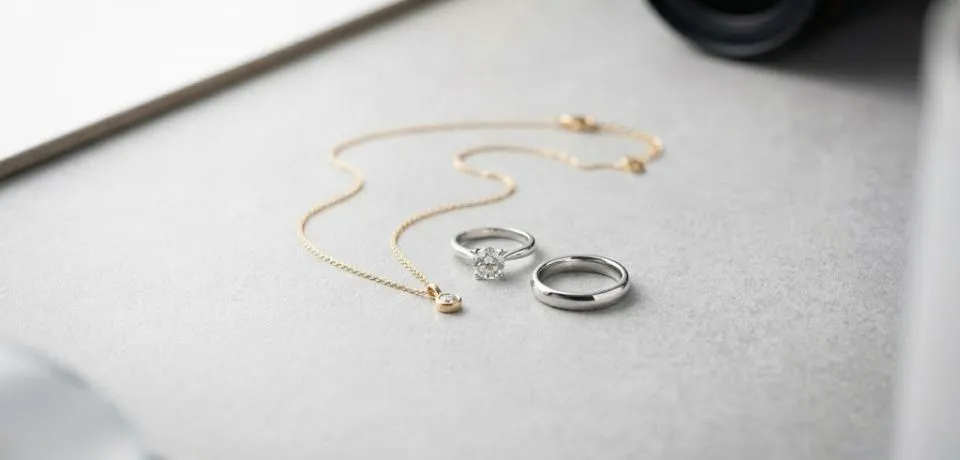
Here are five clever ways to beautify jewelry
1. The "Ghost Mannequin" for Sparkle
Instead of using standard overhead lights that create harsh glares, use indirect diffusion.
- The Trick: Surround the piece with a white "cone" or cylinder made of translucent paper.
- Why it works: Because this eliminates "hot spots" (those tiny, blinding white dots on metal), it creates smooth, buttery gradients across gold and silver surfaces. Additionally, it makes the metal look expensive and liquid.
2. Selective Focus to Beautify Jewelry Depth
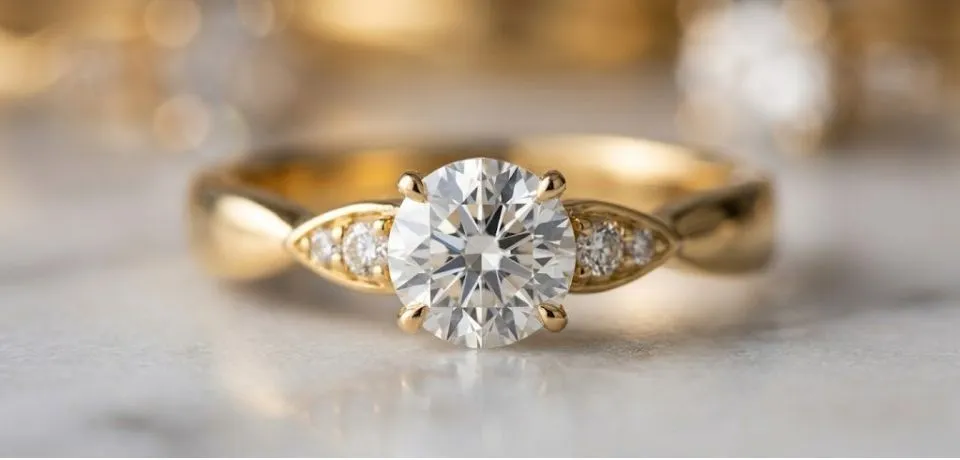
Jewelry is small, but it needs to feel "grand." To achieve this, use a shallow depth of field but focus specifically on the "hero" element.
- The Trick: If you’re photographing a diamond ring, focus on the top facet of the stone (the table) and let the band softly blur into the background.
- Why it works: In fact, it guides the eye immediately to the most valuable part of the piece. Therefore, it creates a sense of professional luxury that draws the viewer in.
3. Use "Black Flags" for Definition
Total white light can make silver or platinum look flat and "washed out."
- The Trick: Place thin strips of black cardboard just outside the camera's view on either side of the jewelry.
- Why it works: These black strips reflect into the polished edges of the jewelry. As a result, this creates dark "contour lines," which gives the piece 3D depth and defines its shape against the background.
4. Digital Frequency Separation to Beautify Jewelry Surfaces
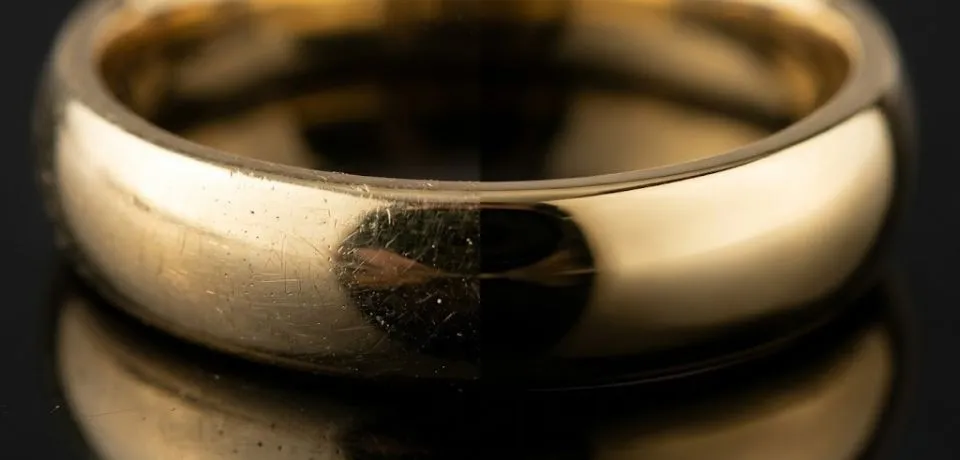
In post-production, jewelry often suffers from tiny scratches or dust that are invisible to the naked eye.
- The Trick: Use a Frequency Separation workflow in your editing software.
- Why it works: This allows you to smooth out the texture of the metal on one layer while keeping the brilliant reflections on another. Consequently, you get a flawless finish without making the piece look like a fake 3D render.
5. Color Neutralization in the Shadows
Metal reflects everything, including the color of the walls or your clothes.
- The Trick: Use a "Curves" adjustment layer to desaturate the shadows specifically.
- Why it works: By pulling the color out of the darkest parts, you ensure that silver looks true silver and gold looks rich yellow. Thus, you avoid picking up accidental muddy brown or blue tints from the room.
| Method | Primary Benefit | Best For |
| Diffusion Cones | Eliminates harsh glares | Highly polished bands |
| Black Flags | Adds 3D definition | Silver & Platinum |
| Frequency Separation | Removes micro-scratches | High-end retouching |
CONCLUSION
Now that you have these new tricks in your pocket, your jewelry photos are going to look much more professional and cleaner. Small changes in how you handle light and shadows can make a huge difference in how expensive a gold ring or a silver necklace looks to your viewers. You do not need the most expensive gear to get these results; you just need to look closely at the tiny details that others might miss. Try these ideas out on your next project and see how much better your final images turn out.
I would love to hear which of these tips surprised you the most or which one you plan to try first. Do you have a secret trick of your own for making gems pop? Share your best advice in the comments below so we can all learn something new today!
Read Next: 9 Jewelry Photography Tips for Sparkling Products